A merchant raises one product price by three dollars. Orders hold steady, and profit climbs all quarter quietly. Another merchant makes the same change and watches sales slide within a week.
Both made a sensible guess. Only one guessed right. That gap is why Shopify A/B testing apps exist.
Most store owners are not short on ideas. They are short on proof. Your layout, your price points, your free shipping threshold each was decided once and rarely checked again.
Meanwhile, the losses stay invisible. Roughly 70% of online shopping carts are abandoned, based on 50 separate studies. The five A/B testing apps below help you replace opinion with evidence.
Key Takeaways
- Price and shipping tests often move profit more than design tests do.
- Conversion rate alone misleads. Watch profit and revenue per visitor instead.
- Most of these apps let non-technical staff launch a split test without a developer.
- Segment results. A site-wide average hides what mobile and desktop shoppers really do.
- Run one clean test at a time. Stopping early is the most common costly mistake.
Quick Comparison of the Top Shopify A/B Testing Apps
This table reflects how merchants actually use each app, drawn from a deep read of their reviews.
| App & Company | What merchants test most | How results are reported | Setup effort merchants describe | Standout workflow detail |
| Intelligems: A/B Testing by Intelligems | Prices, shipping thresholds, checkout and post-purchase offers | Profit and revenue per visitor, using your own COGS | Non-technical staff launch tests; parameters editable after setup | Automated sample size and timeline guidance tells you when a result is ready |
| Elevate A/B Testing Price Test by Elevate | Price points, shipping rates, product templates across many products | Plain-language dashboard built for non-analysts | A few clicks, no theme code edits | Session recordings tied to each experiment show the behaviour behind the number |
| Shoplift ‑ CRO & A/B Testing by Shoplift | Whole themes, templates, navigation, mini-cart and landing pages | CVR, AOV, RPV and CTR, split by source and device by default | Tests built inside the theme customizer | Traffic split is adjustable, so risky tests can run on a small slice first |
| Visually A/B Testing & CRO by Visually.io | Cart and product page upsells, recommendation algorithms, full themes | Full-funnel analytics with segment-level breakdowns | Drag-and-drop editing, tests live in hours | Several recommendation algorithms can run side by side to see which one shoppers prefer |
| ABsolutely: A/B Testing by Absolutely | Individual product prices and live shipping rates | Profit and incremental margin per variant, updated live | Guided flow; merchants describe minutes, not hours | Price tests can run separately per regional market instead of one global price |
5 Best Shopify A/B Testing Apps
1. Intelligems: A/B Testing
Intelligems: A/B Testing by Intelligems lets merchants test the economics of an offer, not only its appearance. It runs experiments on product prices, discount structures, shipping thresholds, checkout content, and post-purchase offers. Results are measured against your own cost of goods, so margin stays visible throughout.
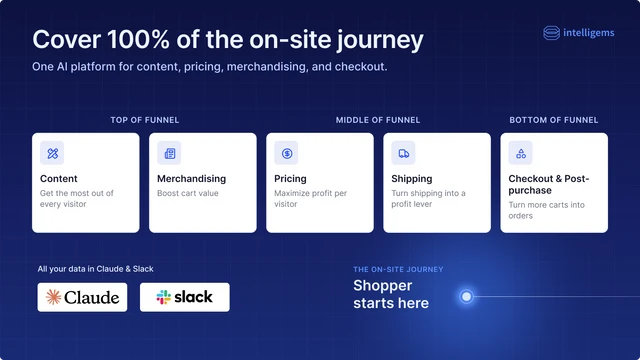
Merchants describe it as the tool that settles internal pricing debates with data. A team arguing whether a product should sell at $40 or $60 can test both. The answer comes back in profit terms. Tests run inside the Shopify stack, and new AI-assisted features are added regularly through ongoing updates.
Key Features:
- Price and price-slope testing across a full catalogue, grounded in live buyer behaviour.
- Profit-based reporting showing profit per order and revenue per visitor, not clicks.
- Shipping threshold and rate testing, including the free shipping progress bar.
- Checkout and post-purchase flow testing that merchants run without interruptions.
- No developer needed, with test parameters still editable after setup.
- Segmented breakdowns by device, landing page, and new versus returning visitors.
- Sample size and timeline guidance signalling when a result is safe to act on.
Best for: Established brands wanting pricing, shipping, and checkout decisions judged on profit, not conversion rate alone.
Use it wisely: Profit testing is only as good as the cost data behind it. Out-of-date COGS means every result inherits that error. Price tests need real order volume, so low-traffic stores should start with content tests.
Pricing: Smart Content $69/month. Smart Merchandise $112.10/month. Smart Shipping $112.10/month. Unlimited $349/month. Annual plans save 17–20%. Pricing scales with order volume. 14-day free trial.
Ratings and Reviews: 4.8 out of 5 stars from 199+ Shopify App Store reviews.
2. Elevate A/B Testing Price Test
Elevate A/B Testing Price Test by Elevate brings price, theme, and content testing together in one place. Merchants run experiments on live prices, shipping rates, templates, and landing pages without touching theme code. Targeting and segmentation show how each audience responds differently.
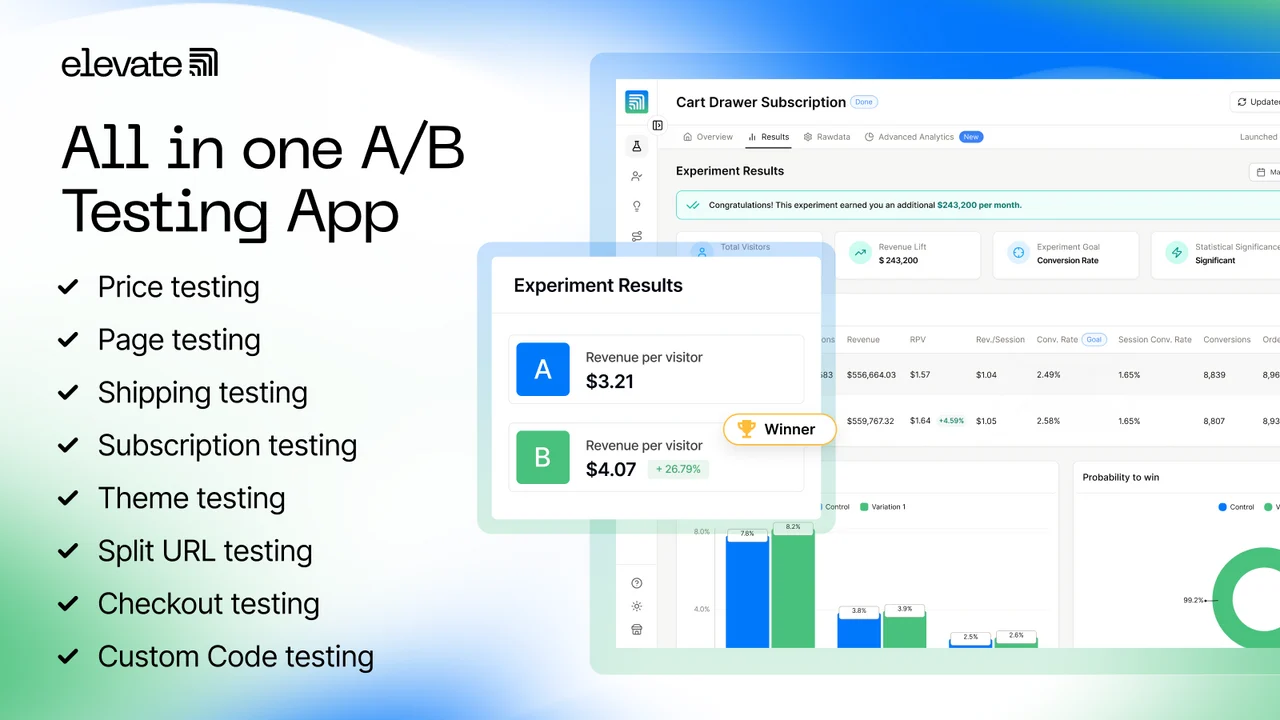
What merchants mention most is the pairing of software with human guidance. A CRO specialist helps shape the test roadmap, so newcomers are not left staring at a blank dashboard. Reporting is written in plain language, so marketing staff read outcomes without an analyst translating them.
Key Features:
- Native price testing on live products, often the reason merchants install it.
- Shipping rate and threshold tests handled as their own experiment type.
- Product template tests applying across many products at once, not page by page.
- No-code test builder that launches experiments in a few clicks.
- Jargon-free dashboard readable by non-technical team members.
- Microsoft Clarity integration tying session recordings to each experiment.
- Free test roadmaps and recorded page audits included during onboarding.
Best for: Mid-size stores wanting price and shipping testing plus a guided CRO plan from week one.
Use it wisely: AI test suggestions are starting points, not strategy. Pick ideas matching a real problem, or you fill the calendar with low-value experiments. Do not let a few session clips override the statistics.
Pricing: Basic Plan $49/month. Standard Plan $99/month. Premium Plan $499/month. Annual plans save 40%. Pricing scales with order volume. 14-day free trial.
Ratings and Reviews: 4.9 out of 5 stars from 143+ Shopify App Store reviews.
3. Shoplift ‑ CRO & A/B Testing
Shoplift ‑ CRO & A/B Testing by Shoplift works inside the Shopify theme customizer. Experiments stay where your store is already built. Merchants test whole themes, templates, navigation, mini-cart behaviour, and landing pages. Variants render server-side, so shoppers never see the original page flash first.
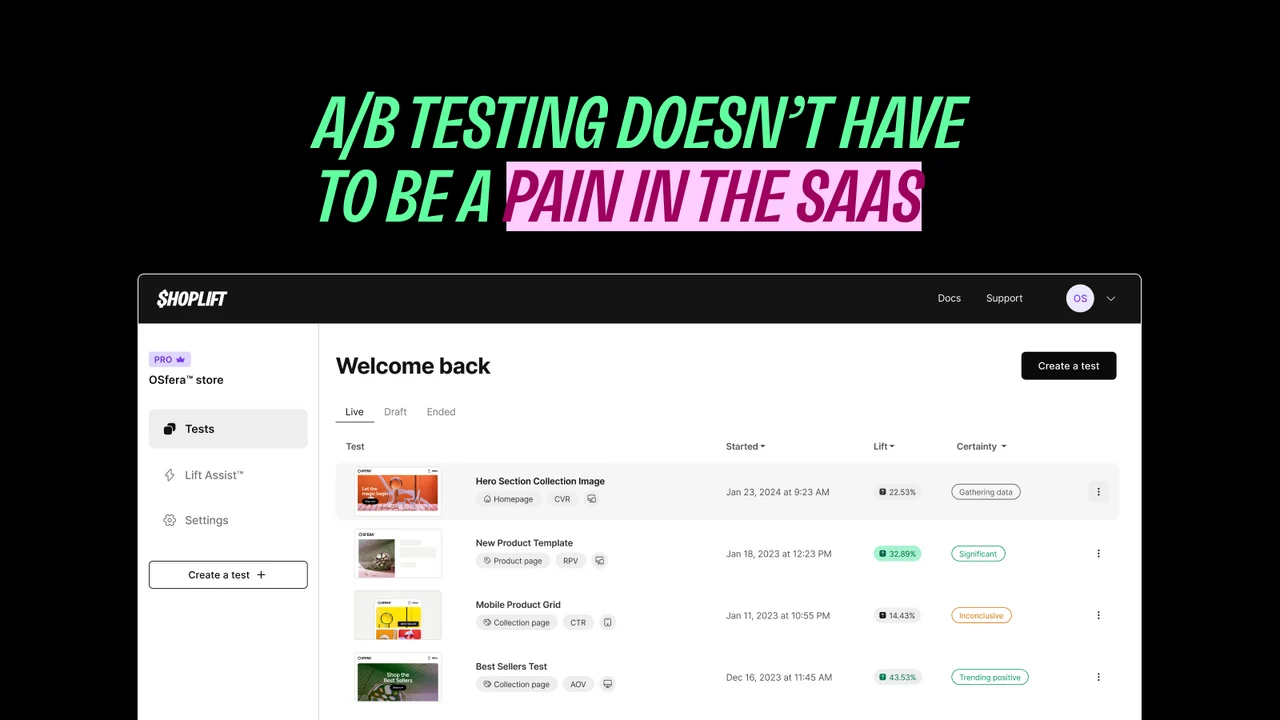
The app suits teams rebuilding or rebranding a storefront. Instead of launching a new theme on a hunch, you run it against the current one and measure the difference. Lift Assist builds variations from your existing design modules, keeping variants on-brand without design time.
Key Features:
- Flicker-free rendering, so visitors never glimpse the control page first.
- Theme-versus-theme testing during rebrands, plus template-level experiments.
- Lift Assist auto-built variations reusing your own design modules and templates.
- No-code visual editing that works on custom themes and page-builder stores.
- Automatic segmentation by traffic source and device, with page-level data export.
- GA4 integration creating a custom audience for each test condition automatically.
- Adjustable traffic allocation, so risky tests run on a small share of visitors.
Best for: Teams planning a redesign or rebrand who want proof a new theme performs before switching.
Use it wisely: Whole-theme tests change many things at once. A win says something worked, not which element did it, so follow up with narrower tests. Uneven traffic splits also need longer to reach significance.
Pricing: Core $99/month, starting at $74. Advanced $399/month, starting at $299. Pro $999/month, starting at $699. Annual plans save 25–30%. Pricing is based on monthly unique visitors. 14-day free trial.
Ratings and Reviews: 4.9 out of 5 stars from 133+ Shopify App Store reviews.
4. Visually A/B Testing & CRO
Visually A/B Testing & CRO by Visually.io combines split testing with personalisation and on-site merchandising. Merchants edit the storefront through a drag-and-drop editor, then run that change as a measured experiment. Tests cover homepages, product pages, carts, checkout and post-purchase offers.
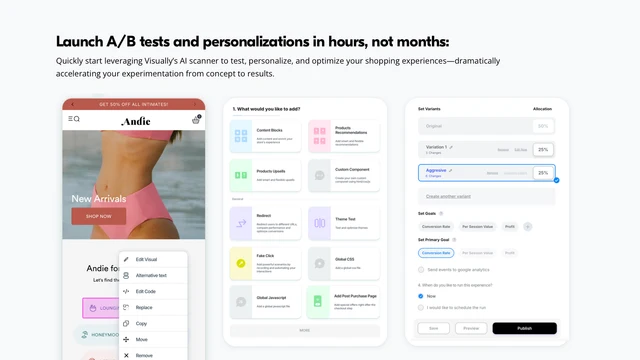
It appeals to lean teams without in-house developers. Ready-made templates get a first test live, and AI generates variations matching the original brief. Merchants wanting finer control can layer their own HTML, CSS, or JavaScript on top of the editor output.
Key Features:
- No-code drag-and-drop editor that removes the wait for a developer ticket.
- AI-generated variations closely matching the layout the merchant described.
- Recommendation algorithm testing, running several algorithms side by side.
- Cart and product page upsell tests that merchants credit with lifting order value.
- Segmentation in targeting and reporting, showing which audience drove a lift.
- Setup guardrails and significance guidance that discourage early calls.
- Hydrogen headless compatibility with documentation covering the integration.
Best for: Smaller and growing stores wanting testing and personalisation together without hiring a developer.
Use it wisely: Personalisation multiplies segments, and each one needs its own traffic to reach significance. Splitting a modest audience into many groups produces noisy results. Judge upsell tests on profit, since discount-driven order value can shrink margin.
Pricing: Free for development stores. $15/month up to 100 orders. $25/month up to 200 orders. $80/month up to 600 orders. Paid plans include a 14-day free trial.
Ratings and Reviews: 4.8 out of 5 stars from 147+ Shopify App Store reviews.
5. ABsolutely: A/B Testing
ABsolutely: A/B Testing by Absolutely carries the Built for Shopify badge. That badge means it meets Shopify’s highest standards for performance, design, and integration. The app focuses on finding the price point and shipping rate that produce the most profit. Theme, template, URL, and visual editor tests are included too.
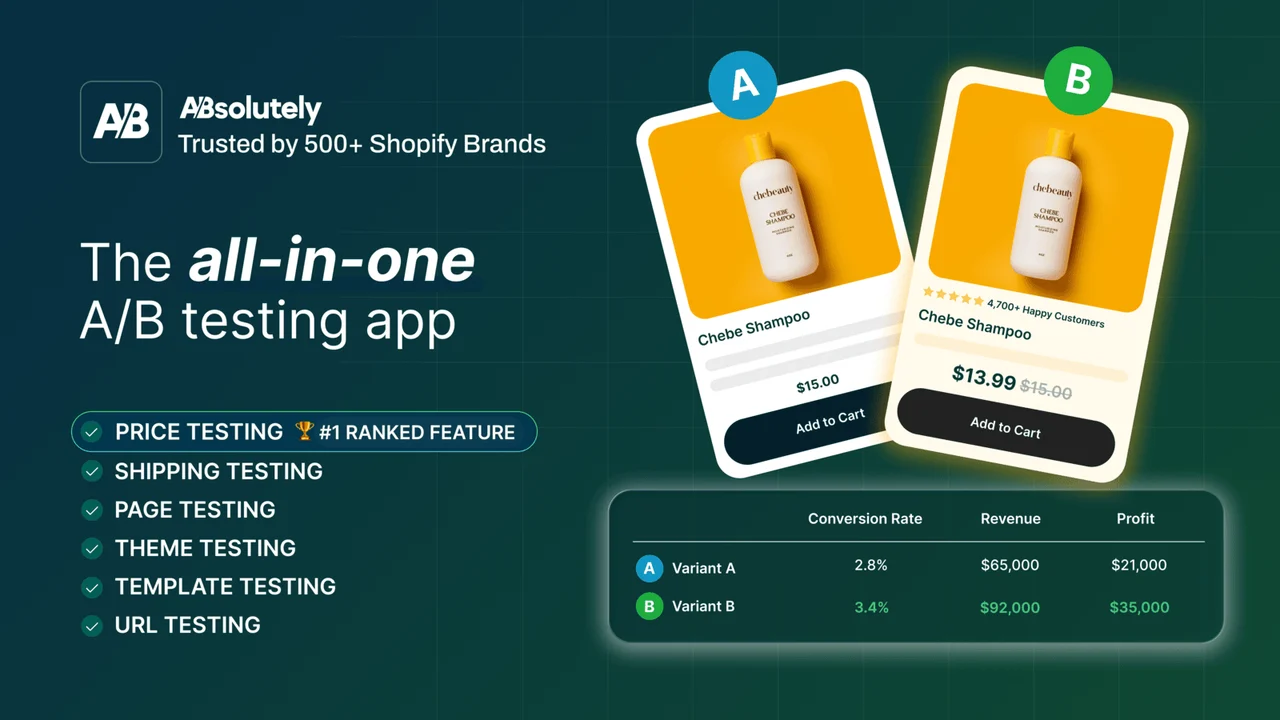
Merchants describe the interface as feeling native to the Shopify admin, which shortens the learning curve for a wider team. Setup is guided, and results arrive in real time with margin impact shown per variant. For stores that priced products by instinct, it turns a long-standing guess into a measurable question.
Key Features:
- Price testing on individual products, keeping the better-performing price point.
- Shipping rate testing as a separate experiment type in the same app.
- Profit-based reporting showing the exact incremental margin a variant gained.
- Revenue per visitor tracking, a single number to judge each variant by.
- Guided setup that merchants describe completing in minutes.
- Live variant dashboard, so results can be watched before the test ends.
- Setup help for custom themes and carts, with a pre-launch configuration review.
- Market-specific price testing, so regions can be tested separately.
Best for: Merchants whose main open question is pricing, wanting a simple Shopify-native way to answer it.
Use it wisely: Price testing is visible to customers in a way layout testing is not. Keep variant ranges sensible, and avoid products returning buyers purchase weekly. End tests before major sale events so promotional pricing does not blur the data.
Pricing: Content Testing $49/month. Price Testing $199/month. Advanced Testing $499/month. Each plan scales with sitewide order volume. 14-day free trial.
Ratings and Reviews: 4.9 out of 5 stars from 47+ Shopify App Store reviews.
What Is A/B Testing on Shopify?
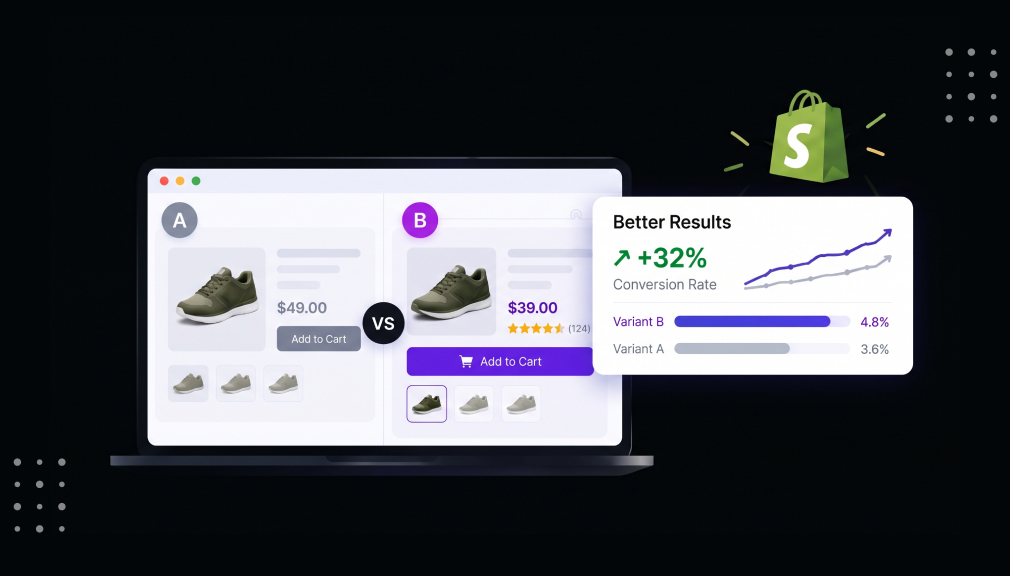
A/B testing shows two versions of something to two shopper groups at once. Group A sees the current version; group B sees your proposed change. The app splits traffic, tracks behaviour, and reports which version earned more.
The variable can be almost anything: prices, shipping thresholds, layouts, banners, or checkout content. The value is not any single win. It is that you stop debating and start learning what your customers actually do.
Why Guesswork Costs Shopify Merchants More Than They Realise
The main cost of skipping tests is that confident decisions go unchecked for years. Pricing shows this clearly. The first number a shopper sees shapes how they judge every price after it.
Shipping is another quiet drain. Among shoppers abandoning a cart for a specific reason, 40% said extra costs like shipping, tax, and fees were too high. Changing a free shipping threshold is a short experiment with real profit consequences.
Averages also hide useful detail. Retail data cited by Shopify shows desktop converting at 3.7% against 2% on mobile. A change that helps one group can quietly harm the other.
One limit is worth respecting. Testing improves decisions you already make. It cannot fix a weak product or slow delivery.
Where to Start Testing in Your Store
Start where traffic and money overlap. Your busiest product page, cart, and checkout hold the largest opportunities. A 1% gain on a page most visitors see beats a 10% gain on a page nobody visits. Good first tests include:
- Price points on two or three higher-volume products.
- Your free shipping threshold, just above and below the current figure.
- Hero section messaging on the homepage.
- Cart and checkout copy, including guarantees and returns wording.
Leave full theme tests until later. They answer broad questions rather than specific ones.
When to Run Tests and When to Wait
Run tests during normal trading periods, when traffic looks typical. Avoid launching the week of a major sale, since promotional traffic skews results. Most tests need at least two weeks of data.
Wait if your traffic is very low. With a few hundred monthly orders, a price test may never reach significance. Lower-traffic stores gain more from content and messaging tests first.
The most common mistake is stopping early. An encouraging result on day three often disappears by day ten.
Conclusion
A/B testing on Shopify is less about chasing lifts and more about removing doubt. Every store carries decisions made once and never questioned, and they shape profit daily. Testing turns them back into questions you can answer.
The practical path is simple. Start with the pages carrying the most traffic and money. Test prices and shipping thresholds, since they move margin faster than cosmetic changes. Measure profit rather than conversion rate alone, and break results down by device and traffic source.
Protect your data as carefully as your ideas. Give every experiment enough time, avoid overlapping tests on one page, and skip major sale weeks. Choose the tool that fits your traffic, budget, and the question you most need answered. Over a year, small well-run experiments compound into something much larger.
Frequently Asked Questions
How long should a Shopify A/B test run?
Most tests need two to four weeks of data. Run at least two full weekly cycles so weekday and weekend behaviour are included. Stop only once the result reaches significance.
Will price testing upset my customers?
Keep variant ranges modest and avoid products regular customers buy weekly. Merchants report few complaints when tests are short and price gaps reasonable. Settle on one price promptly afterwards.
Do I need a developer to run A/B tests on Shopify?
No. All five apps let marketing staff launch tests without code. Developer help is only needed for unusual storefronts or custom cart setups.
Should I measure conversion rate or profit?
Measure profit or revenue per visitor wherever you can. A variant can lift conversion rate while shrinking margin, which looks like a win but is not. Profit-based reporting prevents that mistake.
What if a test shows no clear winner?
That is still useful. It tells you the change does not matter to your customers, so stop debating it. Move on to a bigger variable.

Shopify Expert
Dipen Panchal, Shopify Tech Lead at Setubridge Technolabs, brings over a decade of expertise as a Shopify Expert. Passionate about e-commerce growth, he specializes in UI/UX design, crafting intuitive, engaging solutions tailored for merchants and B2B clients to enhance user experiences.