It’s 11:47 pm. Carol, the customer, is browsing three different stores via tabs, all featuring the same jacket. After adding your jacket to her cart, she pauses.
She scrolls up on the collection page, trying to figure out just one thing: when will this actually be delivered? She fails to find the information, closes the tab, and purchases the product on a competitor’s site, which already provided a delivery date on the collection grid, saying “Delivered by July 18”.
This scenario is happening to any Shopify merchant daily. However, they fail to detect that, since all they get is a notification about the abandoned cart without any additional info.
In case you are running a Shopify store, you are well aware that fast shipping is not enough for a conversion anymore. Buyers want the assurance, and a Shopify Collection Page Delivery Date is one of the easiest ways to give them that before opening any product.
In this guide, you’ll learn why collection-level delivery information matters, where most merchants struggle, and how to add estimated delivery on Shopify collection pages in 2 practical ways.
Key Takeaways
- Shoppers decide during collection browsing, not just at checkout, so delivery dates need to appear on the grid, not only on product pages.
- 62% of shoppers value delivery date accuracy over raw shipping speed, and unclear delivery information drives a meaningful share of cart abandonment.
- Custom code can display a Shopify collection page delivery estimate, but holiday logic, cutoff times, and theme updates make it hard to maintain long-term.
- An app-based solution, like the Estimated Delivery Date app, centralizes delivery rules so dates stay accurate across every collection automatically.
- Specific dates outperform vague ranges, both for shopper trust and for conversion, with A/B-tested lifts commonly between 13% and 25%.
- Accurate delivery information reduces “Where Is My Order” tickets, cutting support load as well as boosting conversion.
Why Shopify Merchants Struggle With Delivery Visibility on Collections
Most Shopify themes were never built with delivery estimates in mind. Product pages sometimes get a shipping note buried near the “Add to Cart” button, but collection pages, the grid view where most browsing actually happens, get nothing.
That’s a gap, because the collection page is where the comparison shopping happens. A shopper scanning twelve products in a grid is silently ranking them, and delivery date is one of the factors in that ranking, right alongside price and reviews.
Merchants who sell seasonal goods feel this most. A store selling rain boots in October, festival wear before a holiday, or personalized gifts before a birthday knows that “will this arrive in time” is the real question a shopper is asking, long before they click into a product.
Support teams feel the downstream effect too. When delivery dates aren’t visible during browsing, customers place the order anyway, then message support asking when it will ship. That single missing piece of information on the collection page quietly creates a support ticket days later.
Recent consumer research shows that delivery certainty matters more than ever. 57% of shoppers say delivery date accuracy is more important than shipping cost when choosing a delivery option, while 60% are more likely to buy from a retailer that shows the exact delivery date before purchase. In addition, 45% of U.S. consumers abandon an online purchase when their delivery concerns aren’t addressed, highlighting how visible and accurate estimated delivery dates directly influence conversions and customer trust.
The question is not, however, that the merchants do not care about delivery times. It is that they make a delivery theme appear at the wrong stage in the shopping experience.
A Common Merchant Workflow, and Where It Breaks
Imagine an interior design store promoting its Christmas collection. The merchant promotes it, changes product images, and ensures that the inventory is consistent. Delivery dates do not feature on the checklist until a customer asks because it never even occurs to the merchant.
A few weeks down the line, the merchant realizes that the Christmas collection has high traffic but conversion rates much lower than usual for the store. The heatmap analysis shows visitors browsing the grid, hovering over products, but do not proceed beyond this point.
The absence of the estimated delivery date on the Shopify collection page means that the customer assumes the worst. They do not even bother to ask and just leave the site. This silent departure is much more damaging than a poor rating since it leaves no trace at all.
Two Ways to Show Estimated Delivery on Shopify Collection Pages
There are really only two methods of doing this through Shopify, which would be either to write custom code for your theme or to use an app designed for the purpose.
While both could theoretically accomplish what you need done, neither of these options would work equally well for the vast majority of merchants.
Option 1: Shopify App-Based Solution (Recommended)
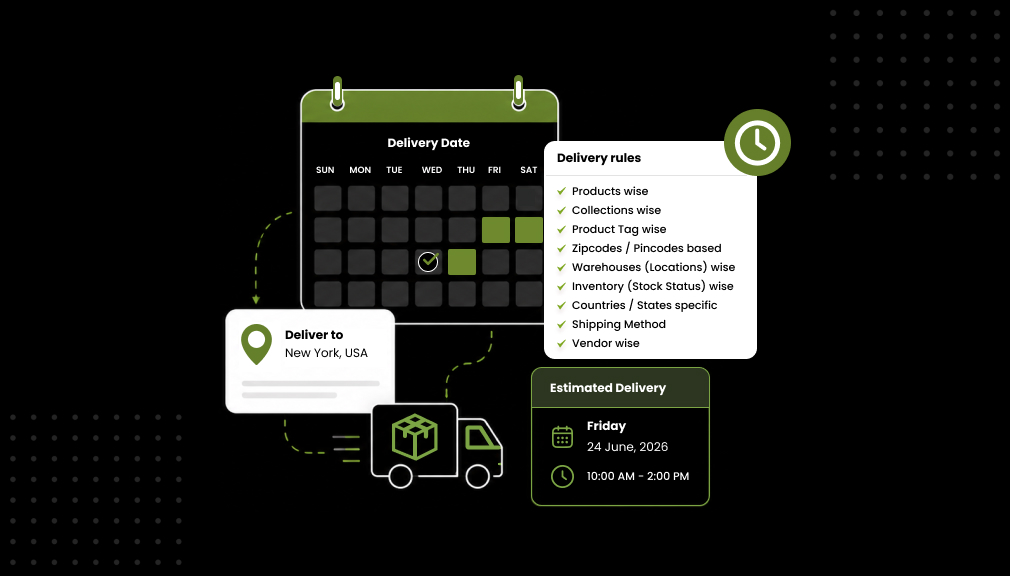
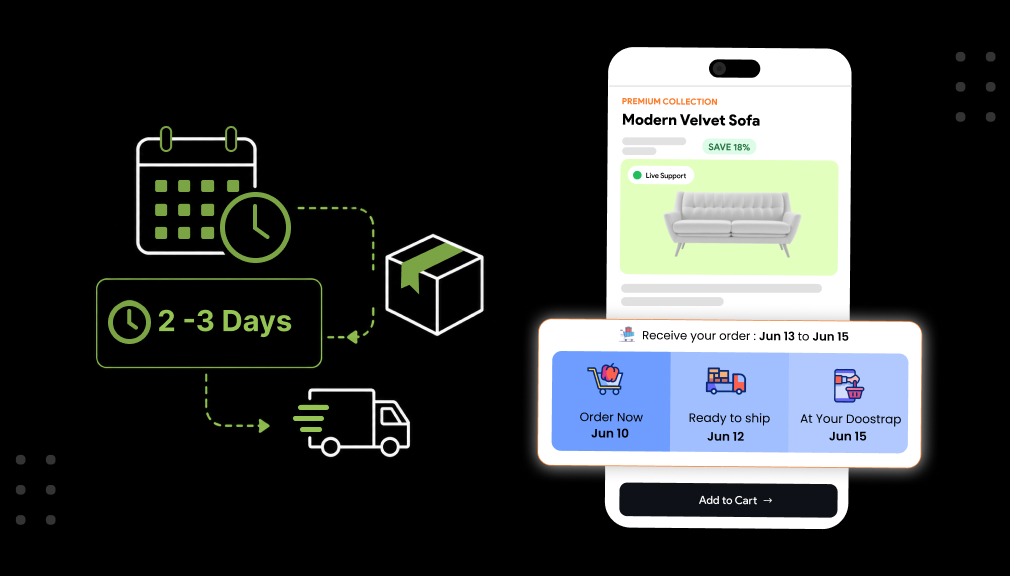
An app-based setup is the more reliable path for most merchants because it handles the parts that are genuinely hard to get right: business days, cutoff times, holidays, product-specific processing time, and rules that differ by collection or shipping zone.
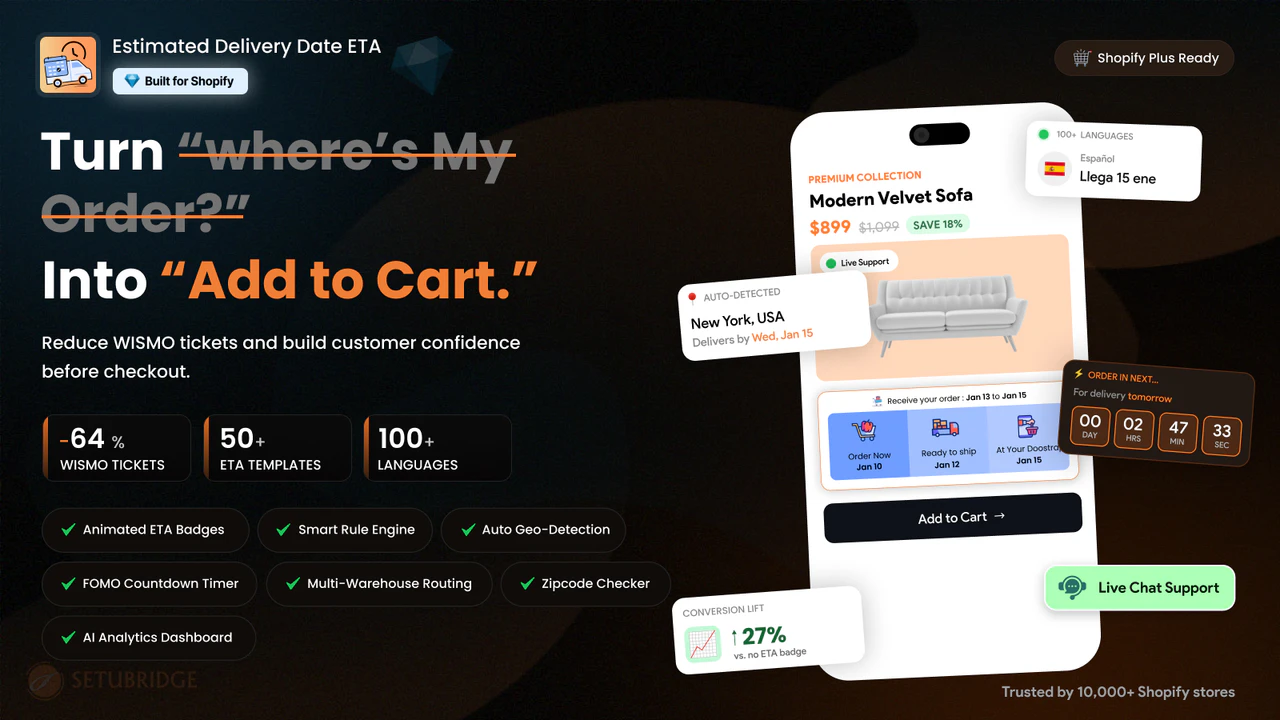
The Estimated Delivery Date (EDD) app is built specifically to show delivery dates on Shopify collections and product pages without needing a developer for every rule change.
- Install the app from the Shopify App Store.
- Set your general delivery rules: processing time, cutoff time, and business days.
- Create exceptions for holidays, weekends, or out-of-stock delays so dates stay accurate.
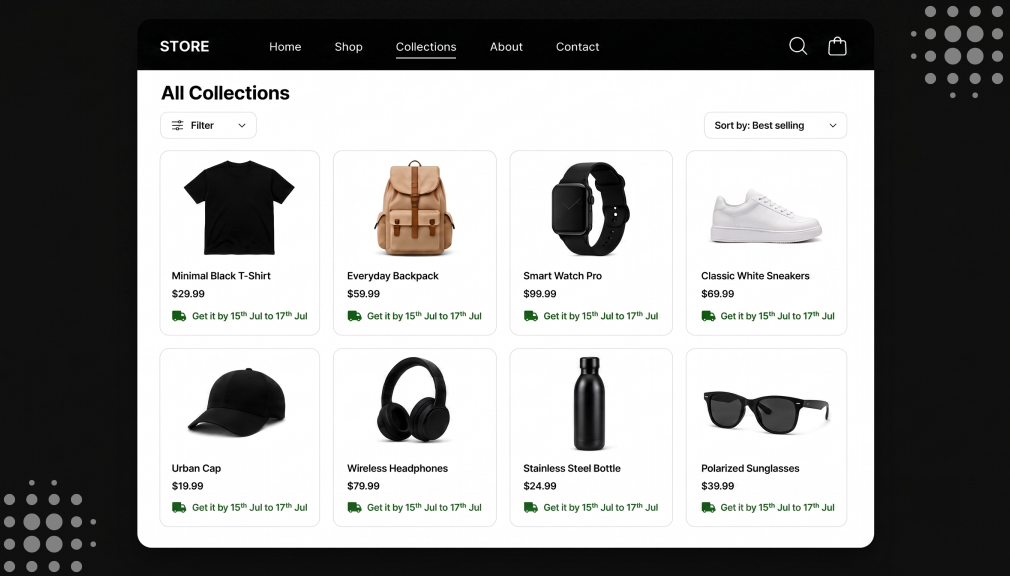
- Enable the collection page widget so every product in the grid shows its own estimated delivery date.
- Customize the date format and placement to match your theme, without editing Liquid code.
As the entire delivery logic is controlled by the app, when you make any modifications, such as the introduction of public holidays or modification of processing times for any particular collection, the modification becomes automatic throughout the app without requiring changes in the collections individually or in the theme file.
This is especially helpful for sellers who have seasonal or flash collections or more than one shipping zone where delivery window changes become frequent.
Option 2: Custom Shopify Code Solution
A Shopify collection page delivery time estimator can be accomplished through Liquid, JavaScript, and metafields. A developer would be able to retrieve the processing time from a metafield, compute the date range, and then inject the date range into the collection page template.
This approach works, but it comes with real limits that are worth knowing before committing to it.
- Business-day and holiday logic has to be coded and maintained manually, and it breaks silently when a new holiday isn’t added in time.
- Every theme update risks overwriting the custom collection template, so the feature has to be reapplied and retested.
- Cutoff times, per-product processing days, and shipping zone rules require separate custom logic for each one.
- Any future change, like adding a new collection or adjusting a delivery window, needs a developer again.
This may work for a store that has just one shipping rule, which is simple and never changes. However, this solution is only applicable for small stores because the costs involved will be higher than the initial development cost. That is why a Shopify delivery date app for collection pages becomes a preferred option.
Where to Place Delivery Dates for the Best Results
Placement matters as much as accuracy. A delivery date buried below the fold on a collection card gets ignored, while one placed near the price and product title gets read.
- Show the estimated date directly under the product title or price on each collection card.
- Keep the wording short and specific, like “Arrives Jul 18” instead of a vague range like “5-7 business days.”
- Use consistent formatting across every product so the collection grid doesn’t look mismatched.
- Update dates dynamically so a shopper browsing on a Friday sees a different date than one browsing on a Monday.
This is more than just a question of user experience preference. Tests within the industry have found that switching from an ambiguous shipping time period to a more concrete delivery date has helped increase conversions in the checkout process by 13% to 25%, and ambiguous delivery time period information was found to be a trigger in almost one quarter of all cart abandonments. By displaying this delivery date early in the shopping experience, rather than waiting until the cart stage, we can take advantage of this improvement.
There is a support angle as well. About 20% to 40% of all e-commerce support inquiries are “Where is my order,” and this percentage spikes at times of high sales volume.
A Growing Factor: AI Shopping Assistants Read Delivery Signals Too
It’s not just customers who are weighing up the dates for deliveries. Shopping assistants powered by AI and comparison tools will increasingly look at structured delivery data before recommending a product, viewing the absence of an exact date as a less reliable signal.
With shopping research becoming increasingly driven by AI browsing, a store that has clear and structured Shopify ETA information on their collection page is not only going to make it easier for people to choose.
Final Thoughts
A Shopify Collection Page Delivery Date doesn’t come down to aesthetics. It addresses precisely the question that your potential customer is posing in their head when browsing through your grid, and it addresses that before they have taken time to click on an individual product.
Custom coding will technically get you an estimate for delivery dates on Shopify collections, yet constant updates, holiday calculations, and risks associated with themes make it an unreliable long-term solution for the majority of stores.
An application-based solution guarantees delivery rules are updated, accurate, and centralized, making it a logical solution for a merchant that wants to display delivery dates on Shopify collections without having a developer do any additional work on each change.
Carol is no exception. She is one of those customers who increasingly form the majority in their decision-making, basing it not on the speed of delivery, but its certainty, and providing her with that certainty at the collection page level is one of the easiest adjustments to make to your Shopify store.
Frequently Asked Questions
Can I show delivery dates on Shopify collections without slowing down my page speed?
Yes, as long as the delivery date app or script loads asynchronously instead of blocking the page render. A well-built app typically adds negligible load time to a collection grid.
What’s the difference between showing a delivery date on a collection page versus product page only?
Collection pages are where comparison shopping happens, so a visible date there influences the click-through decision earlier. Showing it only on the product page means shoppers who never click through never see it.
Will an ETA on a collection page work across different shipping zones?
Yes, if your delivery rules are configured by zone, not just by store-wide default. Most apps let you set separate rules per shipping zone, while custom code requires this logic to be built manually.
Is a delivery date app for collection pages worth it for a small catalog?
Yes, because even a small catalog benefits from consistent, accurate dates, and manual updates become error-prone as soon as holidays or promotions change your timelines. The setup time is usually recovered quickly in reduced support tickets.

Shopify Expert
Dipen Panchal, Shopify Tech Lead at Setubridge Technolabs, brings over a decade of expertise as a Shopify Expert. Passionate about e-commerce growth, he specializes in UI/UX design, crafting intuitive, engaging solutions tailored for merchants and B2B clients to enhance user experiences.