





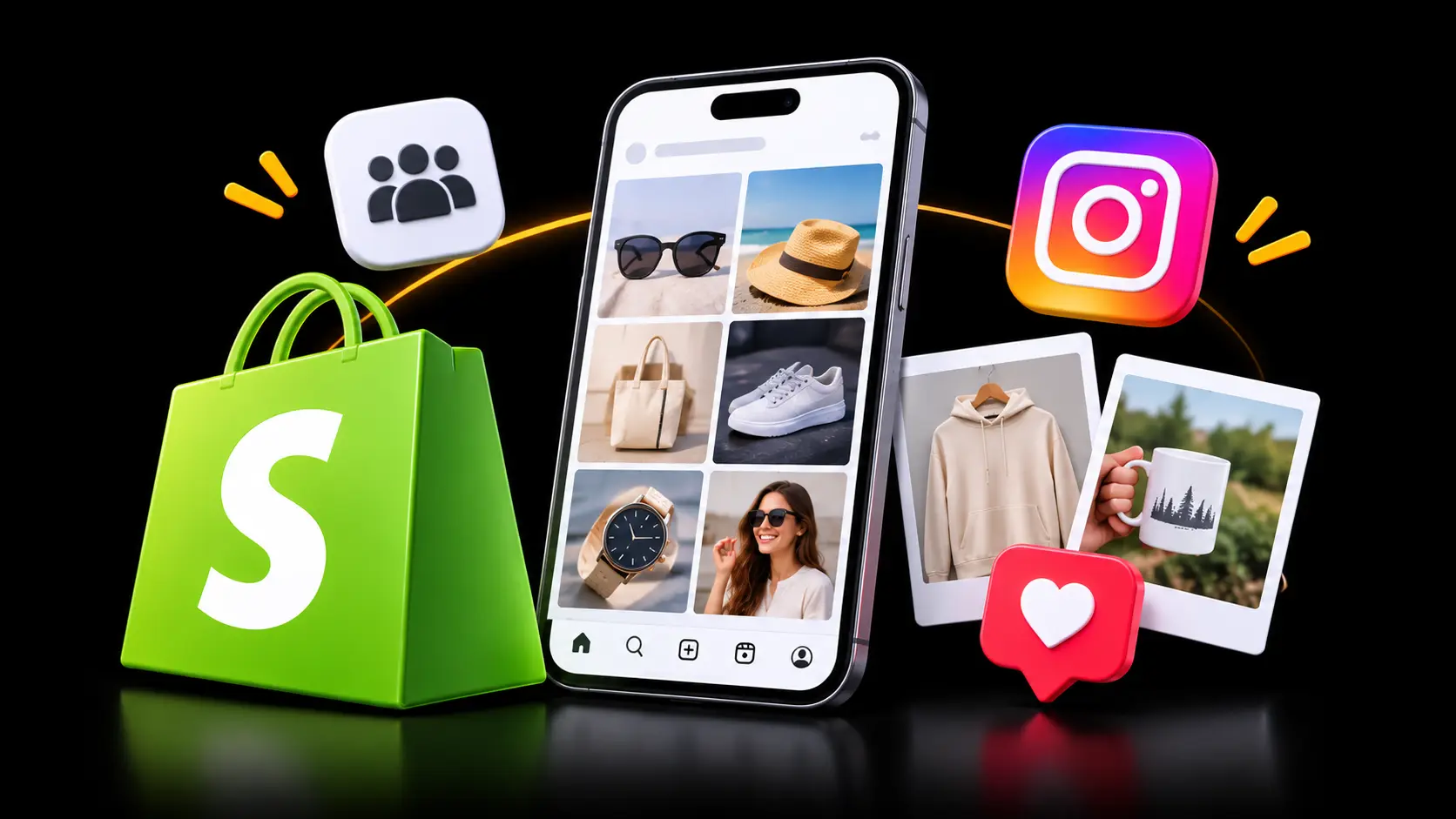
A shopper lands on your store from an ad. She likes the dress, but she has never heard of your brand. She scrolls, looking for any sign that real people buy from you. She finds only a footer and a newsletter box, so she goes back to Google.
Now picture the same visit with one change. Below the product sits a grid of real Instagram photos of customers wearing that dress. One tap shows the price and an add-to-cart button. The product did not change, but her confidence did.
That small section is what Shopify Instagram feed apps add. They turn posts you already create into proof that your store is real and active. Here are five apps that do it well, and how to use them without hurting trust or speed.
Key Takeaways
- A shoppable Instagram feed answers a new visitor’s silent question: “Do real people buy here?”
- Choose by your bottleneck: video, link-in-bio traffic, UGC scale, feed uptime, or creator posts.
- Product pages often gain more from a feed than the homepage, because buying doubt peaks there.
- A fresh, relevant feed matters more than a big one.
Shopify Instagram Feed Apps at a Glance
This table gathers listing details that usually sit across several plan cards and tabs.
| App | Developer | Free plan starting point | Content it can show | What stands out | Paid plans from |
| MP Instagram Feed ‑ Instafeed | Shopplaza | Free (only plan listed) | Posts, Reels, Stories, TikTok, hashtag UGC | 11 layouts incl. stories bar; 20 languages | Free |
| Flox: Instafeed Instagram Feed | Adevole | Up to 1,000 storefront visits | Posts, Stories, Highlights, Reels | Shoppable link-in-bio page + AI Photo Studio | $8/month |
| Socialwidget ‑ Instagram Feed | OneCommerce | 1 source, 1,000 visitors, 24-hour sync | Instagram, TikTok, hashtags | Sync speeds up by plan: 24h → 6h → 2h | $9.90/month |
| Zegsu Instafeed Instagram Feed | Zegsu Software Solutions LLP | 1 feed, 6 tagged posts, no view limits | Posts, Reels, Stories, hashtags (Pro) | Feed loads from Shopify files; disconnect alerts | $5.99/month |
| Omega InstaFeed Instagram Feed | Omega | 1 feed, posts and reels import | Posts, Reels, UGC, collab and mentioned posts | CTR, ATC, and CVR analytics on Plus | $5.99/month |
1. MP Instagram Feed ‑ Instafeed
MP Instagram Feed ‑ Instafeed by Shopplaza turns Instagram posts, Reels, Stories, TikTok videos, and hashtag UGC into one shoppable gallery. It carries the Built for Shopify badge, so it meets Shopify’s standards for performance, design, and integration. You can choose from 11 layouts, including grid, slider, masonry, collage, and a stories bar.
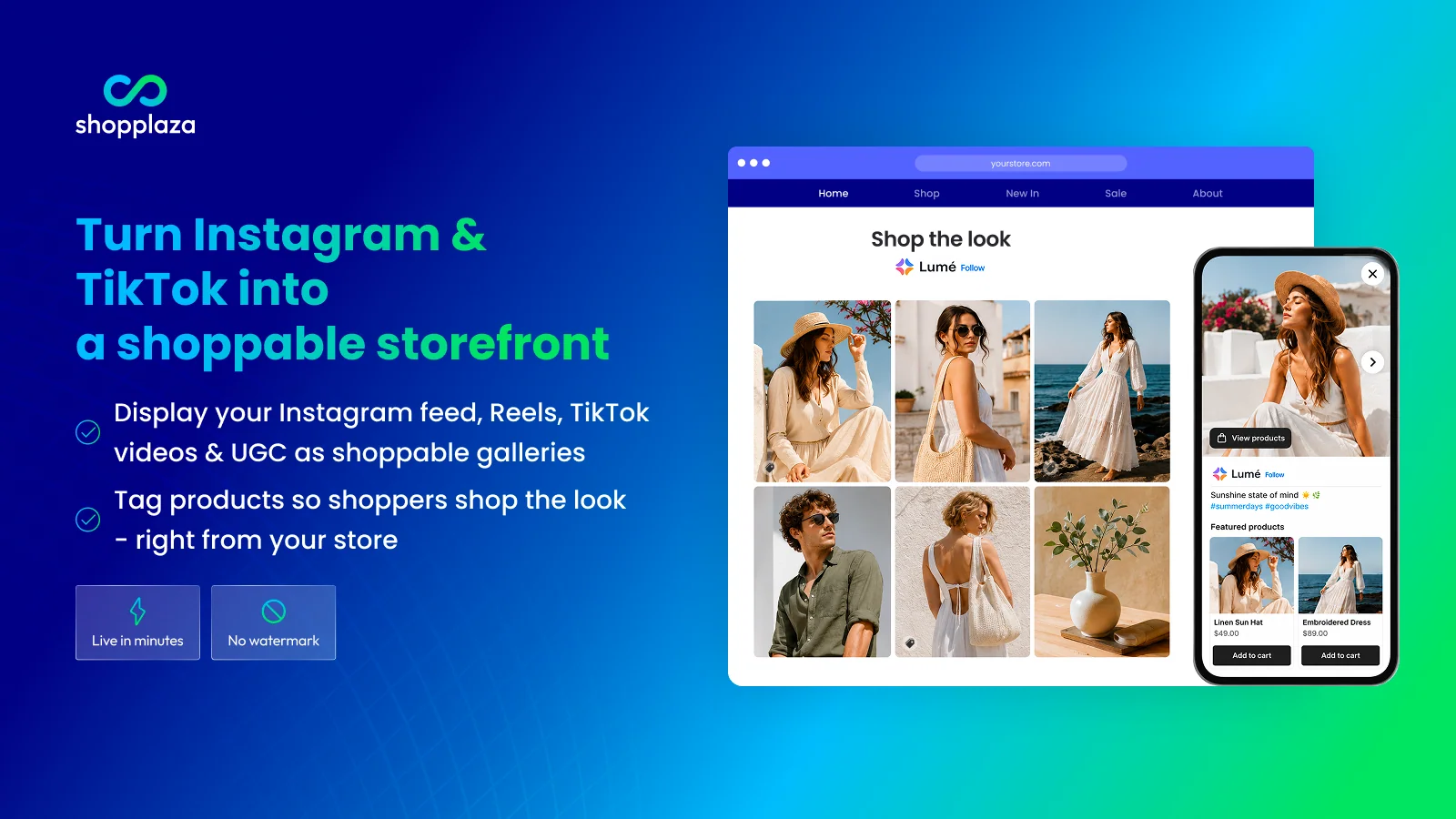
Each post can hold unlimited product tags. Shoppers add items to cart from the gallery without hunting for the product page. You can also upload your own photos and videos, then pin, hide, or reorder posts. Star ratings and prices can appear on the feed, placing review proof beside real-life images.
Key Features
- No-code setup that merchants say takes a few minutes
- Modern layouts that match a brand’s look and feel
- Instagram, Reels, TikTok, and UGC in one gallery
- Unlimited product tags per post
- Pin, hide, and reorder controls
- Ratings on the feed, with Judge.me and Air Reviews support
- Fast support that offers custom tweaks, even on the free plan
- Reliable syncing and fast-loading feeds
Ratings and Reviews: 4.9 out of 5 from 236+ reviews.
Pricing: Free (the only plan shown on the listing).
Best for: Stores posting on both Instagram and TikTok.
Use it wisely: Several autoplay galleries on one page can feel busy on mobile. Start with one, then expand.
2. Flox: Instafeed Instagram Feed
Flox: Instafeed Instagram Feed by Adevole brings Instagram posts, Stories, and Highlights onto your Shopify store. It holds the Built for Shopify badge and has been on the App Store since March 2019. Feeds update on their own, and you can style them with a no-code editor or custom CSS.
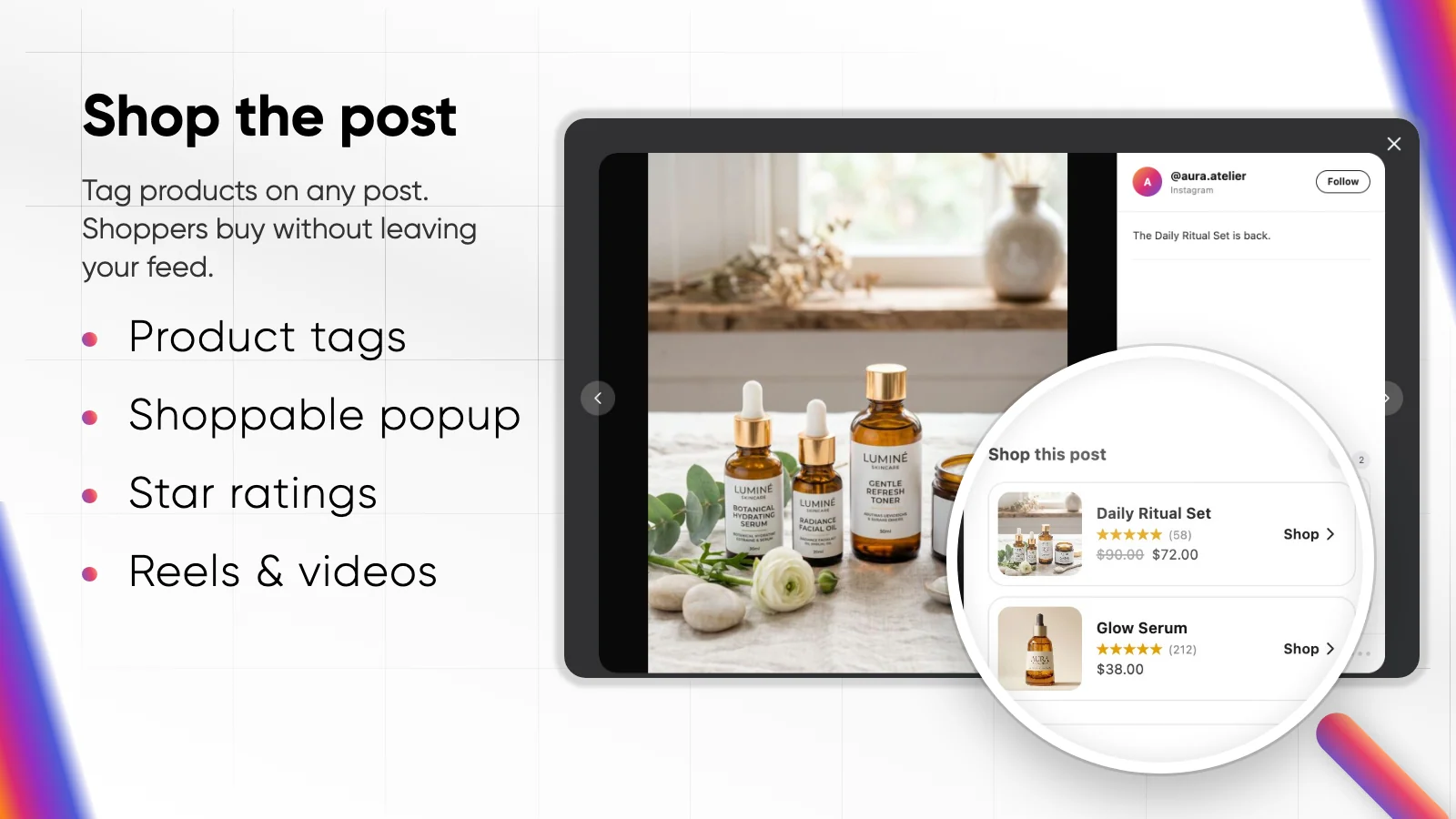
Flox also works on the Instagram side of the journey. Its shoppable link-in-bio page sends profile visitors to tagged products instead of a generic homepage. The AI Photo Studio creates product images and captions. That helps when your feed needs fresh visuals but a new photo shoot is weeks away.
Key Features
- Shoppable posts, Stories, and Highlights
- Link-in-bio page with click tracking
- AI product photos with simple prompt options
- Shop the look, lookbook, masonry, and slider galleries
- Installs without changing theme code
- Live chat that fixes issues within minutes, per reviewers
- Custom design and accessibility tweaks on request
- Long-term reliability, with merchants using it for years
Ratings and Reviews: 4.9 out of 5 from 391+ reviews.
Pricing
- Free – $0: up to 1,000 storefront visits, every layout, 10 AI image credits per month
- Sell – $8/month or $72/year: unlimited visits, link-in-bio, Judge.me ratings, no branding
- Growth – $20/month or $180/year: 100 AI image credits, spotlight reviews, priority support
Best for: Brands with steady Instagram profile traffic.
Use it wisely: Review Highlights each season so shoppers do not tap into retired products.
3. Socialwidget ‑ Instagram Feed
Socialwidget ‑ Instagram Feed by OneCommerce displays Instagram photos, videos, and carousels on your Shopify store. It carries the Built for Shopify badge and launched in April 2020. Its ready-made templates are mobile-responsive, so feeds fit small screens without extra design work.
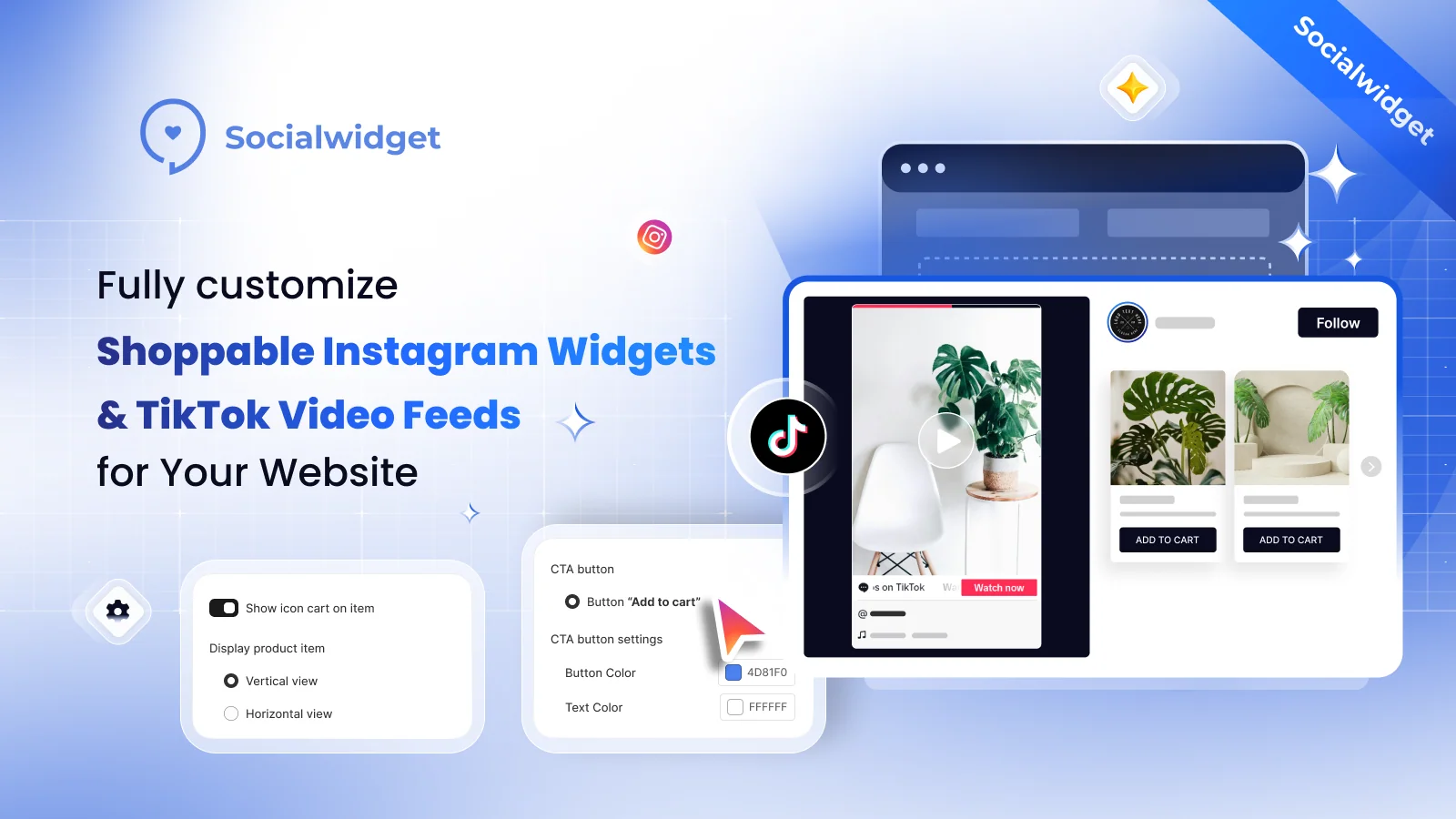
Socialwidget grows with the amount of content you manage. Higher plans add TikTok, hashtag feeds, business discovery, and more media sources per widget. Sync frequency also tightens by plan, from every 24 hours to every 2 hours. The Professional plan adds add-to-cart buttons, so shoppers act inside the feed.
Key Features
- Setup and customization that are easy to understand
- Widgets that merchants say look great on their sites
- Product and variant tags with badges
- Instagram and TikTok in one widget
- Hashtag and public account feeds for UGC
- Engagement and conversion tracking
- Quick, human support with practical help
- Free plan with no watermark that users call reliable
Ratings and Reviews: 4.9 out of 5 from 626+ reviews.
Pricing
- Free – $0: 1 source, 1,000 visitors, 24-hour sync
- Standard – $9.90/month or $95.04/year: TikTok, autoplay, all templates, unlimited visitors
- Professional – $19.90/month or $191.04/year: add-to-cart button, 6-hour sync
- Advanced – $49.90/month or $479.04/year: hashtag discovery, 2-hour sync
Best for: Growing stores moving toward hashtag UGC.
Use it wisely: Ask creators for permission before tagging products on their posts.
4. Zegsu Instafeed Instagram Feed
Zegsu Instafeed Instagram Feed by Zegsu Software Solutions LLP turns posts, Reels, and Stories into a shoppable feed. It carries the Built for Shopify badge. Posts are saved to your store’s Shopify files, so the feed loads with the page. Grid, slider, collage, and hero layouts use your theme’s fonts and colors.
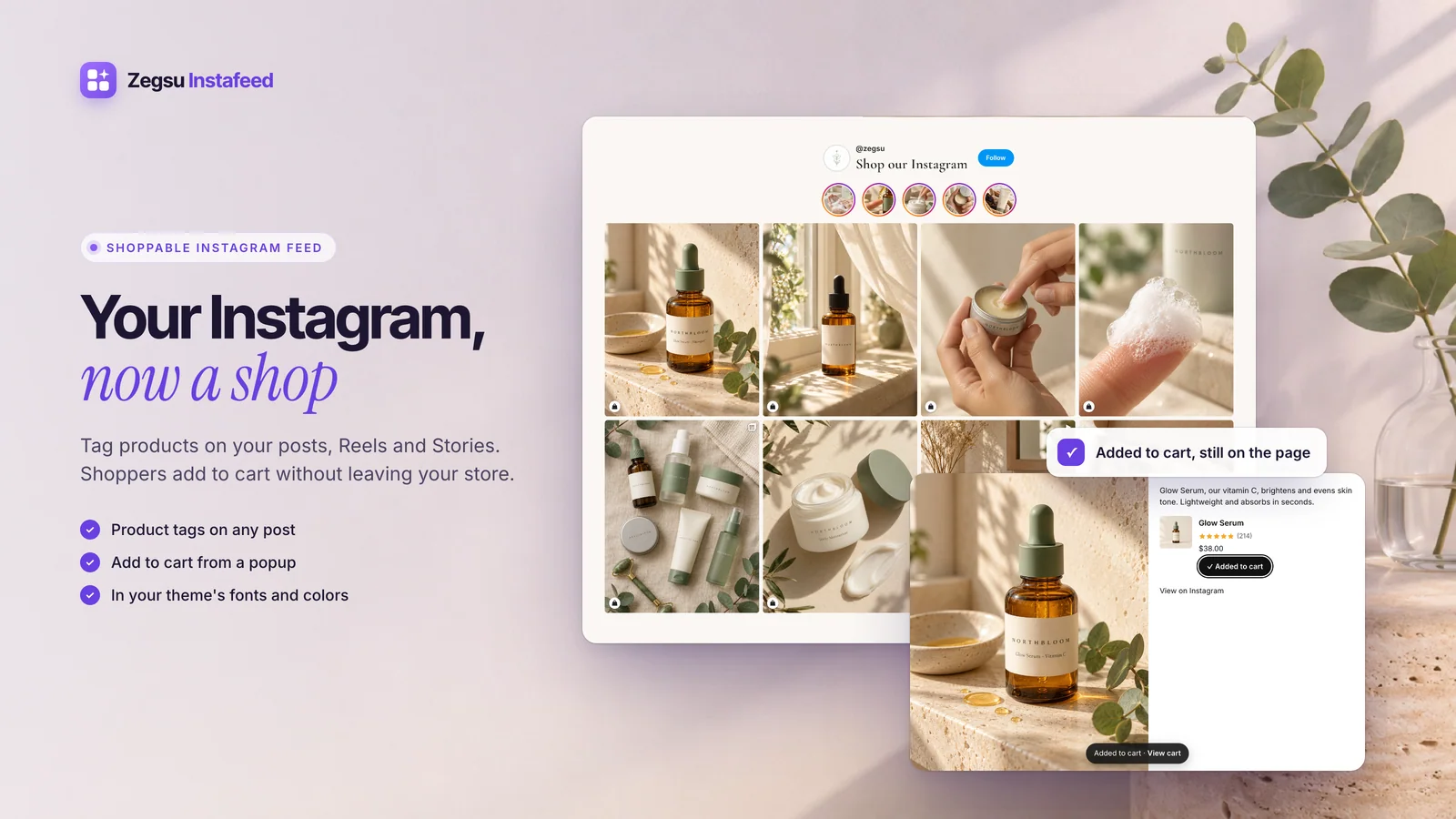
Zegsu focuses on keeping the feed working every day. It syncs hourly and alerts you if Instagram disconnects. On product pages, it can show only posts tagged with that product, so shoppers see the item in real use. Auto-tagging from captions on the Pro plan saves time when you post often.
Key Features
- Feed served from store files, so it never goes blank
- Instagram disconnect alerts
- Product-specific feeds on product pages
- Cart popup with price, variant, and add-to-cart
- Clean, minimal grid reviewers love
- Generous free plan with no view limits or watermark
- In-app chat that guides setup step by step
- Views, opens, and sales tracking
Ratings and Reviews: 4.9 out of 5 from 138+ reviews.
Pricing
- Free – $0: 1 feed, grid and slider, tagging on up to 6 posts, hourly sync
- Pro – $5.99/month or $29.99/year: 20 feeds, hashtag feeds, unlimited tags, auto-tagging, 7-day trial
Best for: Stores wanting real-life photos on each product page.
Use it wisely: Spot-check auto-tags after new posts to confirm the right product appears.
5. Omega InstaFeed Instagram Feed
Omega InstaFeed Instagram Feed by Omega turns Instagram posts, Reels, UGC, and collaboration posts into shoppable widgets. It launched in May 2025 and already carries the Built for Shopify badge. Layouts include Grid, Carousel, Highlight, and Collage, with AI color presets to match your brand.
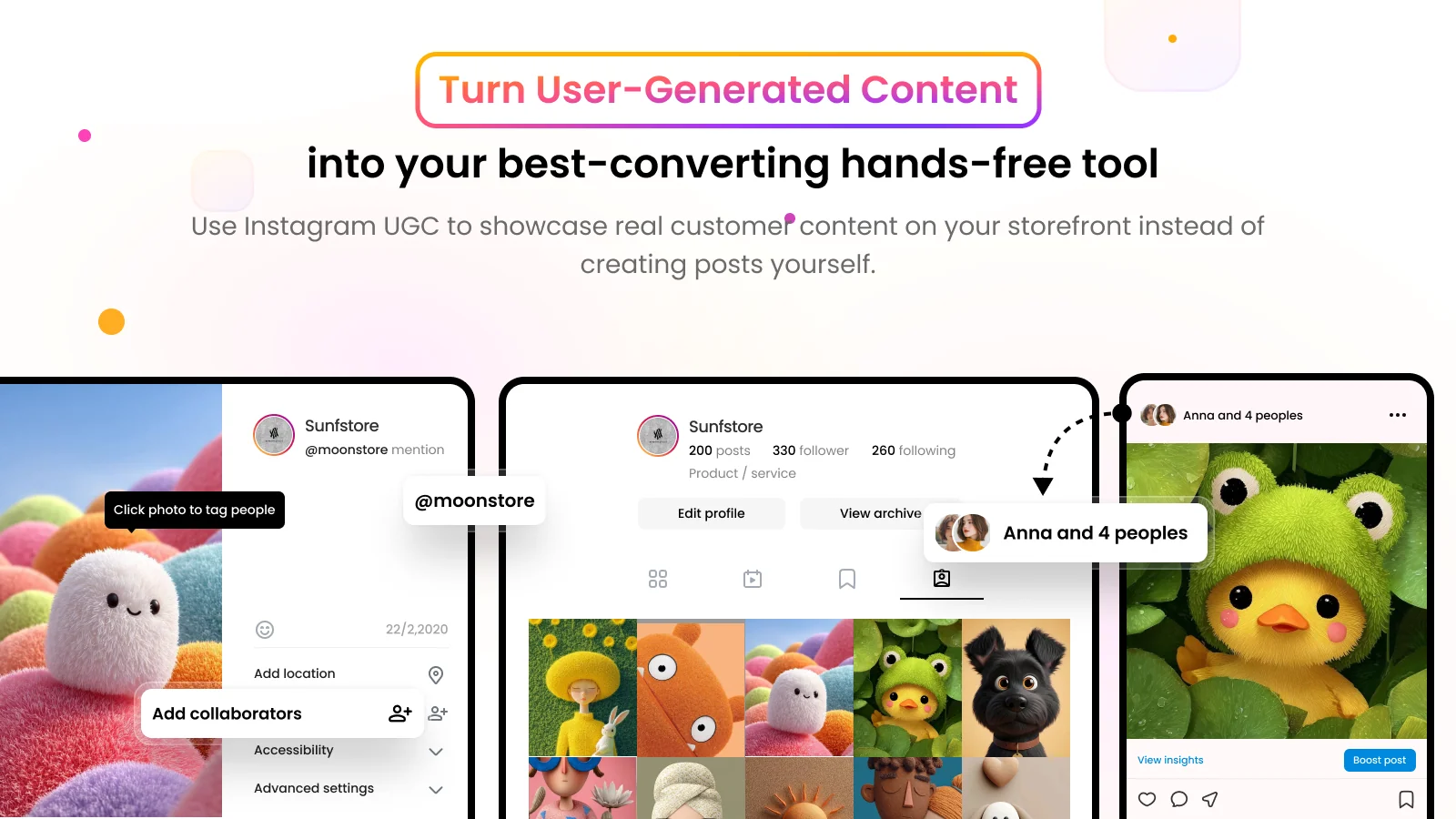
Omega leans into creator content. You can import posts where customers or creators mention or collaborate with you, then link products to that media. Feeds can appear on home, product, and collection pages. The Plus plan tracks click-through, add-to-cart, and conversion rates, so you see which posts drive sales.
Key Features
- Setup reviewers say took under five minutes
- Import of UGC, collab, and mentioned posts
- Tagging on home, product, and collection pages
- Instagram videos on product pages
- CTR, ATC, and CVR analytics
- Feed translation on every plan
- Custom changes built on request
- Fast support with progress updates
Ratings and Reviews: 4.8 out of 5 from 88+ reviews.
Pricing
- Free – $0: 1 feed, four layouts, feed translation, Omega watermark
- Growth – $5.99/month or $50.32/year: 6 feeds, UGC imports, product tagging, no watermark
- Plus – $11.99/month or $100.72/year: unlimited feeds, hourly sync, advanced analytics
Best for: Brands that work with creators.
Use it wisely: Show creator posts only on the pages they match.
What a Shoppable Instagram Feed Really Does
A shoppable Instagram feed shows your Instagram content on your store and links it to products. It pulls posts in automatically, so you never upload twice. Product tags turn each photo into a path to the cart.
Why Real Photos Change How Shoppers Decide
New visitors carry a quiet doubt: will the product look like the photo? Studio images cannot fully answer that, because the brand made them. Photos of real customers can. When people feel unsure, they look at what others did, and that lowers the risk they feel.
A Bizrate Insights survey found that 91% of shoppers engage with customer-generated content before buying. Research from Akeneo shows 65% of UK consumers bought based on reviews or comments from fellow shoppers.
Instagram is also where many shoppers first meet you. Hootsuite reports that 50% of Instagram users find new brands by scrolling their feed. A feed on your store keeps that familiar look, so the visit feels like a continuation.
Where to Place Your Instagram Feed on Shopify
Put the feed where buying doubt is highest, not where there is spare room.
- Product pages: Show posts of that exact item, right when buyers hesitate.
- Homepage: Place it below best sellers to signal an active brand.
- Collection pages: Add a short slider of lifestyle posts.
- Link-in-bio page: Send profile visitors straight to tagged products.
When an Instagram Feed Helps, and When It Backfires
A feed works best when posts are recent, on-brand, and show products in stock. It suits fashion, beauty, and home decor, plus new brands with few reviews yet.
It backfires in a few clear cases. A feed whose newest post is months old makes a brand look quiet. Too many autoplay videos can slow mobile pages, so test speed after setup. Tag only items clearly shown, and never repost customer photos without permission.
Conclusion
Shoppers rarely leave because a product is wrong. They leave because they feel unsure, and nothing on the page helps. A shoppable Instagram feed fills that gap with real people and a direct path to the cart.
Choose a Shopify Instagram feed app by your biggest bottleneck, whether video, link-in-bio, UGC, uptime, or creator posts. Start with one feed on your top product page. Keep it fresh, tag with care, and let the data guide your next step.
FAQs
Do Shopify Instagram feed apps slow down my store?
Any new section adds some load, especially video. Use one feed per page and test mobile speed after setup.
Can I make Instagram posts shoppable without Instagram Shopping?
Yes. All five apps let you tag Shopify products on posts inside the app. Shoppers then see prices and add-to-cart options.
Is a free plan enough for a small store?
Often, yes. Most free plans cover one feed, basic layouts, and auto-sync. Upgrade when you need more feeds or visitors.
Can I show TikTok videos with my Instagram feed?
Yes, with some apps. MP Instagram Feed ‑ Instafeed includes TikTok, and Socialwidget adds it from the Standard plan.
Where should I add an Instagram feed first?
Start with your best-selling product page. Buying doubt is highest there, so real photos do the most work.
Do I need permission to show customer photos?
It is good practice to ask first. A short comment or message protects trust and goodwill.

Shopify Expert
Dipen Panchal, Shopify Tech Lead at Setubridge Technolabs, brings over a decade of expertise as a Shopify Expert. Passionate about e-commerce growth, he specializes in UI/UX design, crafting intuitive, engaging solutions tailored for merchants and B2B clients to enhance user experiences.