





It is 11 p.m., and a shopper is looking at your product page. She likes the jacket, but one question stops her. Is it machine washable? The answer sits in a spreadsheet on your laptop, not on the page. So she closes the tab and moves on.
That missing detail did not feel important when you added the product. Care notes, size charts, ingredients, and shipping details often get pushed aside. Shopify gives every store metafields to hold this extra data. The hard part is filling them out, updating them, and showing them across hundreds of products.
This guide covers the top 5 Shopify metafield and custom-fields apps that close that gap. You will see each app first, then learn what metafields are, why they matter, and when to use them.
Key Takeaways
- Metafields store extra product data like specs, care notes, and size charts.
- Missing product details create doubt, and doubt often ends a sale.
- A metafields app helps you bulk edit, import, export, and display custom fields without code.
- Pick an app based on catalog size, number of stores, and how your team likes to work.
- Keep fields short, accurate, and useful, or they add clutter instead of clarity.
Top 5 Shopify Metafields Apps at a Glance
| App | Developer | Free Plan | Paid Plans From | Rating |
| Metafields Guru | 256 Development | Yes | $9/month | 5.0 (239) |
| Accentuate Custom Fields (ACF) | Accentuate Digital | Yes | $4.20/month | 4.8 (175) |
| Webify Metafields+Data Doctor | Webify Technology Inc | Yes | $8.99/month | 4.7 (74) |
| Metafields Manager | Argonautic Labs | No | $20/month | 4.9 (68) |
| ACF: Metafields Custom Fields | ArenaCommerce | Yes | $4.99/month | 4.5 (104) |
1. Metafields Guru
Metafields Guru by 256 Development is a Built for Shopify app that helps merchants create, edit, and display metafields without code. It supports every metafield type and includes a metaobjects editor. An Excel-like grid lets you edit many products in one view.
Theme extension blocks place your data on product pages without touching Liquid code. A browser extension adds metafield editing right inside the Shopify admin. CSV import and export make backups and store migrations simpler. Shopify Flow support helps teams automate repeat data tasks.
Key Features
- Bulk updates across large product batches save hours of manual entry.
- A simple CSV flow lets you export a template, edit it, and upload it back.
- The spreadsheet-style grid feels familiar to non-technical staff.
- Built-in validation catches formatting errors before changes go live.
- It helps move product data when migrating to a new store.
- It shows variant data and color swatches on product pages.
- Support digs into issues directly, including JSON and theme questions.
Ratings and Reviews: Metafields Guru holds a 5.0 out of 5 rating from 239+ reviews on its Shopify App Store reviews page.
Pricing
- ROOKIE: Free to install, with 1,000 free app credits.
- ADEPT: $9/month or $90/year, for up to 2K products, orders, and more per store.
- GURU: $19/month or $190/year, for up to 20K records per store.
- GURU PLUS: $59/month or $590/year, for up to 100K records per store.
- Extra bulk work beyond plan limits: $1 per 1,000 app credits.
Best for: Growing stores that want spreadsheet-style editing and Shopify Flow automation.
Use it wisely: Match your plan to your product and order count, since limits follow store records. Run a small test import before any large catalog update.
2. Accentuate Custom Fields (ACF)
Accentuate Custom Fields (ACF) by Accentuate Digital has helped stores manage custom content since 2016. It adds structured fields to products, collections, pages, and blogs. The free plan includes premade theme blocks like promo banners, sticky promo bars, and countdown timers.
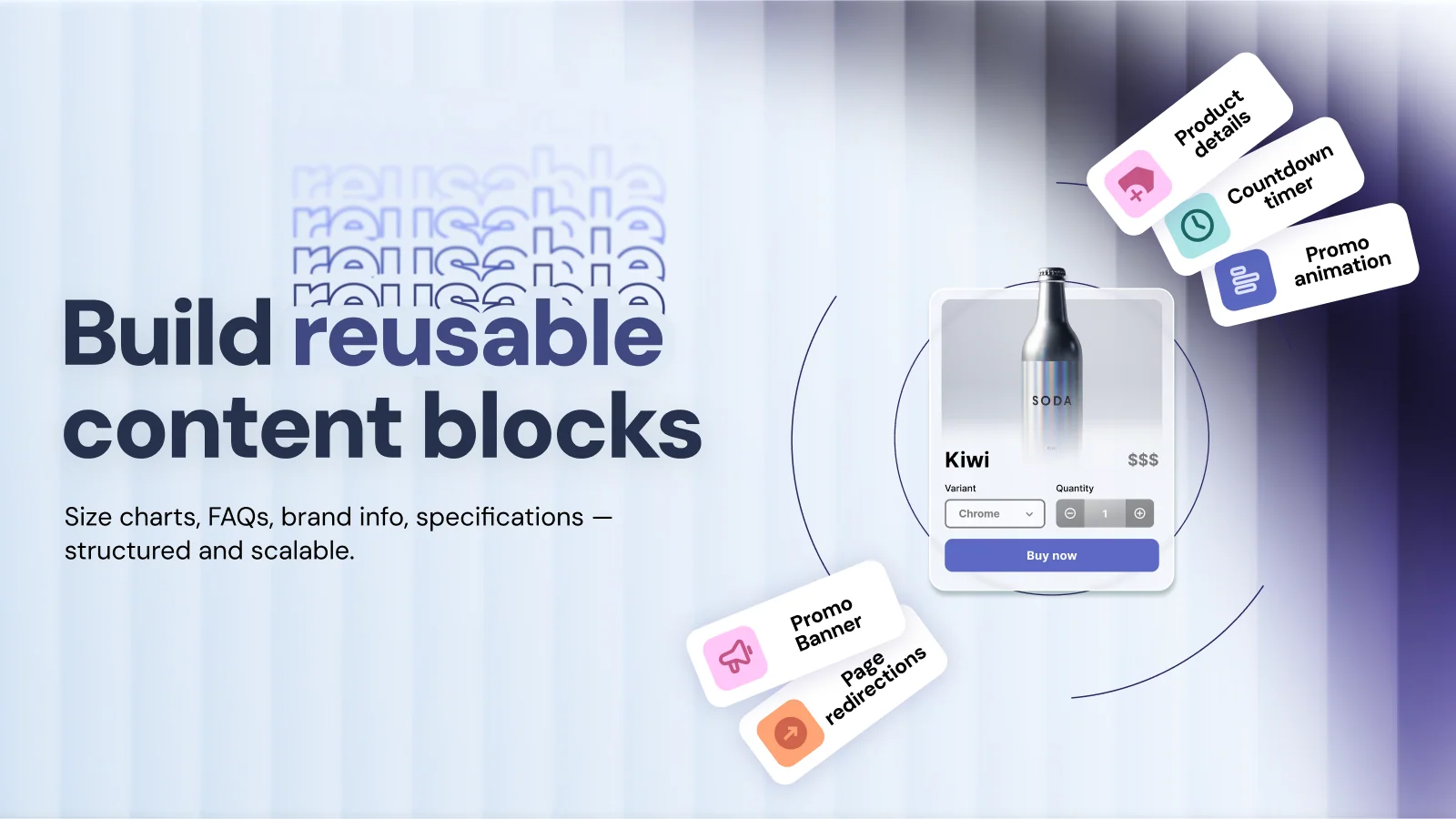
Paid plans add a bulk editor, filtering, grouping, and a reference manager for linking products at scale. You can link multiple stores and move data between them with Excel. Professional Plus adds webhooks and a 90-day edit history with restore. The app works with DeepL, Translate & Adapt, and Shopify Flow.
Key Features
- Custom page sections extend layouts beyond default theme options.
- Product pages can be tailored, including quick product video uploads.
- The bulk metafield editor suits stores with many products.
- Number, textarea, and dropdown fields fit specific data needs.
- It supports rich product data, bundles, and variant-level pricing.
- Non-developers can manage and edit data on their own.
- Support answers setup and custom integration questions quickly.
Ratings and Reviews: Accentuate Custom Fields holds a 4.8 out of 5 rating from 175+ reviews, with 96% rated five stars on its reviews page.
Pricing
- Free: $0, with premade theme blocks and promo elements.
- Starter: $4.20/month
- Scale: $15/month
- Business: $23.40/month
- All paid plans include a 15-day free trial.
Best for: Content-heavy stores, custom themes, multi-store brands, and stores selling in many languages.
Use it wisely: Plan field groups before you create them, so your team finds data fast later. Use countdown timers only when a real deadline exists.
3. Webify Metafields+Data Doctor
Webify Metafields+Data Doctor by Webify Technology Inc. has served Shopify merchants since 2012. It lets you live-edit metafields and metaobjects for products and variants. It works inside the Online Store 2.0 theme editor for display control.
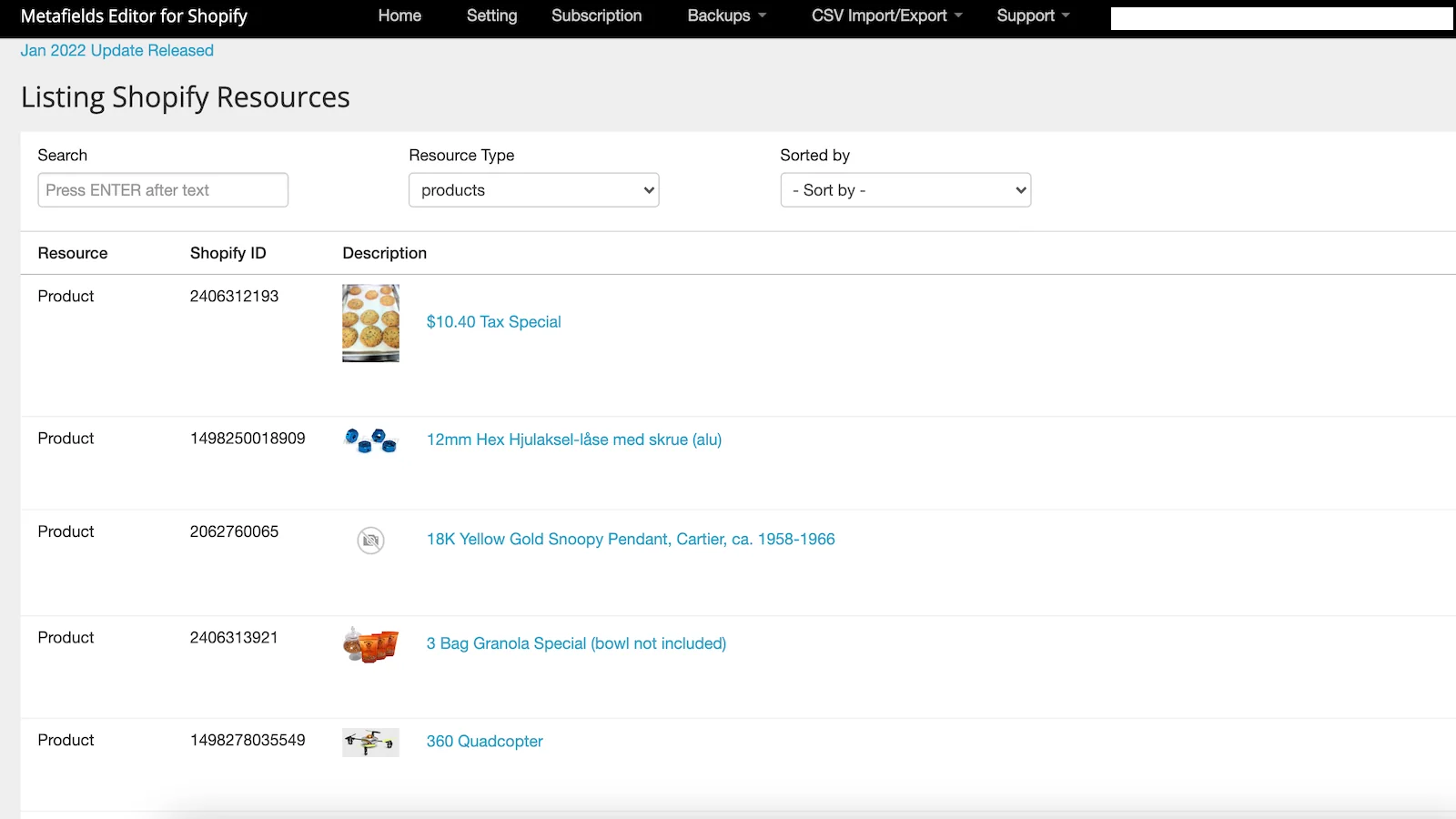
The Data Doctor tool scans your catalog for missing metafields and category attribute gaps. Metafield backups and product change history protect your work. On Pro, Metaobject Studio bulk-links one entry to many products, with dry run and undo.
Key Features
- It detects complex product metafields and shows them in a clean editor.
- Bulk import and export save hours of manual data entry.
- It adds details like nutrition facts to product pages.
- SEO fields can be updated from one place.
- It fits wholesale pricing data workflows.
- The free tier lets you test core features before paying.
- Support is responsive and helpful when issues come up.
Ratings and Reviews: Webify Metafields+Data Doctor holds a 4.7 out of 5 rating from 74+ reviews on its reviews page.
Pricing
- Free (Starter) plan available.
- Basic: $8.99/month, with product, variant, customer, order, and collection metafields.
- Pro: $15.99/month, with unlimited import/export and backups (not for Shopify Plus).
- Unlimited: $30.99/month, for Shopify Plus stores, with automatic backups.
- Paid plans include a 5-day free trial.
Best for: Stores that want to audit missing product data and keep reliable backups.
Use it wisely: Run a Data Doctor scan before bulk edits, so you fix the biggest gaps first. Use dry run before linking a metaobject to many products.
4. Metafields Manager
Metafields Manager by Argonautic Labs has supported Shopify stores since 2016 with one simple plan. It helps you create, maintain, and bulk update metafields from a single dashboard. You can add fields to products, articles, blogs, collections, and pages. It also supports shop-level metafields for the whole store.
Bulk CSV import and export handle large catalog updates in one pass. You can import, export, and back up metafield data across several Shopify stores. One distinct option lets you host data on Shopify or in your own AWS S3 account.
Key Features
- Stores with 500+ products and many fields save hundreds of hours.
- It handles advanced setups such as HTML metafields.
- Product info can be split into sections for easier browsing.
- It brings over data from other platforms that had no home in Shopify.
- Standard fields can be applied across products and customer records.
- Brand details can move into a clickable pop-up to shorten descriptions.
- Support joins live video calls and helps with code placement.
Ratings and Reviews: Metafields Manager holds a 4.9 out of 5 rating from 68+ reviews on its reviews page.
Pricing
- Production Plan: $20/month, with full metafield editing and bulk CSV import/export.
- Includes a 14-day free trial.
Best for: Multi-store merchants and teams moving data from another platform.
Use it wisely: Use the trial to test your full CSV workflow end to end. Save a backup export before every large import.
5. ACF: Metafields Custom Fields
ACF: Metafields Custom Fields by Arena Commerce offers unlimited custom fields and types on its free plan. A field builder dashboard supports all metafield data types. Merchants can upload files and images, then show them on the storefront. A Liquid syntax helper lets developers add custom data to themes quickly.
The app uses Energy points for actions such as file uploads. The free plan starts with 100 points, and paid plans add more or unlimited points. Import and export work in several formats, with advanced filters on PRO. It supports multiple languages and works with Shopify’s native Translate app.
Key Features
- Custom sections, tabs, and layouts can be built without code.
- Custom product data can appear on order documents like receipts.
- It has helped merchants work past the older 100-variant cap.
- Product descriptions can show on listing pages.
- A wide range of field types helps agencies build for clients.
- It stays stable under heavy use.
- Support often resolves issues within a day.
Ratings and Reviews: ACF: Metafields Custom Fields holds a 4.5 out of 5 rating from 104+ reviews on its reviews page.
Pricing
- Free Forever: Free to install, 100 Energy points included, then $2 per 200 points.
- PRO: $4.99/month or $47.90/year, with 1,000 points, 20MB uploads, then $2 per 2,000 points.
- INFINITY PRO: $12.99/month or $109/year, with unlimited Energy points.
Best for: Budget-conscious stores and developers building custom page layouts.
Use it wisely: Track Energy point use in your first month to find the right plan. Compress images before upload to keep pages fast.
Shopify Metafields Apps Comparison: The Details Listings Don’t Line Up
App listings show features one by one, which makes side-by-side choices hard. This table pulls the details that matter most for daily work.
| App | Launched | Pricing Model | Trial | Data Safety Tool | Distinct Workflow |
| Metafields Guru | 2019 | Record tiers + credits | Free plan | Pre-import validation | Browser extension in admin |
| Accentuate Custom Fields | 2016 | Flat tiers | 15 days | 90-day edit history and restore | 20 languages, DeepL support |
| Webify Metafields+Data Doctor | 2012 | Flat tiers | 5 days | Backups and change history | Data Doctor gap scan |
| Metafields Manager | 2016 | Single plan | 14 days | Cross-store backups | Own AWS S3 hosting option |
| ACF: Metafields Custom Fields | 2019 | Energy points | Free plan | Filtered import/export | Liquid syntax helper |
What Are Shopify Metafields and Custom Fields?
Metafields are extra data slots attached to products, variants, collections, customers, orders, and pages. Shopify’s default fields cover basics like title, price, and description. Metafields hold everything else, such as materials, warranty, or care steps.
Why Missing Product Data Quietly Costs Sales
Shoppers cannot touch your product, so details stand in for the real thing. When a key fact is missing, the unknown feels like risk. Most people avoid a choice that feels risky, even when the product is right. Baymard research notes that 10% of sites provide inadequate product descriptions, leading users to abandon.
The same pattern shows up beyond descriptions. Baymard reports that 64% of users look for shipping information on the product page, yet 43% of sites leave it out. On collection pages, 50% of benchmarked sites failed to show adequate list item attributes. Metafields fix this by putting the same detail in the same spot on every page, so shoppers learn where to look.
Where to Use Metafields in Your Store
- Product pages: specs, care notes, size charts, and ingredients.
- Collection cards: key attributes like material or fit.
- Product tabs: FAQs, warranty, and shipping notes.
- Order documents: custom data on receipts and packing slips.
When Your Store Needs a Metafields App
Shopify’s admin works fine when you manage a few fields on a few products. Watch for these signs.
- You copy the same detail into product descriptions by hand.
- Updating one field across 200 products takes a full afternoon.
- You need backups before seasonal catalog changes.
- You run more than one store and want matching data.
How to Set Up Custom Fields Without Breaking Your Store
- List the questions shoppers ask most, using support emails and reviews.
- Turn each answer into one metafield with a clear name.
- Fill five test products and preview them in your theme.
- Bulk import the rest through CSV after a backup export.
Guardrails: When Custom Fields Backfire
More data is not always better. If a product page shows twenty fields, shoppers skim past the one that matters. Stale data hurts trust faster than missing data, so assign someone to review fields each season. Promo blocks like countdown timers should only run when a real deadline exists. Fake urgency trains shoppers to ignore your messages, and it damages trust.
Also avoid storing the same data in two apps at once. Duplicate fields drift apart over time and confuse your team.
Conclusion
Small details often decide whether a shopper buys or leaves. Metafields and custom fields give those details a reliable home on every page. The right app makes bulk edits, backups, and display simple for your whole team.
Start with the questions shoppers ask most, then turn each answer into a clear field. When product pages answer questions before they are asked, buying feels easy.
FAQs
What is the difference between metafields and metaobjects?
Metafields add extra data to one item, like a product. Metaobjects are reusable entries, like a size chart, that you can link to many products.
Do I need coding skills to use a Shopify metafields app?
No. Most of these apps offer theme blocks or editors that work without code.
Can I bulk edit metafields with CSV files?
Yes. All five apps support CSV or spreadsheet import and export. Always save a backup export before a large upload.
Will metafields slow down my product pages?
Text fields have little effect on speed. Large images and videos can slow pages, so compress media first.
Can I share metafield data across multiple stores?
Yes. Accentuate Custom Fields and Metafields Manager both support moving data between stores.

Shopify Expert
Dipen Panchal, Shopify Tech Lead at Setubridge Technolabs, brings over a decade of expertise as a Shopify Expert. Passionate about e-commerce growth, he specializes in UI/UX design, crafting intuitive, engaging solutions tailored for merchants and B2B clients to enhance user experiences.