





A shopper finds a frame she loves on your Shopify store. She zooms in, checks the color, and adds it to her cart. Then the doubt hits: “Will these look strange on my face?” She closes the tab, and you never hear from her again.
If you run an eyewear store, you know this feeling well. Glasses sit in the middle of the face. Shoppers can’t judge them from a product photo alone. So they leave, or they order three pairs and send two back.
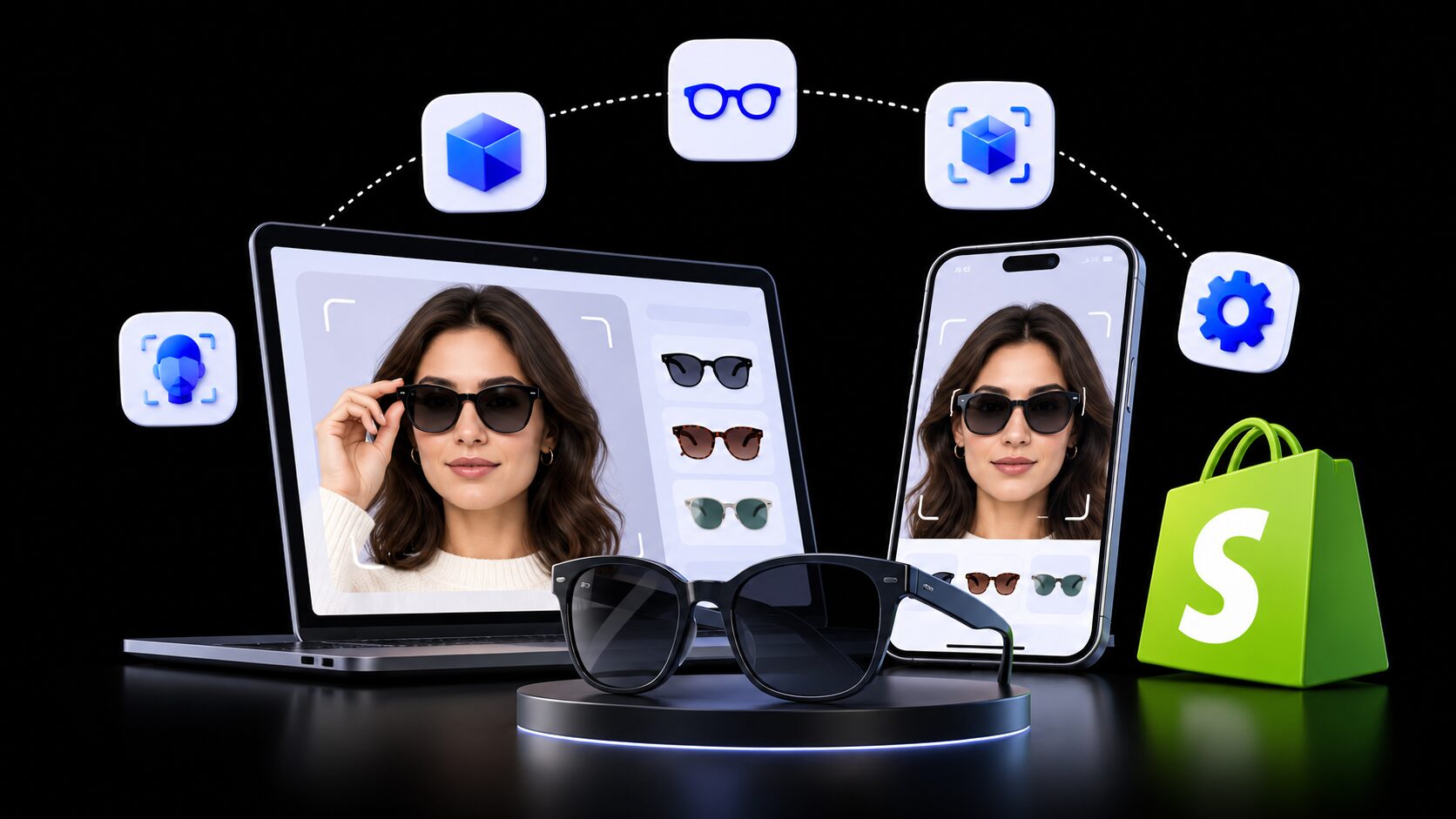
That is where a virtual glasses try-on app for Shopify helps. It adds a “Try it on” button to your product page. Shoppers see frames on their own face, using a live camera or a selfie. The guesswork drops, and the buying decision gets easier.
This guide explains how virtual try-on works and which store problems it solves. It also compares 7 virtual try-on apps for Shopify on the same facts. You will see pricing, cost per try-on, setup effort, and the type of store each app fits best.
Key Takeaways
- Shopify has no built-in face try-on, so eyewear stores add virtual glasses try-on with an app.
- There are two methods: live AR face tracking and AI photo try-on. Each solves a different shopper doubt.
- Try-on targets two costly problems for eyewear merchants: hesitant shoppers and “order three, keep one” returns.
- Cost models differ a lot. Some apps charge per try-on, while one charges by product count.
- At 1,000 try-ons a month, costs across these 7 apps range from about $63 to about $110.
- Clean, front-facing frame photos matter more than any app setting.
- Start with your top 10 frames, mobile test, and compare try-on users with non-users after 30 days.
What Is a Virtual Glasses Try-On App for Shopify?
A virtual glasses try-on app is a Shopify app that shows frames on a shopper’s face before they buy. It adds a button to your product page, often near Add to Cart. The shopper taps it and sees the glasses on their own face. They can then compare styles, colors, and shapes in seconds.
Shopify lets you add 3D models and AR views to product pages. That helps shoppers see a product from every side. But Shopify has no built-in tool that places glasses on a shopper’s face. For that step, you need a virtual try-on app from the Shopify App Store.
There is good reason to add richer visuals. Shopify reports that merchants who add 3D content see a 94% conversion lift on average. Face try-on takes that idea one step further for eyewear. It shows the product on the person, not just in space.
How Live AR Try-On Works
Live AR (augmented reality) try-on uses the phone or laptop camera. The app tracks the shopper’s face in real time. It places a 2D or 3D frame on the face, and the frame moves as they turn their head. This feels close to standing in front of a store mirror.
How AI Photo Try-On Works
AI photo try-on starts with one photo of the shopper. They upload a selfie, and an AI model creates a new image of them wearing the product. The result looks like a polished photo they can save or share. It works well for comparing looks and styles side by side.
AR vs. AI Try-On: Which Fits an Eyewear Store?
| Factor | Live AR try-on | AI photo try-on |
| What the shopper does | Opens camera and moves their head | Uploads one photo |
| Best for | Checking frame shape and size on the face from many angles | Comparing styles and sharing looks |
| Product files needed | Product images, sometimes 3D (GLB) files | Clear product images |
| Usual pricing model | Per product or monthly plan | Per try-on credit |
| Feel | Like a store mirror | Like a styled photo shoot |
Many eyewear merchants start with live AR for optical frames. Others use AI photo try-on for sunglasses and fashion eyewear. Some stores use both on different product lines.
5 Eyewear Store Problems Virtual Try-On Helps Solve
Most eyewear stores on Shopify face the same few problems. They are not traffic problems. They are confidence problems that show up at the product page. Here is how virtual glasses try-on fits into each one.
1. Shoppers Leave Because They Can’t Picture the Frame
A frame that looks great on a model may look wrong on a round or narrow face. Shoppers know this, so they hesitate. Many leave to “think about it” and never come back. Try-on gives them a quick answer on the page, right when doubt appears.
Eyewear brands that added try-on have shared clear results. Japanese eyewear retailer Zoff saw a 4x higher conversion rate among shoppers who used virtual try-on. MOSCOT reported a 135% higher conversion rate for shoppers who used its 3D and virtual try-on tools. These are vendor and brand reports, so treat them as a guide, not a promise.
2. Returns Eat Into Your Margin
Every returned frame costs you shipping, handling, and sometimes the frame itself. Online returns are a big problem across retail. The NRF estimates that 19.3% of online sales would be returned in 2025. For a small eyewear brand, that can wipe out the profit on a whole product line.
Try-on targets the “it didn’t suit me” return. Shoppers who see the frame on their face first are less likely to be surprised. London eyewear brand Bloobloom reported a 10–15% reduction in product return rates after adding virtual try-on. Your result will depend on your frames, photos, and shoppers.
3. “Bracketing” Orders Hide the Real Cost
Bracketing means a shopper orders two or three frames, planning to keep only one. It looks like a big order in your dashboard. Then the returns arrive, and the profit disappears. You also pay to restock and reship the frames.
Try-on lets shoppers narrow their choice before checkout. Instead of buying three frames to compare at home, they compare on screen. That leads to smaller, cleaner orders that stay sold.
4. Free Returns Are Expected, Not Optional
US shoppers expect easy returns. The NRF found that 82% of consumers cite free returns as a major factor when they buy. Dropping free returns can hurt sales, but keeping them costs money.
The practical fix is to reduce why people return in the first place. Try-on works before the purchase, not after it. It protects your free-returns promise by lowering how often shoppers need it.
5. Product Pages Don’t Hold Attention
Many eyewear product pages show the same five images: front, side, angle, folded, and case. Shoppers scroll, feel unsure, and bounce. A try-on button gives them something to do on the page. It turns a passive look into an active choice.
Some try-on apps also capture an email during the try-on flow. Others let shoppers share or save their try-on image. That gives you a warm lead you can follow up with, even if they don’t buy today.
Who Should Add a Virtual Try-On App to Their Shopify Store
Virtual try-on fits best when the look of the product decides the sale. Eyewear is one of the clearest examples. These Shopify stores usually get the most value:
- DTC sunglasses brands that sell on style and face shape
- Optical frame stores with many similar shapes and sizes
- Blue-light and reading glasses stores selling to first-time online buyers
- Opticians with a Shopify store who want online shoppers to “try” frames like in clinic
- Fashion stores with an eyewear line that already use try-on for clothing or accessories
If you have only a handful of frames or very low traffic, start small. Turn try-on on for your best sellers first. That way, you collect enough try-ons to measure real results.
How to Choose a Virtual Glasses Try-On App for Your Shopify Store
The right app depends on your catalog, traffic, and team time. Start with the method and eyewear tools, then check cost. Use these questions to build a shortlist of two apps.
- Does the app show eyewear tools? Look for frame placement, face tracking, or pupillary distance (PD) on the listing.
- Live AR, AI photo, or both? Match the method to the doubt your shoppers have most.
- What product files does it need? Some apps work from regular images. Others accept 3D GLB files for more detail.
- How is it priced? Per try-on plans scale with traffic. Per product plans scale with catalog size.
- What happens after the included try-ons? Check the extra cost per try-on on each plan.
- Does it work on mobile? Most eyewear shoppers browse on phones, so test on iPhone and Android.
- Does it need theme code? Many apps add a block in the theme editor, with no coding.
- Does it connect to your marketing? Klaviyo or SMS links let you follow up with shoppers who tried on frames.
- What data does it access? Read the permissions on the listing and your privacy policy duties.
- Is it Built for Shopify? This badge means the app met Shopify’s standards for speed, design, and ease of use.
One simple rule saves time and money. Install your top two choices and run three of your own frames through each. The app that makes your frames look right is the one to keep.
Top 7 Virtual Glasses Try-On Apps for Shopify
Each app below is covered with the same facts, taken from its Shopify App Store listing. Prices are in USD and billed every 30 days. Ratings and prices were checked on November 19, 2026.
1. Antla AI Virtual Try On
Antla AI Virtual Try On by Antla is an AI photo try-on app with the built-for-Shopify badge. Shoppers upload one photo and see the product on themselves, right on the product page. The listing names eyewear, clothing, and handbags as example categories. It holds a 5.0 rating from 65+ reviews.
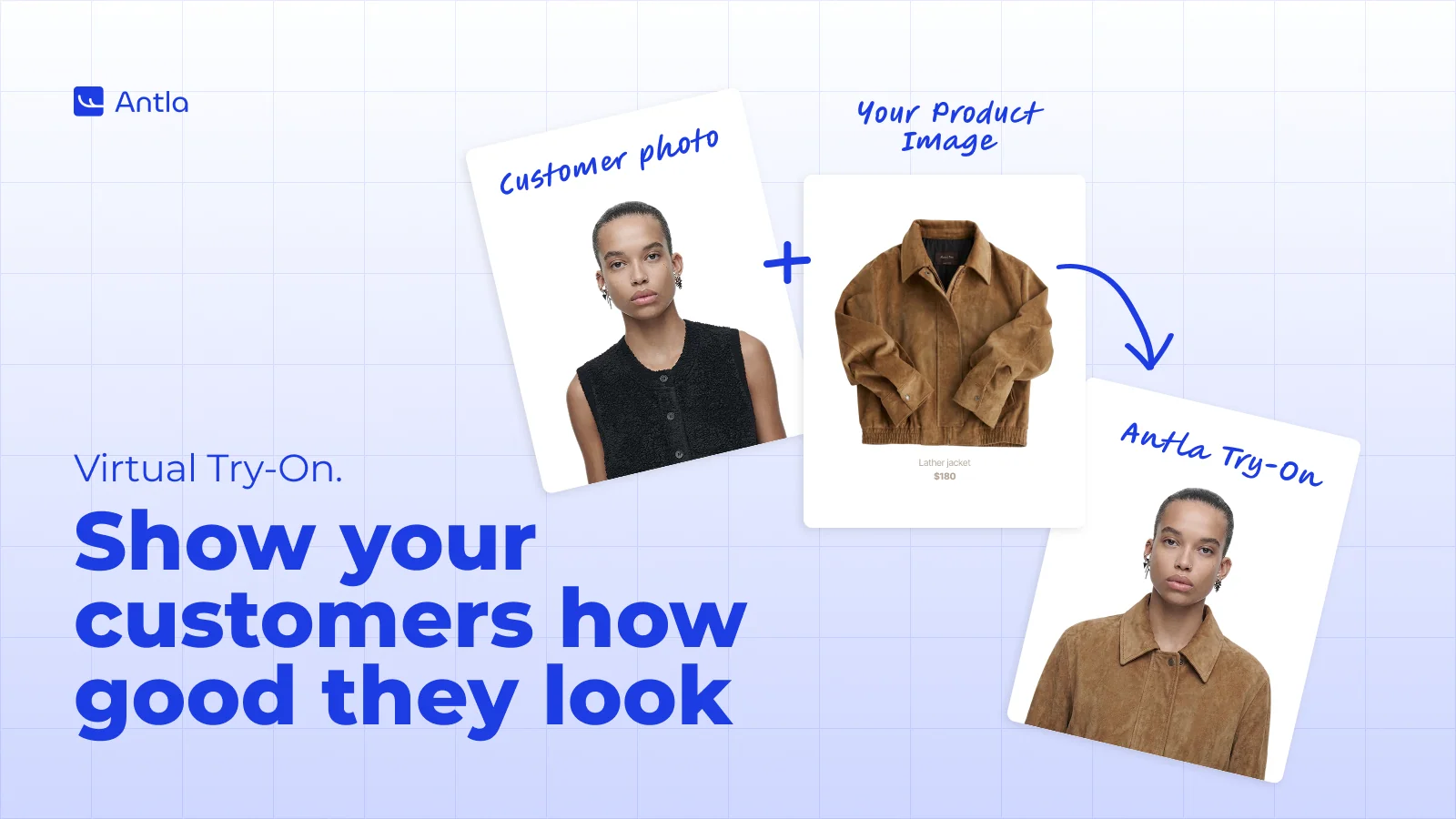
Antla links try-on to your marketing. It can give shoppers an automatic discount after they try on a product. It also connects with Klaviyo, Attentive, Postscript, and Shopify Flow, so try-on activity can trigger follow-ups.
- AI try-on from a single shopper photo
- Automatic discounts for shoppers who try on
- Real-time analytics on top styles, try-ons, and shares
- Works with size charts and sizing templates
- Responsive on desktop, tablet, and mobile
Pricing: Trend $19.99 (100 try-ons), Runway $49.99 (500), Unlimited Fashion $199.99 (2,000). Every plan has a 7-day free trial.
Best for: Eyewear brands that run email and SMS campaigns and want try-on data to feed them.
2. Camweara Virtual Try On
Camweara Virtual Try On by Camweara is a real-time try-on app with tools made for eyewear. It offers pupillary distance (PD) measurement and Specs AI, which turns frame images into 3D models. It supports live, photo, and video try-on modes with face tracking. Launched in 2021, it holds a 5.0 rating from 64+ reviews.
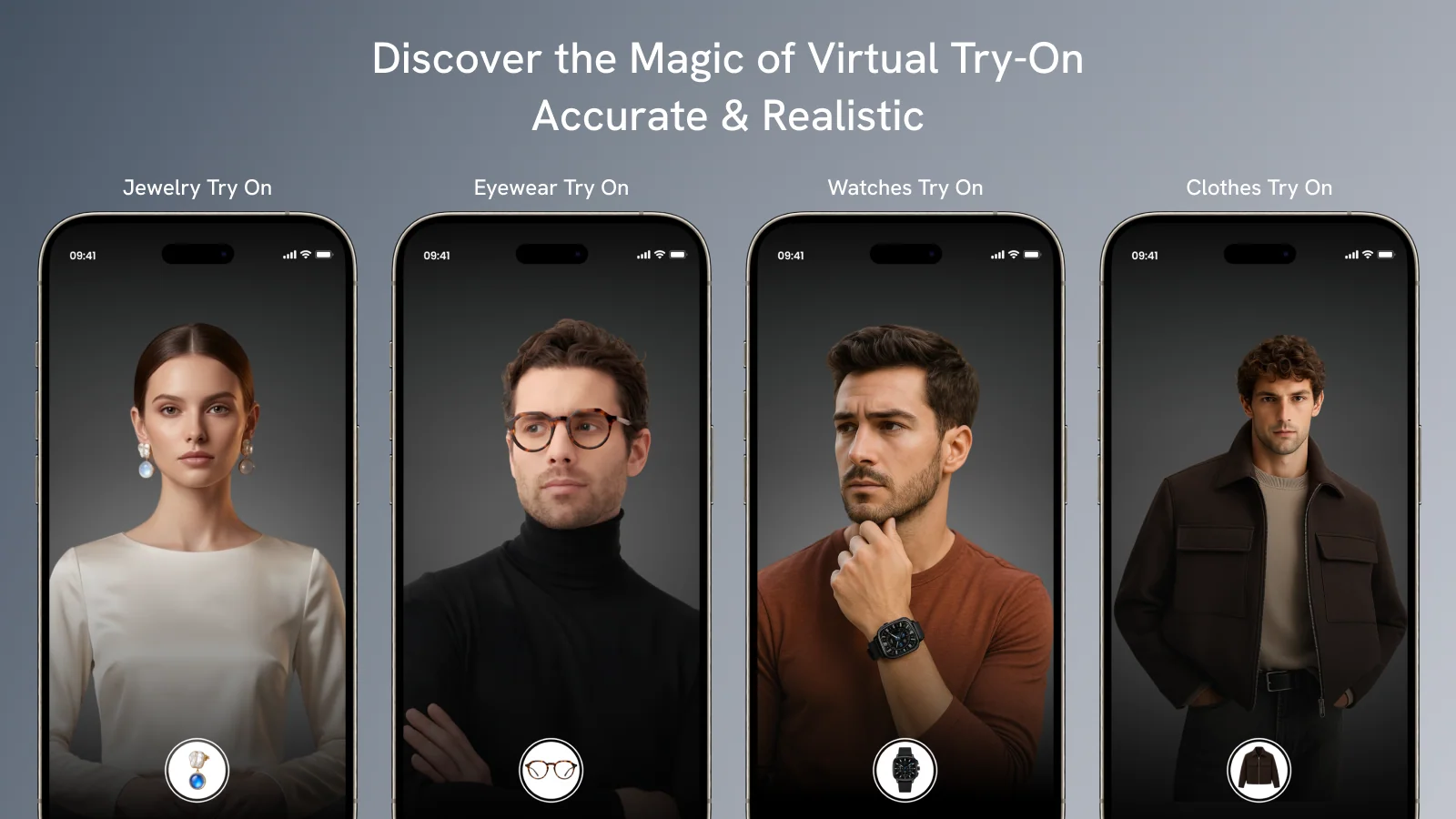
Camweara also covers jewelry, watches, hats, and more. That suits stores selling eyewear alongside other accessories. Try-ons can be created from regular images, with GLB 3D files as an option.
- Live AR try-on with face tracking
- PD measurement for eyewear on every plan
- Specs AI converts eyewear images into 3D models
- Auto background removal for product images
- Analytics, plus purchase tracking from try-on on the Starter plan
Pricing: Lite $39 (up to 70 products), Starter $90 (300 products), Growth $200 (3,000 products). Annual billing saves 8% to 17%.
Best for: Dedicated optical and sunglasses stores that want a mirror-like live try-on.
3. GenLook: AI Virtual Try On
GenLook: AI Virtual Try On by GenLook is a built-for-Shopify app for AI photo try-on. Shoppers try products on their own photo, then ask an AI assistant about size and style. It supports about 48 languages, which helps US stores serving Spanish-speaking or bilingual shoppers. It holds a 5.0 rating from 41+ reviews.
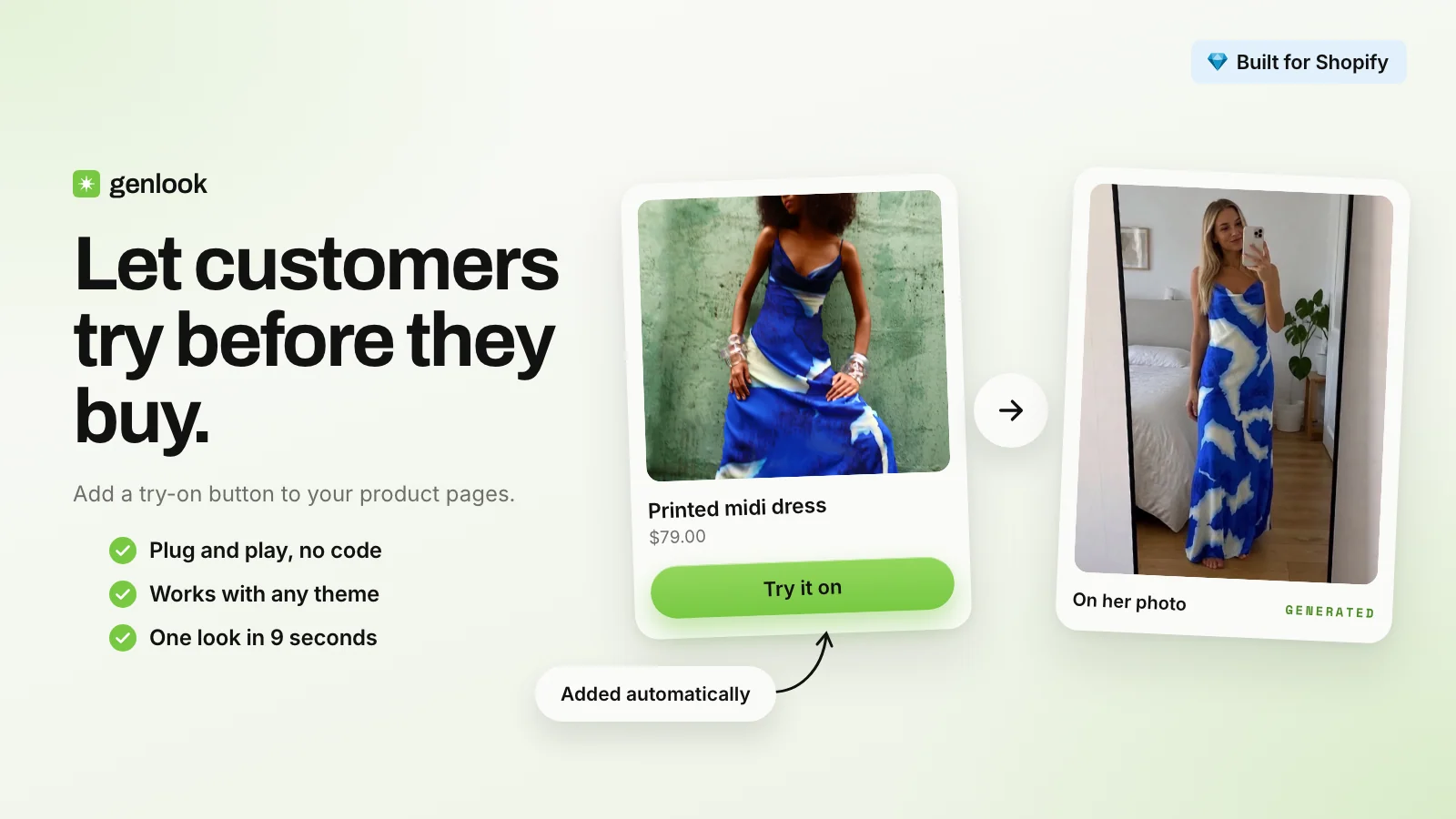
GenLook offers a free plan with 10 try-ons a month. That gives eyewear merchants an easy way to preview their own frames before paying. Setup takes minutes with no code, according to the listing.
- AI try-on from one shopper photo
- AI shopping assistant (beta) for style and size questions
- Email capture inside the try-on flow
- Funnel analytics and try-on-attributed sales
- Klaviyo and Shopify Flow connections
Pricing: Free (10 try-ons), Starter $19.99 (100), Growth $29 (300), Pro $79 (1,000).
Best for: Fashion-led stores with an eyewear line, and stores selling in many languages.
4. SS: AI Virtual Try On
SS: AI Virtual Try On by Startstorez is an AI photo try-on app from a US developer based in Illinois. Customers upload a photo and receive AI-generated try-on images. It has the lowest entry price in this list at $14.99. It holds a 5.0 rating from 32+ reviews.
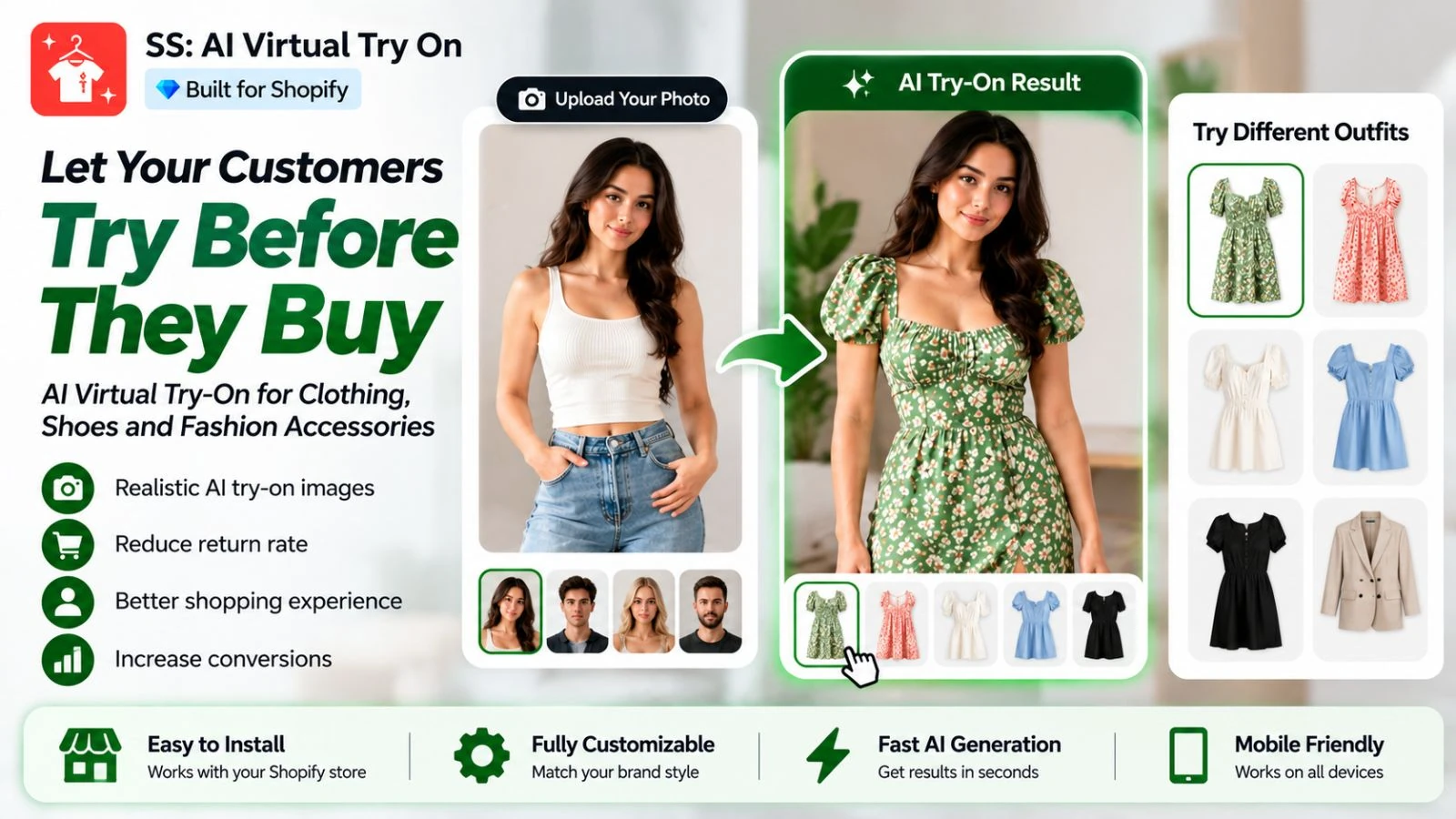
SS gives merchants control over where and how try-on appears. You can target specific products or collections and require login before a try-on. That helps you place try-on only where it adds the most value.
- Product and collection targeting
- Optional login requirement for try-on
- Before-and-after comparison view (Growth plan)
- Analytics dashboard and customer generation tracking
- API and webhook options on the Pro plan
Pricing: Starter $14.99 (150 images), Growth $29 (350), Pro $89.99 (1,000). The Starter plan includes a 3-day trial.
Best for: Fashion and accessories stores that want a low-cost way to test try-on on selected products.
5. Icona: AI Virtual Try On
Icona: AI Virtual Try On by Icona is a built-for-Shopify app that uses shoppers’ own photos. The AI shows how a product looks on them in seconds. Its screenshots show sunglasses, jewelry, dresses, and shoes. It holds a 4.8 rating from 20+ reviews.
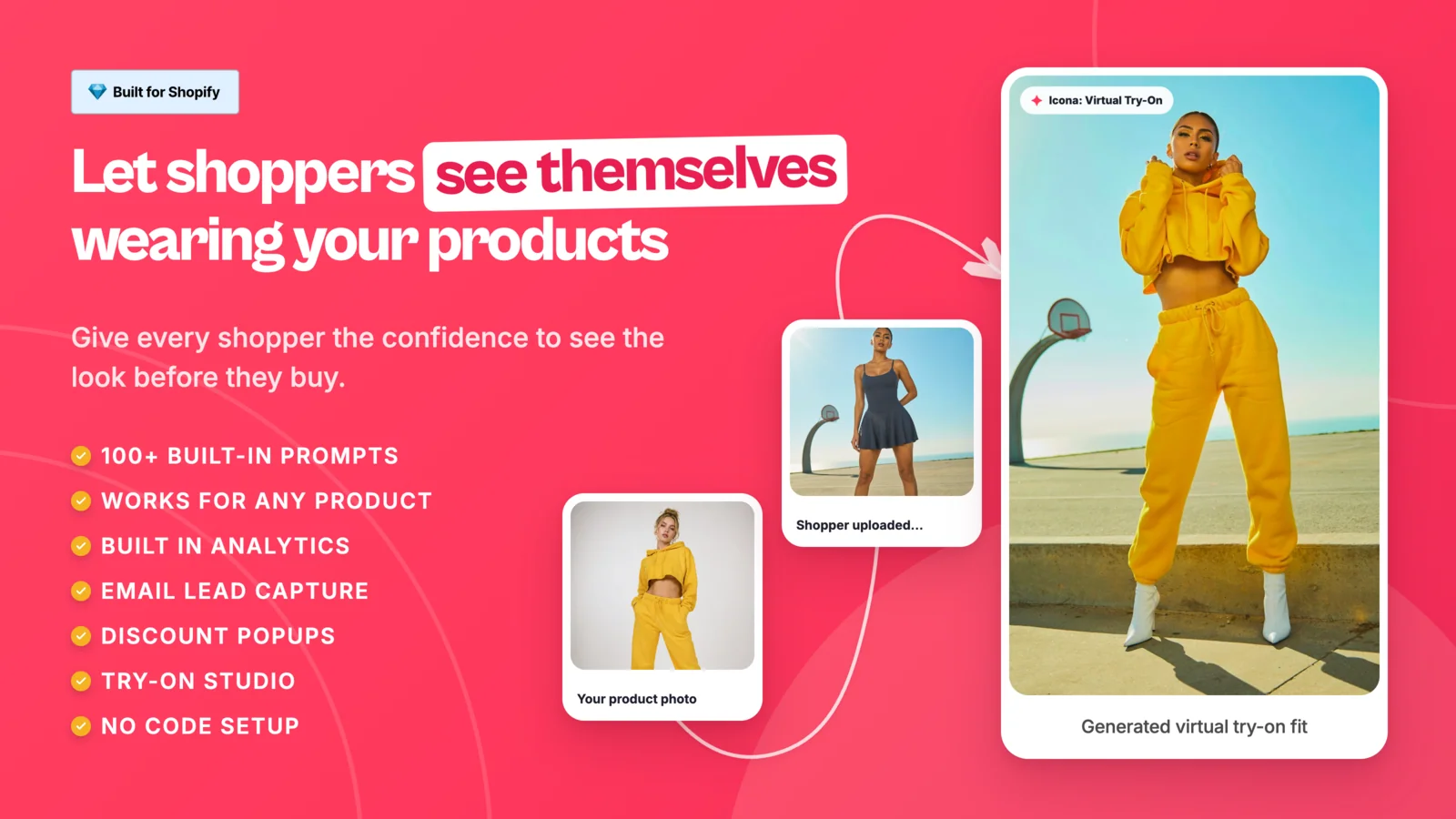
Icona puts lead capture at the center of try-on. It can show popups, offer discounts, and collect emails during the try-on flow. For an eyewear store, that turns a browsing shopper into a contact you can reach later.
- AI virtual try-on from the shopper’s photo
- Try-on Studio on all plans
- Email lead capture with popups and discounts
- Analytics for try-on sessions and conversions
- Klaviyo, Attentive, Brevo, and Shopify Flow connections
Pricing: Free (10 credits), Neo $14.99 (150), Pro $29.99 (250), Ultra $99.99 (1,000). Paid plans include a 7-day trial and 24/7 support.
Best for: Small sunglasses and accessories stores that want try-on to grow their email list.
6. Tuck Virtual Try On
Tuck AI Virtual Try On & Size by Xapien Innovatus is a photorealistic AI try-on app. It applies products to the shopper’s uploaded photo and keeps lighting natural. It also scans your catalog and turns on try-on only where results are reliable. It holds a 5.0 rating from 19+ reviews.
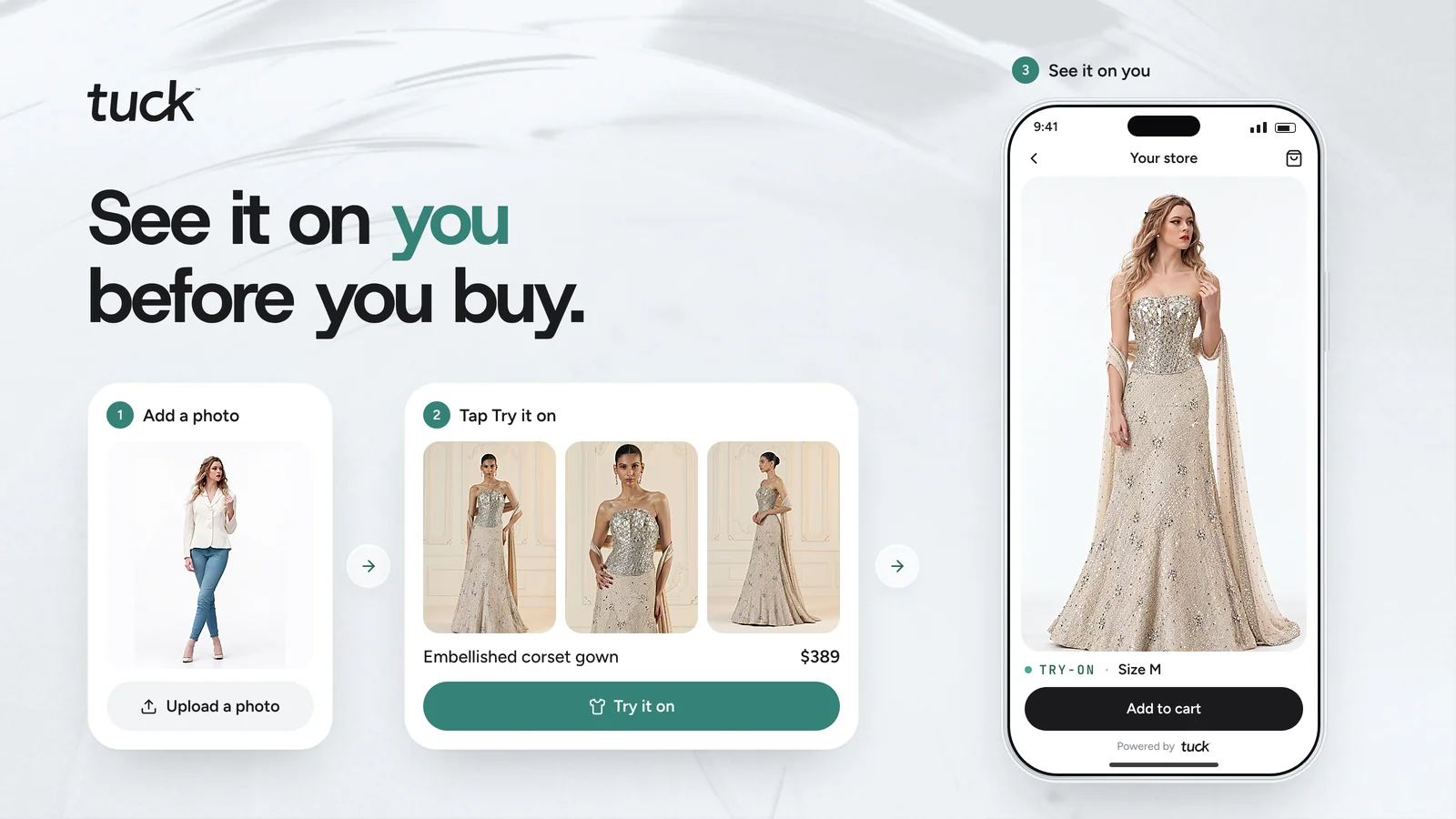
Tuck has the lowest cost per try-on in this list. Its Starter plan works out to about $0.075 per try-on. The listing also states zero third-party data transfer, which matters to privacy-minded US shoppers.
- Photorealistic try-on on the shopper’s own photo
- Size suggestions matched to your size chart
- Automatic catalog check for try-on readiness
- Picks the sharpest product photo for each render
- Installs as a theme app extension in about 3 minutes
Pricing: Starter $14.99 (up to 200 try-ons), Growth $49.99 (up to 800), Scale $129 (up to 3,000). Each plan has a 7-day free trial.
Best for: Stores that want low cost per try-on at scale and strong privacy messaging.
7. TryPoint ‑ AI Virtual Try On
TryPoint ‑ AI Virtual Try On by TouchPoints Inc is a built-for-Shopify app from Austin, Texas. It runs on Google’s virtual try-on technology. Shopper photos are auto-deleted and never used to train AI, according to the listing. It holds a 5.0 rating from 13+ reviews.
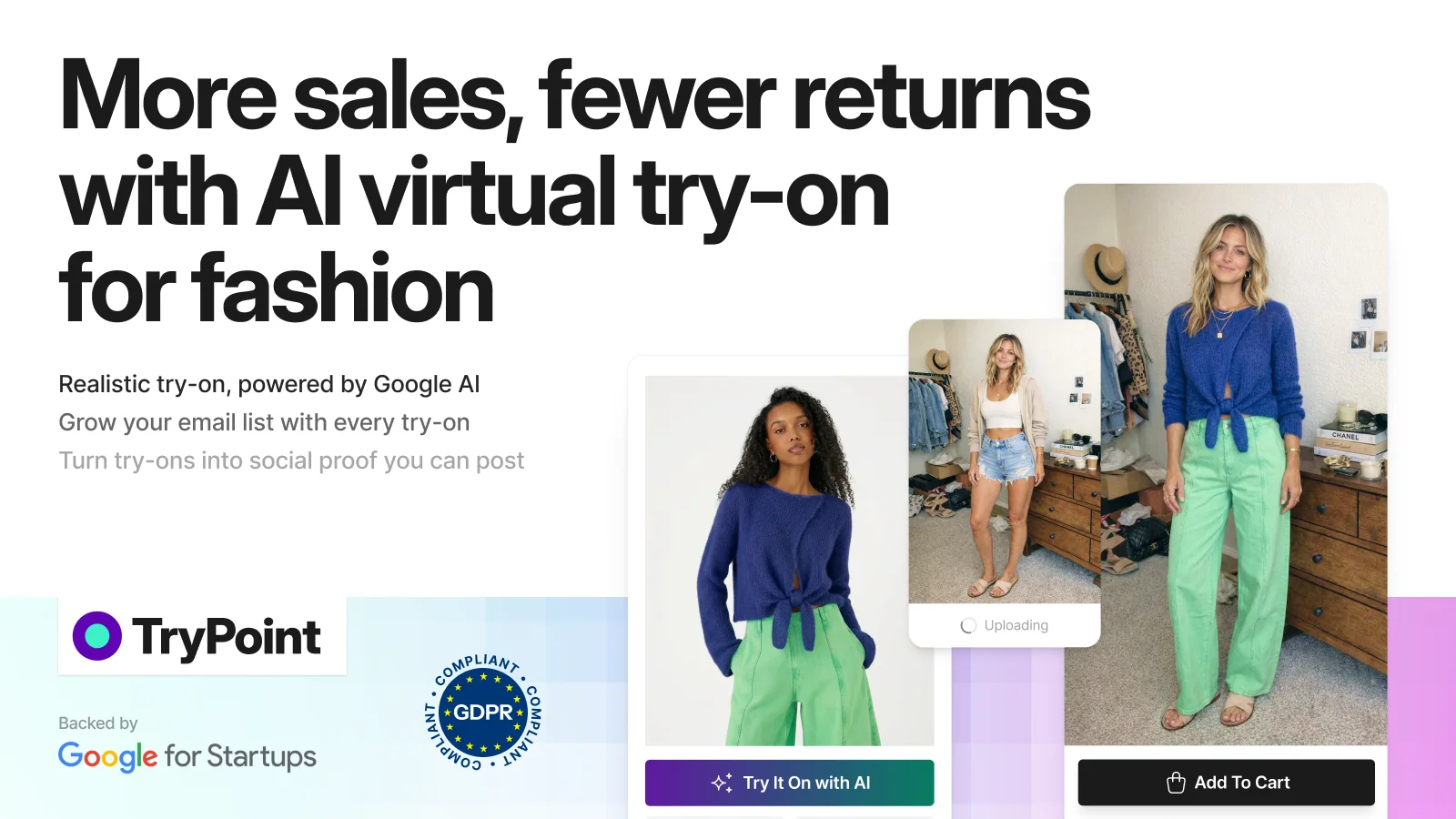
TryPoint helps you turn try-ons into social proof. With permission, you can reuse shopper try-on images as user-generated content. It also offers a pay-as-you-go plan for stores that want to start without a monthly commitment.
- One-click try-on button with no theme editing
- Email capture and shopper feedback during try-on
- Try-on review gallery in Shopify Admin
- Permission requests to reuse try-ons as UGC
- Klaviyo, Mailchimp, Omnisend, and Yotpo connections
Pricing: Free (20 try-ons), Pay-as-you-go ($0.29 per try-on), Basic $19.99 (100), Grow $99.99 (1,000). Basic and Grow include a 7-day trial.
Best for: Brands that want try-on images to double as social proof and UGC.
Virtual Try-On Apps for Shopify: Side-by-Side Comparison
This table goes beyond listing prices. It shows the real cost per try-on on each entry plan. It also shows what 1,000 try-ons a month would cost on the cheapest plan mix.
| App (by developer) | Try-on method | Entry plan | Cost per try-on (entry plan) | Cost of 1,000 try-ons / month | Best store fit |
| Antla AI Virtual Try On by Antla | AI photo | $19.99 / 100 | $0.20 | About $110 (Runway + 500 extra) | Email- and SMS-driven eyewear brands |
| Camweara Virtual Try On by Camweara | Live AR, photo, video | $39 / 70 products | Not charged per try-on | $39 for up to 70 products, any traffic | Dedicated optical and sunglasses stores |
| GenLook: AI Virtual Try On by Genlook | AI photo + AI assistant | $19.99 / 100 | $0.20 | $79 (Pro) | Multilingual, fashion-led stores |
| SS: AI Virtual Try On by Startstorez | AI photo | $14.99 / 150 | $0.10 | $89.99 (Pro) | Stores testing try-on on select products |
| Icona: AI Virtual Try On by Icona | AI photo | $14.99 / 150 | $0.10 | $99.99 (Ultra) | Stores growing an email list |
| Tuck AI Virtual Try On & Size by Xapien Innovatus | Photoreal AI photo + size advice | $14.99 / 200 | $0.075 | About $63 (Growth + 200 extra) | High-traffic, privacy-minded stores |
| TryPoint ‑ AI Virtual Try On by TouchPoints Inc | AI photo (Google VTO) | $19.99 / 100 | $0.20 | $99.99 (Grow) | Brands using try-ons as UGC |
Costs are calculated from each Shopify App Store listing as of November 19, 2026. Check the listing before you install, since plans can change.
How to read this table: If your traffic is high but your catalog is small, per-product pricing keeps costs flat. If your catalog is large but try-on use is light, per-try-on credits often cost less. Estimate your monthly try-ons first. A simple start is 5% to 10% of your monthly product page views.
How to Add Virtual Glasses Try-On to Your Shopify Store
Setup is usually quick, but a little prep makes results look far better. Follow this order to launch without surprises.
- Prepare your frame photos. Use straight-on front images with even lighting and a white or transparent background.
- Install two shortlisted apps. Start each on its free plan or trial.
- Add the app block. Go to Online Store > Themes > Customize, open the product template, and add the try-on block.
- Pick your first products. Turn try-on on for your top 10 best-selling frames.
- Place the button well. Put it near Add to Cart, where shoppers decide.
- Test on real devices. Check iPhone Safari, Android Chrome, and desktop, including the camera permission prompt.
- Update your privacy policy. Explain how shopper photos or camera data are used and stored.
- Launch and wait 30 days. Then compare results before you expand to more frames.
A Quick Note on Privacy for US Stores
Face images are sensitive data for many US shoppers. Some states, like Illinois, have biometric privacy laws. Online eyewear sellers have faced lawsuits over try-on tools under the Illinois law. A federal court dismissed one such case against FramesDirect.com’s owner under the law’s health care exemption.
A court also applied that exemption to a sunglasses try-on tool in a case against Dior. Still, the safest path is clear consent and a clear privacy policy. Ask a lawyer if you sell to Illinois, Texas, or Washington shoppers. This section is general information, not legal advice.
How to Measure If Virtual Try-On Is Working
Try-on should earn its place on your product page. Track a few numbers for 30 days, then decide whether to expand. Most of these live in your app dashboard or Shopify Analytics.
- Try-on usage rate: the share of product page visitors who tap “Try it on.”
- Conversion rate of try-on users vs. non-users: the clearest sign of impact.
- Add-to-cart rate on products with try-on turned on.
- Return rate and reason: watch for “didn’t suit me” or “not as expected” returns.
- Items per order: fewer bracketing orders means fewer planned returns.
- Emails captured through the try-on flow, if your app supports it.
For a fair test, turn try-on on for half of your top frames. Leave the other half as they are. After 30 days, compare conversion and returns between the two groups.
Common Mistakes Eyewear Stores Make With Virtual Try-On
Small setup choices often decide whether try-on helps or goes unused. Avoid these mistakes from day one.
- Using angled or lifestyle photos. Try-on needs clean, front-facing frame images.
- Hiding the button. On mobile, a button below the fold rarely gets tapped.
- Skipping the trial test. Always preview your own frames before choosing a plan.
- Ignoring extra try-on fees. Estimate monthly use, so you pick the right plan.
- Treating try-on as a fit guarantee. Show lens width, bridge, and temple size too.
- Forgetting consent. Tell shoppers how their photo or camera data is handled.
Conclusion
Eyewear shoppers don’t leave because they dislike your frames. They leave because they can’t picture those frames on their own face. A virtual glasses try-on app for Shopify answers that question on the product page. It can lift buyer confidence, cut bracketing orders, and reduce “didn’t suit me” returns.
Your next step is simple. Pick two apps, add them to your top 10 frames, and test for 30 days. Let your own conversion and return data choose the winner.
FAQs
Does Shopify have a built-in virtual glasses try-on?
No. Shopify supports 3D models and AR views on product pages, but not face try-on. You need a virtual try-on app from the Shopify App Store.
Which virtual try-on app is best for an eyewear-only Shopify store?
It depends on the method you want. For live AR with PD measurement, Camweara Virtual Try On lists eyewear-specific tools. For AI photo try-on and marketing links, Antla, GenLook, Icona, and TryPoint are good fits to test.
Do I need 3D models of my glasses?
Not always. Most apps in this list work from regular product images. Some, like Camweara, also accept GLB 3D files for added detail.
How much does a virtual try-on app cost on Shopify?
Plans in this list start from free and go up to about $200 a month. At 1,000 try-ons a month, expect roughly $63 to $110 on per-try-on plans.
Does virtual try-on reduce returns for eyewear?
It can, by cutting “didn’t suit me” returns and bracketing orders. Bloobloom reported a 10–15% drop in return rates after adding try-on. Track your own return reasons to measure the change.
Does virtual try-on work on mobile?
Yes. These apps run on the product page in mobile browsers, and Antla and Camweara list phone support directly. Test the camera prompt and load speed on iPhone and Android before launch.

Shopify Expert
Dipen Panchal, Shopify Tech Lead at Setubridge Technolabs, brings over a decade of expertise as a Shopify Expert. Passionate about e-commerce growth, he specializes in UI/UX design, crafting intuitive, engaging solutions tailored for merchants and B2B clients to enhance user experiences.