You can’t just sell products at retail these days when we are talking about e-commerce – you are going to have to fulfil a customer’s need or want. Like a fun example: a t-shirt with their favourite saying and/or a mug with a family picture on it. Well, Shopify product customizers allow customers to create their own products right from the store. Apps such as these are easy to use, and they help online stores create more buyers, increase sales, and also increase the level of satisfaction among customers.
Personalization is no longer a fleeting trend. Research shows that anywhere from 47%–76% of consumers expect customization from retailers. Stores that do customize products when requested can realize upwards of a 10% increase in sales. And there is even a study stating that about 25% of consumers would pay extra for the customer-created product.
For instance, if a neighbourhood coffee shop offers customization on its online menu, the fans could add names or doodles to the mugs and see an increase in sales; perhaps even back orders would double. Shopify is expecting a 10.32% global growth by 2025, and tools like this allow the store to engage customers without any extra effort online.
Key Takeaways
- Personalization pays: Expect 10-15% revenue lifts with the right tools.
- Pick by need: Easify or Custom Product Options for variants; Kickflip for visuals; SB for prints.
- Start free: Most offer a trial test before committing.
- Trends matter: AI and AR are coming; choose apps that update often.
- Focus on support: Quick help solves 80% of setup snags.
- Measure wins: Track orders and engagement post-install.
Comparison of Top Shopify Product Personalizer Apps
Here is a quick, side-by-side look at each app’s rating, pricing model, and standout strength.
| App Name | Rating | Pricing Model | Standout Strength |
| Customily Product Personalizer by Customily | 4.8 (244) | $49/mo + 0.1–1/item | Pay-per-use, deep POD automation, AI effects |
| Teeinblue Product Personalizer byTeeinblue | 4.9 (340) | $49/mo + 0.1–0.4/item | Low fees, first 100 orders free, multi-store |
| Inkybay ‑ Product Personalizer by ParseLab, LLC | 4.5 (159) | From $19.99/mo | Dynamic pricing, custom size, all print methods |
| PC ‑ Custom Product Options by Product Customizer | 4.7 (1.1K) | Free + from $8.90/mo | Unlimited option fields, upcharge pricing |
| SB Custom Product Designer by Setubridge | 4.6 (144) | Free + paid | Print-ready files (7 formats), tier pricing |
Top 5 Shopify Product Personalizer Apps
Shoppers love products they can make their own, from mugs to custom tees. A product personalizer app lets buyers design items with a live preview. These five best Shopify product personalizer apps boost sales and cut returns. We checked live ratings, plans, and print-ready output to help you choose.
“All apps personally tested by our Shopify Team”
1. Customily Product Personalizer
Customily Product Personalizer by Customily is an all-in-one personalizer with a strong 4.8-star rating. Shoppers customize products live using text, photos, maps, and AI filters. It exports ready-to-print, engrave, or laser-cut files automatically. The app is paid, but free for development stores while you build.
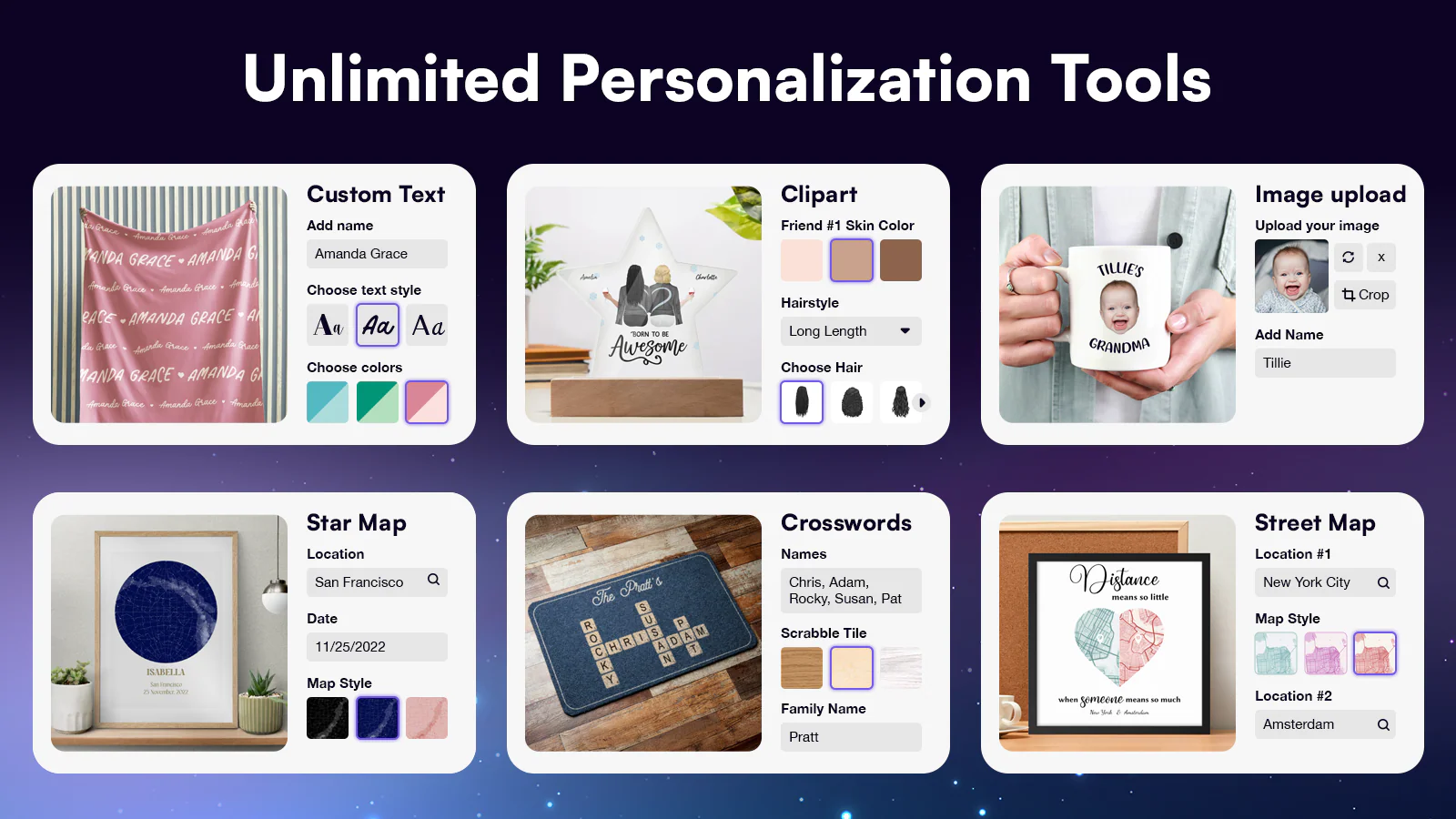
Pricing is usage-based: a $0.1 to $1 fee applies per personalized order item. So you pay only for the products that actually use Customily. You get unlimited stores, options, and products on one plan. It also includes free clipart, AI effects, and one-click Canva import.
Key Features
- Unlimited stores, options, and products.
- Unlimited ready-to-print file exports with automatic generation.
- Full automation with the best POD providers.
- One-click import designs from Canva.
- Free clipart, designs, AI effects, and filters included.
- Live preview for text, photos, maps, and calendars.
- A frequently updated changelog every week.
Pros
- Pay only for products that use Customily.
- Deep POD automation with print-ready file exports.
- Free AI effects, clipart, and Canva import included.
- Outstanding support with live training sessions.
Cons
- Paid plan only; free access is for development stores.
- Per-item transaction fees can add up at high volume.
Best For
POD and personalized-gift stores that want deep automation. It fits merchants who prefer pay-per-use over a flat monthly fee.
Pricing: Free for development stores. Paid from $49/mo plus 0.1–1 per order item.
2. Teeinblue Product Personalizer
Teeinblue Product Personalizer by teeinblue is an AI product customizer with a 4.9-star rating. It is built to scale personalized POD businesses with live preview. Shoppers add text, photos, clipart, maps, and AI effects to products. The app is paid, but free for development stores during setup.
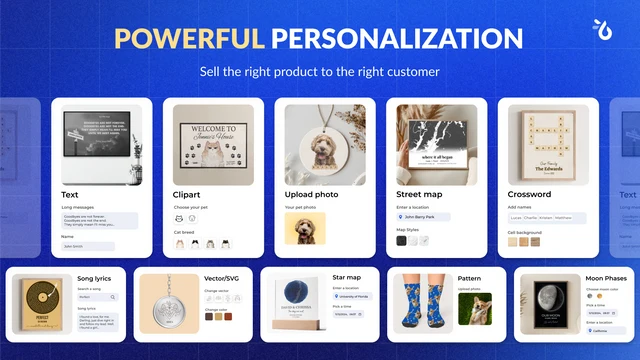
A $0.1 to $0.4 fee applies per order item generated by Teeinblue. The first 100 orders each month come with no transaction fee. You manage unlimited stores and products in one single account. You can also import designs from Canva and PSD with ready-made mockups.
Key Features
- No transaction fee for the first 100 orders per month.
- Unlimited stores in one account.
- Unlimited customized options and products.
- Auto-generate print-ready files for POD.
- Import your designs from Canva and PSD.
- Free ready-to-use designs and mockups.
- A frequently updated changelog every month.
Pros
- Lower per-item fee range than many rivals.
- First 100 orders monthly are fee-free.
- Free live training and dedicated support.
- Strong 4.9 rating from personalized stores.
Cons
- Paid plan only; free access is for development stores.
- Setup has a learning curve for complex logic.
Best For
Scaling POD brands that want low per-item fees and automation. It fits sellers who run multiple stores from one account.
Pricing: Free for development stores. Paid from $49/mo plus 0.1–0.4 per order item. Use code BFCMREADY for 50% off for 2 months.
3. Inkybay ‑ Product Personalizer
Inkybay ‑ Product Personalizer by ParseLab, LLC is a visual configurator and customizer with a 4.5-star rating. It offers live preview, so shoppers see custom products before buying. Advanced product options and quantity discounts support real production. It is designed for print shops selling any kind of custom product.
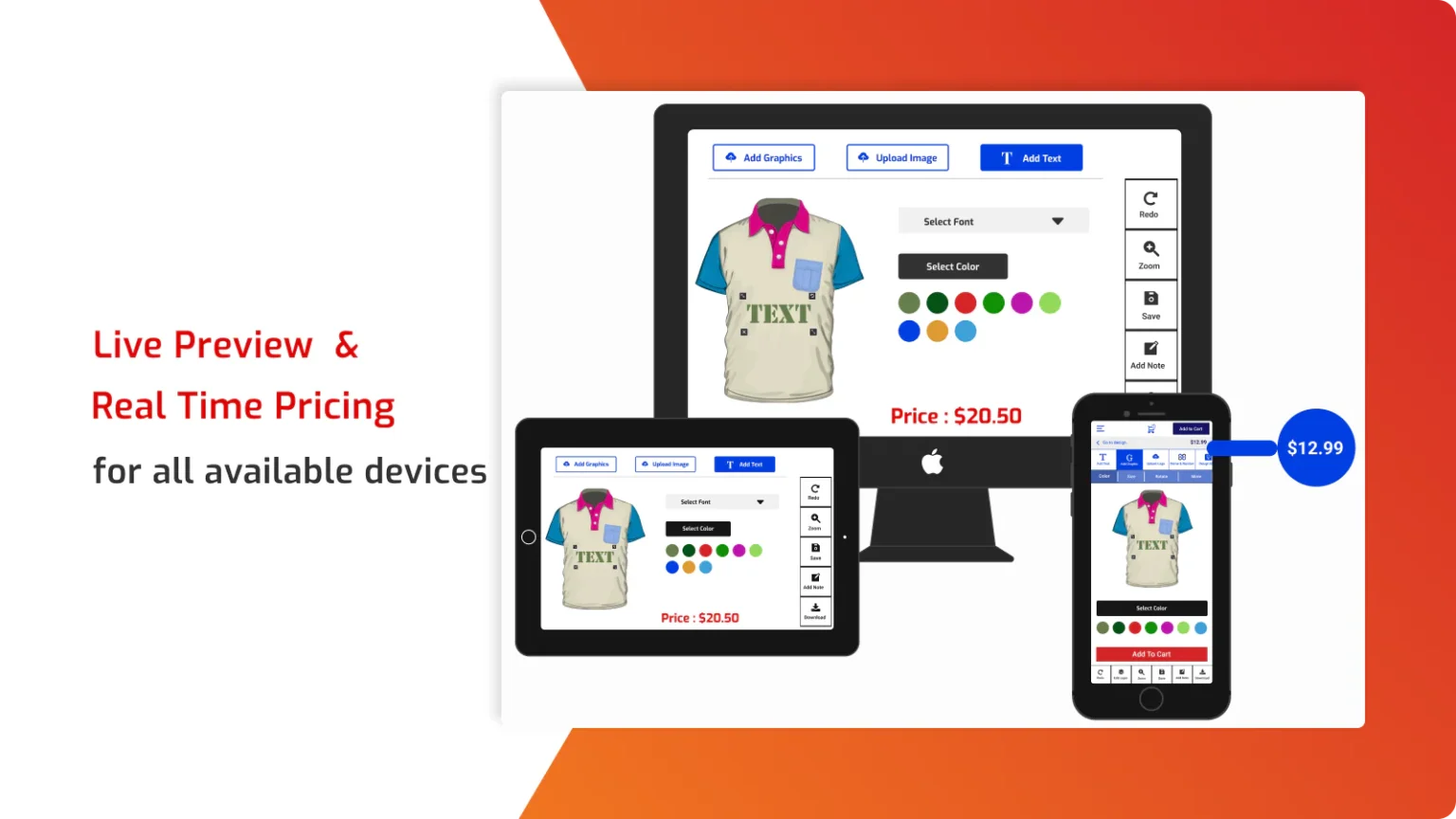
Dynamic pricing updates based on design color, size, and option choices. It supports any printing method, from DTF and DTG to embroidery. A custom size option with dynamic pricing suits signs, stickers, and DTF. You also get print-ready files in PDF, SVG, JPG, and PNG.
Key Features
- Visual configurator and customizer with live preview.
- Advanced product options and quantity discount features.
- Dynamic pricing by design color, size, and option.
- Supports DTF, screen print, DTG, sublimation, embroidery, and more.
- Custom size option with dynamic price generation.
- Print-ready files in PDF, SVG, JPG, and PNG.
Pros
- Great fit for print shops and many printing methods.
- Dynamic pricing handles complex custom orders.
- Custom size pricing is ideal for DTF, signs, and stickers.
- Quantity discounts support bulk custom orders.
Cons
- No permanent free plan, only a free trial.
- Some merchants report slow processing of large files.
Best For
Print shops that need dynamic pricing and custom sizes. It fits DTF, sign, and sticker sellers with variable pricing.
Pricing: Free trial available. Paid plans start at $19.99 per month.
4. PC ‑ Custom Product Options
PC ‑ Custom Product Options by Product Customizer is a Built for Shopify app with a 4.7-star rating. It adds unlimited product options and variant fields to your store. You can upcharge for custom options to boost your revenue. It suits stores that need flexible options more than a design canvas.
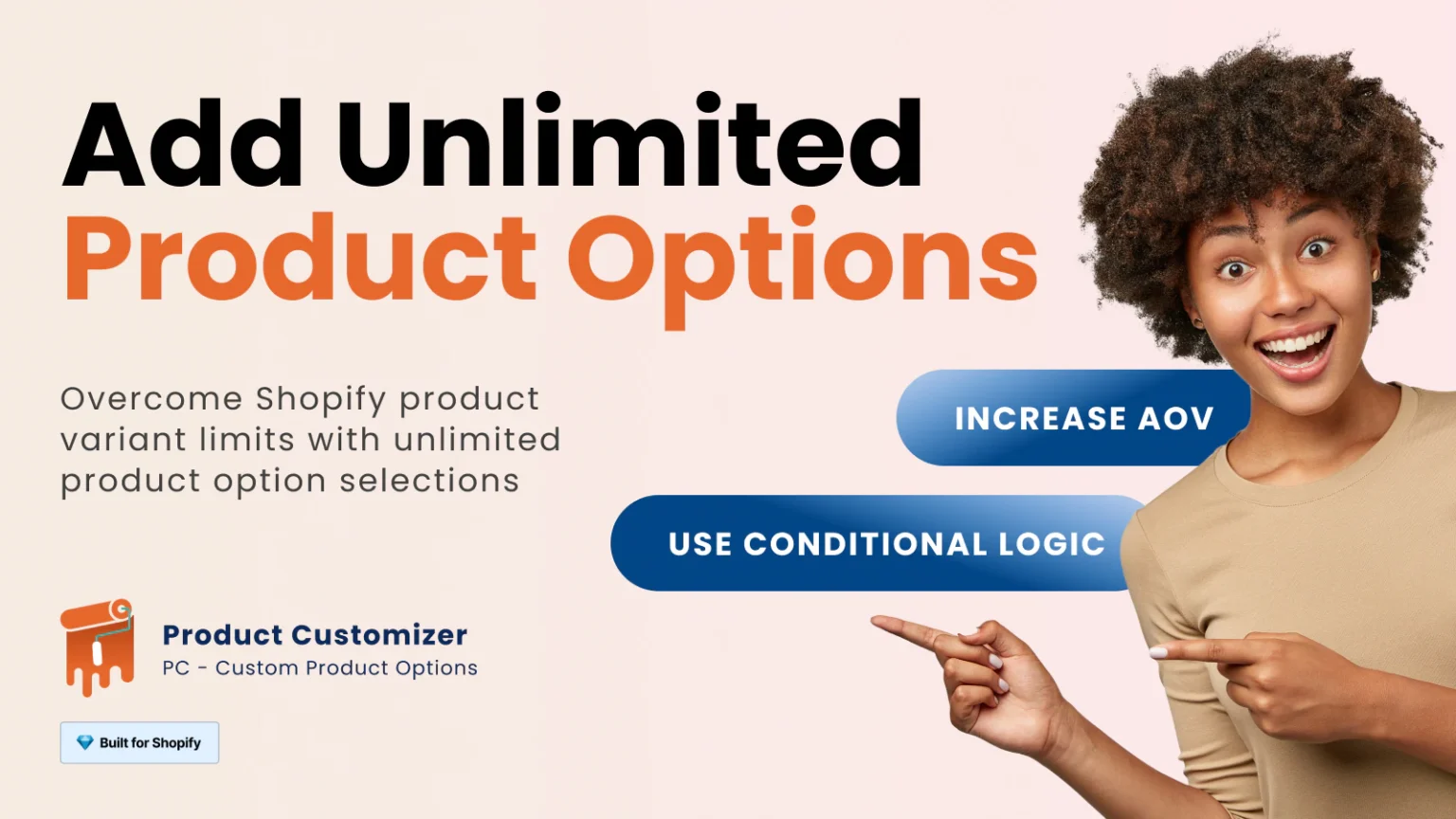
The free plan includes unlimited basic option fields and products. Paid plans add 10+ field types, like file upload, date, and font picker. Note that some users report the app and plan selection can feel slow. The free plan is also limited compared to the paid tiers.
Key Features
- Unlimited basic option fields on the free plan.
- Unlimited products on your store.
- 10+ option field types, including file upload, date, and font picker.
- Color and image swatches for richer options.
- Conditional logic and upcharge pricing on paid plans.
- One-click option templates to bulk-apply field sets.
Pros
- Free plan covers unlimited basic options and products.
- Simple way to add options without extra variants.
- Upcharge pricing helps grow revenue per order.
- Long-standing app with responsive support.
Cons
- Some users report the app can work slowly.
- Plan selection feels slow, and the free plan is limited.
Best For
Stores that need flexible product options and upcharges. It fits merchants wanting options fields rather than a design tool.
Pricing: Free plan available. Paid plans start at $8.90 per month.
5. SB Custom Product Designer
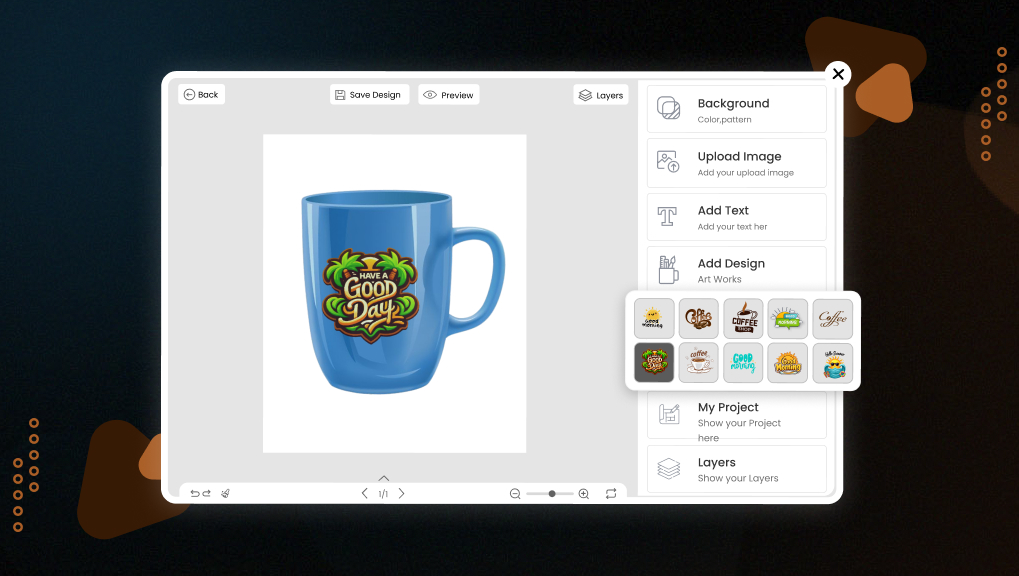
SB Custom Product Designer by SetuBridge turns any product page into a live design studio. Shoppers add text, images, cliparts, patterns, and product colors. They can also upload their own artwork for full personalization. It suits stores that want print-ready files across many formats.
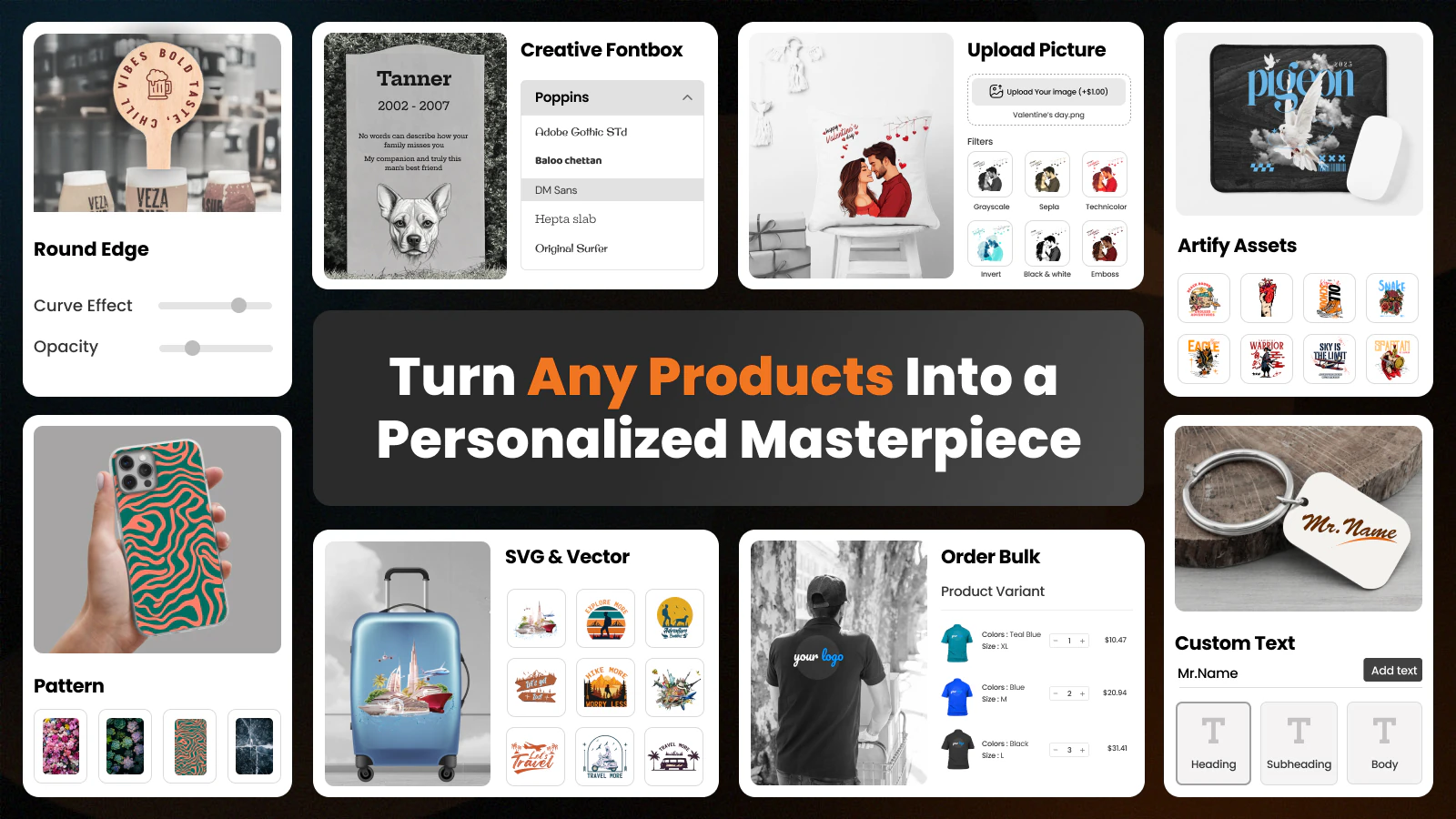
Set a custom DPI and export print-ready PNG, JPG, SVG, AI, PDF, EPS, or DXF. Create custom pricing for text, images, cliparts, and tier pricing rules. Bulk ordering supports size and color variants with layout personalization. You can design engraving products on any device with multi-side design areas.
Key Features
- Ready-to-use text, images, cliparts, patterns, and product colors.
- Custom DPI print-ready files: PNG, JPG, SVG, AI, PDF, EPS, DXF.
- Custom pricing for text, images, cliparts, plus tier pricing rules.
- Bulk ordering with size and color variants.
- Layout personalization and background removal.
- Multi-sided design area for engraving products on any device.
- Support 300 DPI
- high-quality print-ready files
- A faster and smoother designer experience
- A frequently updated changelog every month.
Pros
- Widest print-ready file formats in this list.
- Flexible custom and tier pricing rules.
- Bulk ordering with size and color variants.
- Design on any device with multi-side areas.
Cons
- Free plan supports a limited number of products.
- Some POD integrations are still expanding.
Best For
Stores that want print-ready files and flexible custom pricing. It fits t-shirt, mug, and engraving sellers needing multi-side design.
What is a Product Customizer?
A product customizer is like a digital art tool for your online store. You can have customers change parts of a product they would like before it has been purchased, for example, changing it up by colors, adding text, or uploading photos. With Shopify, you just install an app that does not require coding, and it will work right away.
Consider everyday merchandise as your off-the-rack shirts or pants that don’t fit quite right. A customizer turns everyday merchandise into tailored merchandise. The consumer can see what is being changed with a real-time view, so they know exactly what they will get. This provides reassurance and lowers returns.
By 2025, customizers will be even better at knowing what you want. It won’t just be a mechanism for creating and designing custom items. Some customizers are powered by AI (artificial intelligence) products and can actually remind the customer of a design they liked in the past. Shopify’s base product options are limited, but customizers can be built to handle unlimited customizations.
From small shops to large, you will find customizers on websites for phone cases to jewelry. People buy custom products better because they feel involved and because it is more fun and easier!
Features of Shopify Product Customizer
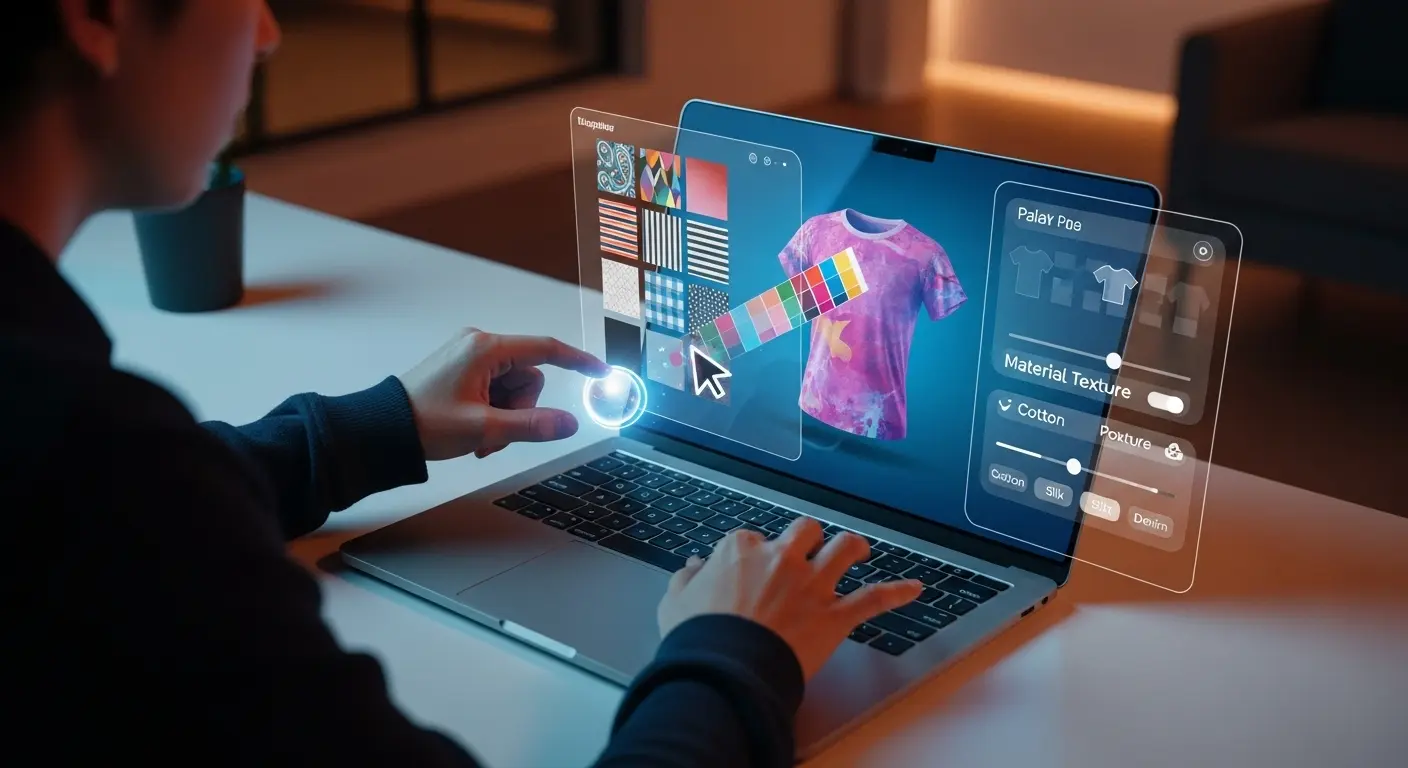
A Shopify product customizer works on your product page. When a customer arrives, the app populates a customization panel through sliders, text boxes, or upload buttons. As they make adjustments, a live preview refreshes to show an updated product image. It’s like playing with Legos but for results.
Behind the scenes, it works with Shopify’s system. The adjustments are saved as order notes to keep you or your team informed on what to make or print. Most apps these days offer a mobile view as well, since 60% of e-commerce traffic is mobile by 2025.
Key Features
Good Shopify product customizer apps share core tools that make life easier. Here’s what to look for:
- Live Previews: See changes instantly, like coloring a digital canvas.
- Option Types: Text fields, color swatches, file uploads, checkboxes, over 20 types in top apps.
- Conditional Logic: Hide or show options based on picks, like “If red shirt, show gold buttons.”
- Pricing Add-Ons: Charge extra for fancy tweaks, updating the total live.
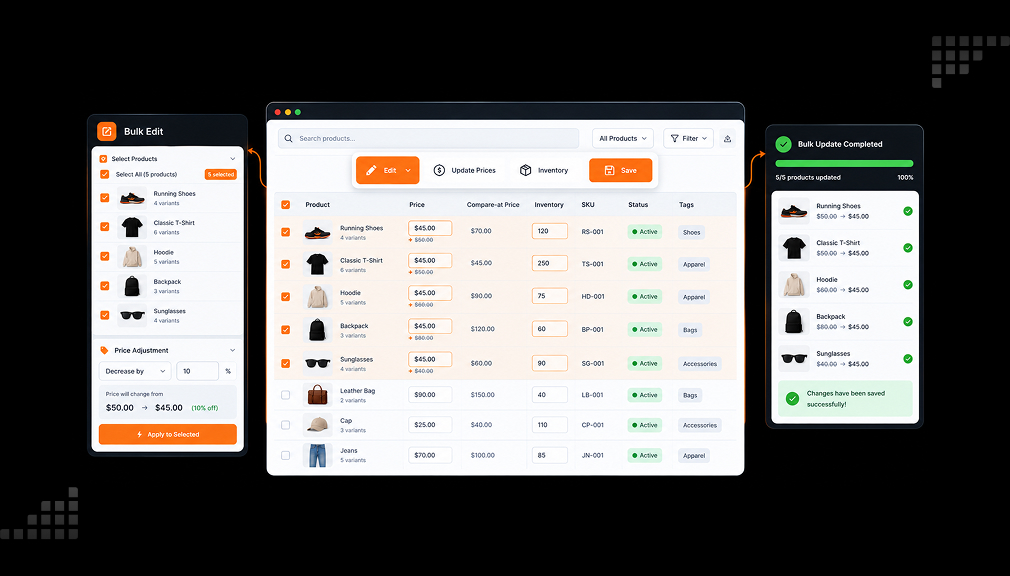
- Bulk Tools: Apply settings to many products at once, saving hours.
- Integrations: Works with print services like Printful or themes like Dawn.
In 2025, trends lean toward AI smarts and AR previews. Imagine customers “trying on” custom hats in augmented reality via their camera. Apps now export data to CSV for quick edits, too. These features solve setup pains, letting you focus on sales.
For instance, if your store sells bags, a customizer might let users pick a leather type, then show matching zip colors automatically. No guesswork, just smooth flows.
Benefits of Using Product Customizers
A Shopify product customizer is not just a luxury. It’s a clever solution (one of many financial benefits) to some of the classic issues stores face. Let’s get to it, along with facts from 2025.
Boosted Sales and Revenue
To begin, it increases your bottom line. Customized products can increase average order value by 15-20%. Why does this happen? Customers are willing to pay more for something that seems “theirs”. A recent study showed average revenue growth from smart personalization was 10-15%. So doing the math, if a store makes $50k/month, that’s an additional $5k (or more) in your pocket each month.
Happier Customers and Loyalty
Consumers like control. The customization process reduces cart abandonment because they know exactly what it is, and they are seeing it in the cart. Returns are also reduced because customers can see if the item they are ordering is a mismatch with what they were thinking. Additionally, by 2025, we expect 76% of shoppers will want personal chats with brands (against chatbots), to instill loyalty and encourage repeat customers. A fun fact is that customers who buy customized products are 2x more likely to recommend your shop.
Edge Over Competitors
Differentiate from everyone around you. Everybody has basics, with Shopify holding a 10.32% stake alone. Customizer’s tools offer you an option for some type of singularity, such as engraving a piece of jewelry, and they reduce your holding risk by not carrying stock on every possible combination.
Easier Operations
For you, it’s less hassle. Apps auto-sync orders, so fulfillment is a breeze. Pricing tools handle upsells without manual tweaks. In busy seasons, this saves time and errors.
Overall, these benefits turn a standard store into a customer magnet. As e-commerce personalization booms in 2025, with AI and immersive tech leading, early adopters win big. It’s a simple solution to low engagement: Give choices, get growth.
Conclusion
Shopify product customizer apps can make online shopping more interactive by giving customers more control over product options, designs, and personalization. They can help merchants offer flexible customization experiences, showcase product choices clearly, and make the buying journey more engaging.
The right app depends on factors such as customization requirements, product types, features, pricing, ease of setup, and customer support. By comparing available options and choosing one that fits their store’s needs, merchants can create a smoother personalization experience and make it easier for customers to design and purchase products that match their preferences.
FAQs
What is the best Shopify product customizer for beginners?
If you’re new to this world, check out SB, Easify, or PC. They have free plans, a straightforward setup up and good customer service. You can start creating text ads and not get overwhelmed by everything else they offer. All have a rating over 4.7, so they are great beginner options.
How much does a Shopify product customizer cost in 2025?
The cost is different depending on the apps. All have free tiers if you’re a light user. You can get plans for as low as $8.90/month (PC Basic) to $59/month (Kickflip). Most have trials for 7-14 days, and will offer you savings of up to 34% if a year is paid up front. In addition to the base cost, do consider proposed fees for extras- sales, for example.
Can Shopify product customizers work with print-on-demand?
Definitely! SB links with Printful right there, easy! Or other apps like Custom Product Options can sync files and make fulfilment easier. This helps with the pains of production, so you can pay attention to the design. In 2025, around 40% of stores that offer custom products are connected to POD marketplace fulfilment.
Do these apps slow down my store?
Major apps like SB and Custom Product Options are made for this optimisation (no word of slow load times), and you can avoid a slow and overloading app with bulk tools, just test on your Staging site first. As Shopify should have a nice, fast Theme, customizers should only enhance user experience, not hinder it with load times.
How do I choose the right Shopify product customizer?
Fit to the products you carry. Is it variant-heavy? Check out SB, Custom Product Options. Visual? Check out Kickflip. Ratings (4.5 and up are good), features (like logic), and reviews help you round out your options for your niche or product category. If you are planning on trials, install both and compare your orders.
Are there AI features in the 2025 Shopify product customizers?
Emerging, yes. Some suggest colors via AI. Kickflip and Easify have some leading smart preview options. Full AI design aids are also in high demand; official App Store reviews implied. As noted, keep an eye out for updates; it is likely there will be more integrations appearing shortly.

Digital Marketing Head
Vijay Chavda is the Digital Marketing Head at SetuBridge Technolabs with 14 years of expertise in driving growth strategies. Beyond marketing, he is skilled in data analysis, leveraging Power BI and Tableau to turn insights into action, blending creativity with analytics for impactful business results.