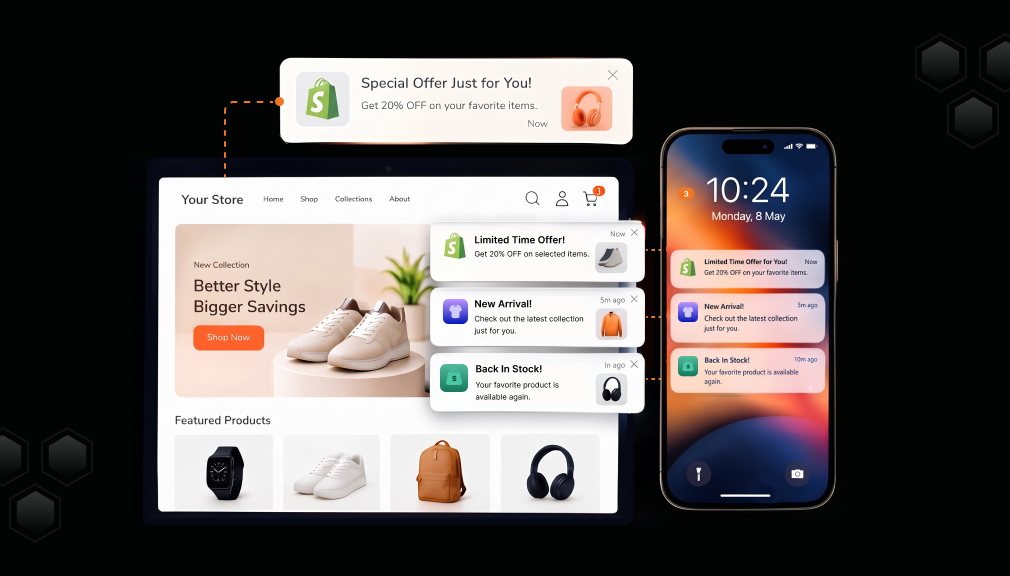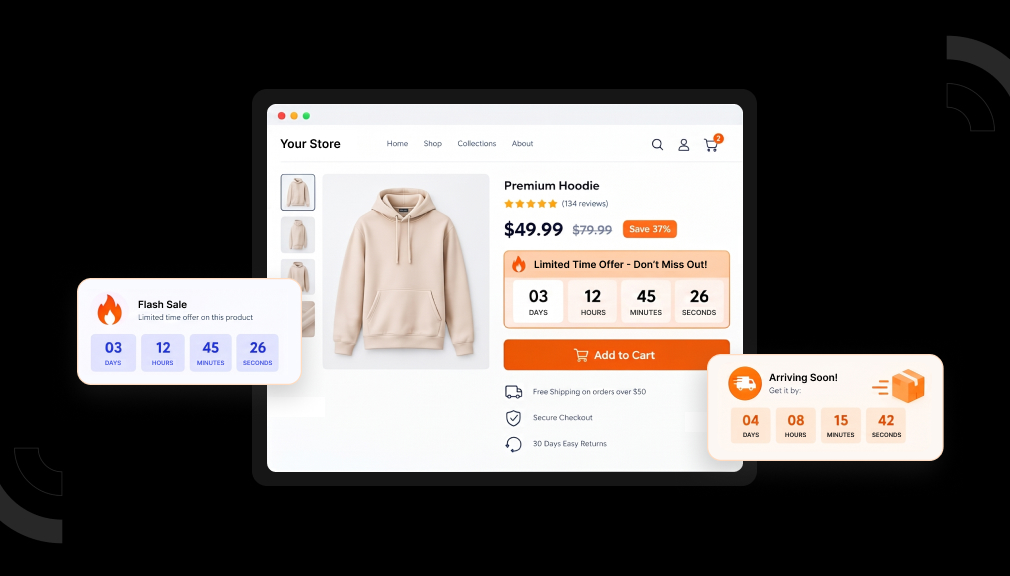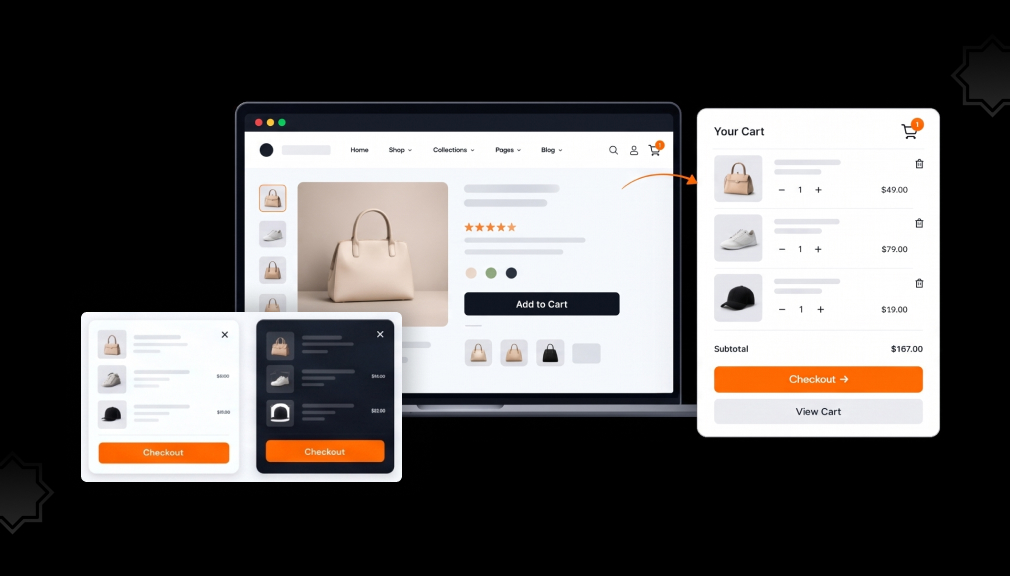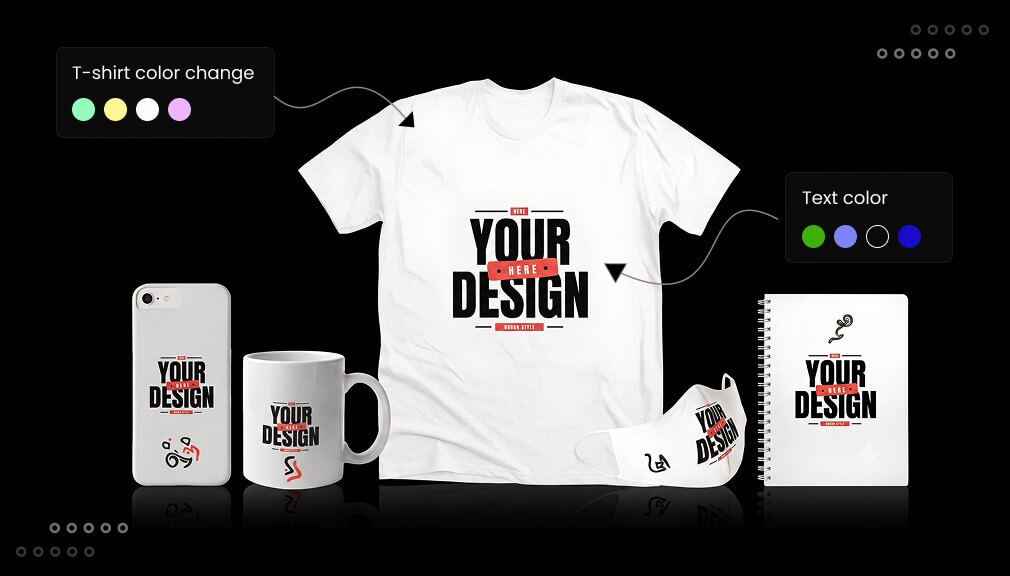
Imagine a visitor coming to your print-on-demand store and entering the name of their dog on the hoodie, only to see their design immediately pop up on the mock-up. It’s the feeling of owning something unique at that particular instance which makes personalized products the most talked-about trend in eCommerce. Customers do not merely want products anymore; they want confirmation that it’s meant for them exclusively.
It’s evident from numbers as well. The vast majority of brands today use artificial intelligence to provide a personalized shopping experience to their customers, who, as a consequence, tend to spend more. Personalized stores generate additional revenue and higher order values as compared to non-personalized ones. In the case of print-on-demand merchants, it is largely the customization of their existing inventory like t-shirts, hoodies, mugs, phone covers, posters, canvas art, jewelry, and gifts.
A Shopify Product Personalizer app makes that possible. It adds a live editor to your product page where shoppers add names, photos, initials, colors, fonts, or custom text, then see the finished design before they buy. In this guide, we compare five of the best Shopify product personalizer apps for print-on-demand stores, so you can find the Shopify product customization app that fits your catalogue, budget, and workflow.
Key Takeaways
- Personalized products are one of the fastest-growing trends in ecommerce, with AI-driven personalization now used across most online retailers.
- A solid Shopify product personalizer app needs live preview, a mobile-friendly editor, and direct POD integrations at minimum.
- Customily Product Personalizer is the strongest all-around choice for POD stores; Customall Product Personalizer is the best budget-friendly starting point.
- Keeping personalization options simple and showing a live preview before checkout both increase conversions and reduce returns.
- Match the app to your catalog size and order volume, then test on a small set of products before a full rollout.
Comparison of Best Shopify Product Personalizer Apps
Here is a quick, side-by-side look at each app’s rating, pricing model, and standout strength.
| App Name | Rating | Pricing Model | Standout Strength |
| Teeinblue Product Personalizer by Teeinblue | 4.9 (343+) | $49/mo + 0.1–0.4/item | Low fees, first 100 orders free, multi-store |
| Customily Product Personalizer by Customily | 4.8 (246+) | $49/mo + 0.1–1/item | Pay-per-use, deep POD automation, AI effects |
| AI Custom Product Personalizer by Setubridge | 4.9 (34+) | Free + from $4.99/mo | Free plan, multi-view, advanced print formats |
| Customix Product Personalizer by Customix | 4.9 (33+) | Free + from $9.99/mo | Lightweight, AI image tools, API access |
| Customall Product Personalizer by Ecomlux | 4.8 (24+) | Free + from $19/mo | 10 free orders, POD fulfillment automation |
Best Shopify Product Personalizer Apps (Top 5)
Shoppers love products that feel truly their own, from mugs to custom tees. A product personalizer app lets buyers design items with a live preview. These five best Shopify product personalizer apps boost sales and cut returns. We checked live ratings, plans, and print-ready output to help you choose.
“All apps personally tested by our Shopify Team”
1. Teeinblue Product Personalizer
Teeinblue Product Personalizer by Teeinblue is an AI product customizer with a strong 4.9-star rating. It is built to scale personalized POD businesses with live preview. Shoppers add text, photos, clipart, maps, and AI effects to products. The app is paid, but free for development stores during setup.
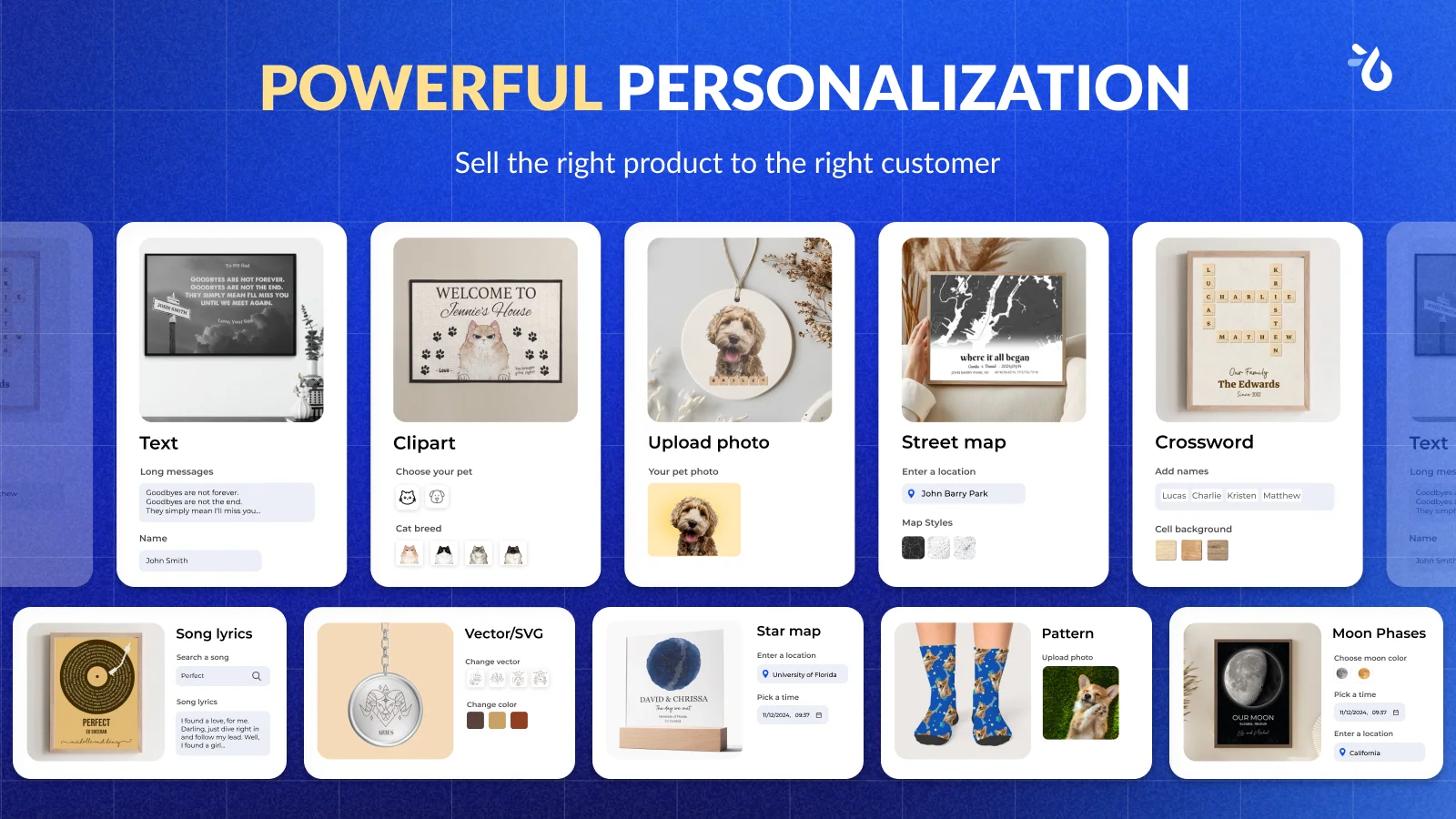
A $0.1 to $0.4 fee applies per order item generated by Teeinblue. The first 100 orders each month come with no transaction fee. You manage unlimited stores and products in one single account. You can also import designs from Canva and PSD with ready-made mockups.
Key Features
- No transaction fee for the first 100 orders per month.
- Unlimited stores in one account.
- Unlimited customized options and products.
- Auto-generate print-ready files for POD.
- Import your designs from Canva and PSD.
- Free ready-to-use designs and mockups.
- A frequently updated changelog every week.
Pros
- Lower per-item fee range than many rivals.
- First 100 orders monthly are fee-free.
- Free live training and dedicated support.
- Strong 4.9 rating from personalized stores.
Cons
- Paid plan only; free access is for development stores.
- Setup has a learning curve for complex logic.
Best For
Scaling POD brands that want low per-item fees and automation. It fits sellers who run multiple stores from one account.
Pricing: Free for development stores. Paid from $49/mo plus 0.1–0.4 per order item. Use code BFCMREADY for 50% off for 2 months.
2. Customily Product Personalizer
Customily Product Personalizer by Customily is an all-in-one personalizer with a strong 4.8-star rating. Shoppers customize products live using text, photos, maps, and AI filters. It exports ready-to-print, engrave, or laser-cut files automatically. The app is paid, but free for development stores while you build.
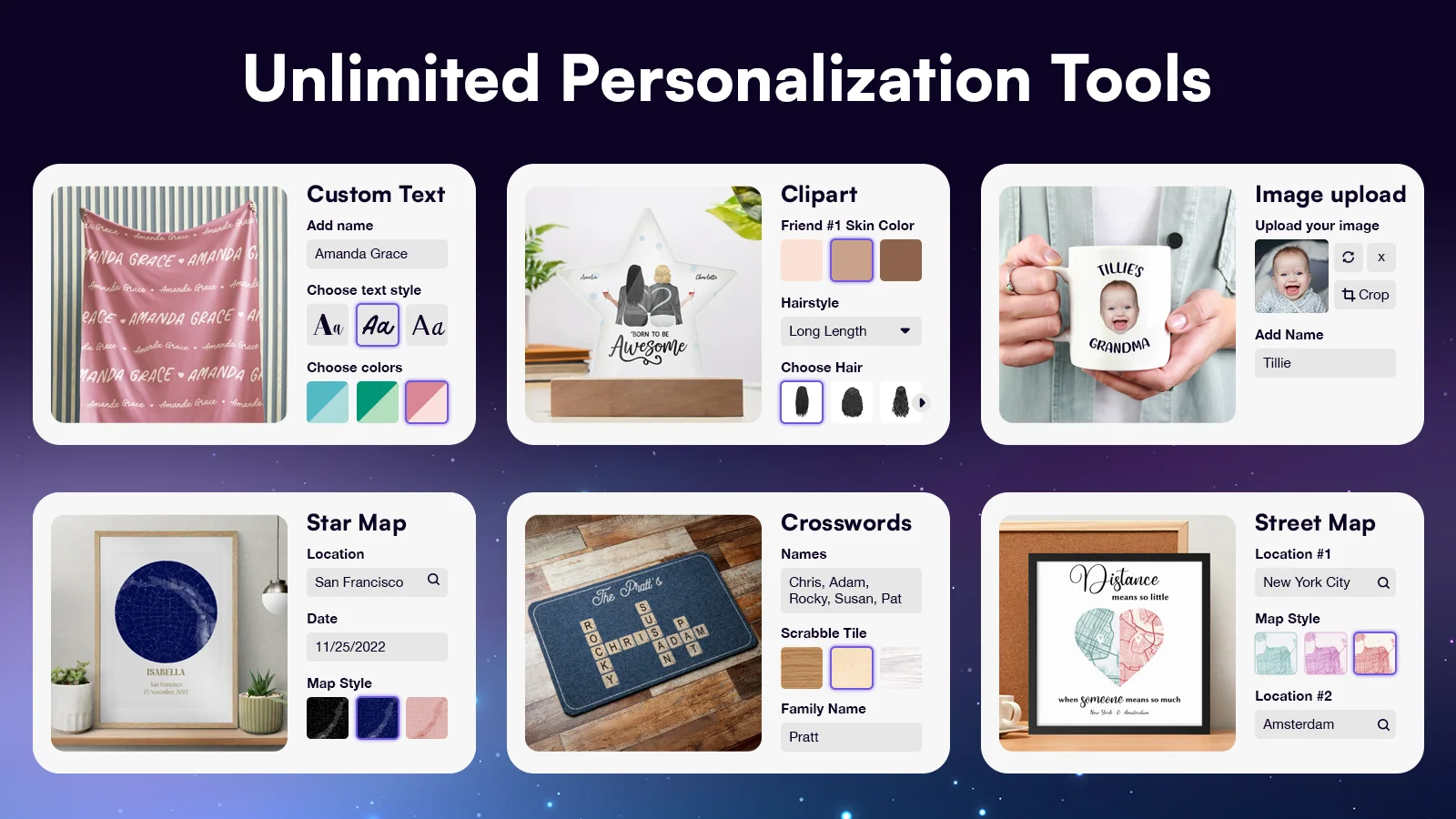
Pricing is usage-based: a $0.1 to $1 fee applies per personalized order item. So you pay only for the products that actually use Customily. You get unlimited stores, options, and products on one plan. It also includes free clipart, AI effects, and one-click Canva import.
Key Features
- Unlimited stores, options, and products.
- Unlimited ready-to-print file exports with automatic generation.
- Full automation with the best POD providers.
- One-click import designs from Canva.
- Free clipart, designs, AI effects, and filters included.
- Live preview for text, photos, maps, and calendars.
- A frequently updated changelog every month.
Pros
- Pay only for products that use Customily.
- Deep POD automation with print-ready file exports.
- Free AI effects, clipart, and Canva import included.
- Outstanding support with live training sessions.
Cons
- Paid plan only; free access is for development stores.
- Per-item transaction fees can add up at high volume.
Best For
POD and personalized-gift stores that want deep automation. It fits merchants who prefer pay-per-use over a flat monthly fee.
Pricing: Free for development stores. Paid from $49/mo plus 0.1–1 per order item.
3. AI Custom Product Personalizer
AI Custom Product Personalizer is a Built for Shopify app by SetuBridge rated 4.9 stars. It mainly focuses on deep personalization for POD products. Shoppers add styled text and images with a real-time canvas preview. It offers a free plan, ideal for stores testing personalization.
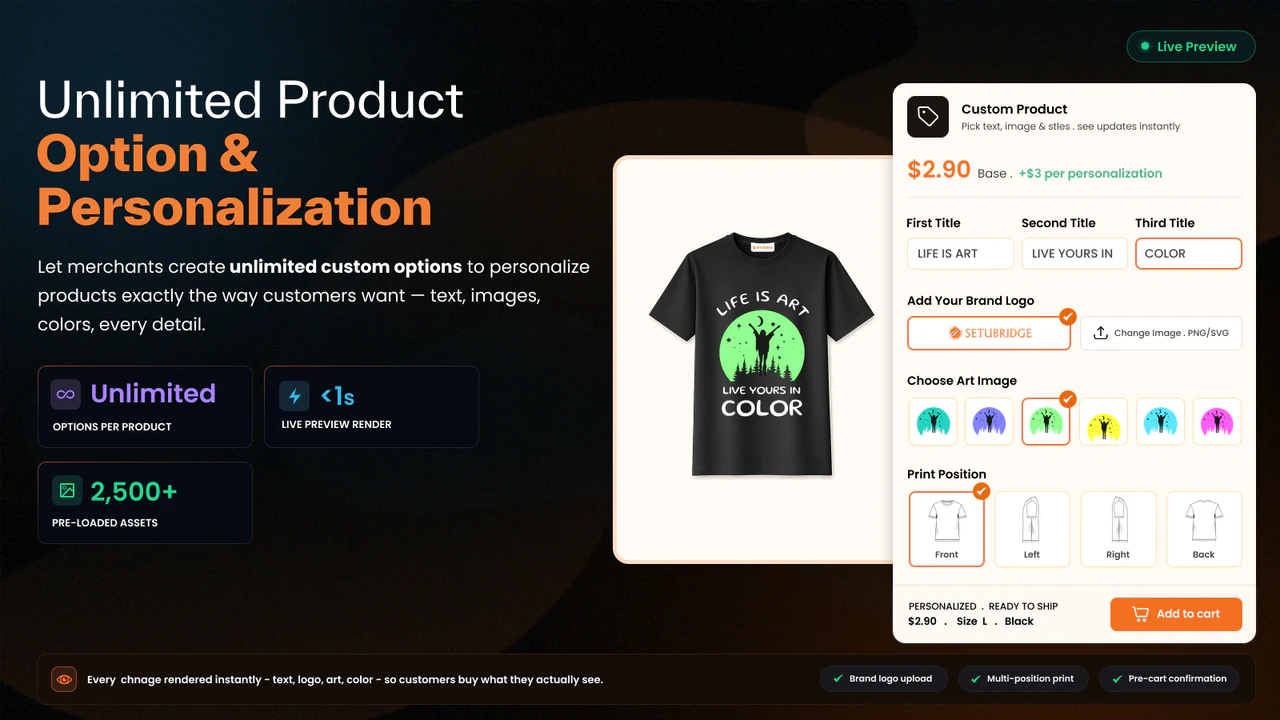
The free plan covers 5 product personalizations and unlimited options. You build multi-view templates for front, back, and side layouts. Paid plans add engraving, neon text, and advanced print formats. Note that personalized products can load a little slowly.
Key Features
- Multi-view product customization with global and product templates.
- Clipart library, custom image upload, and real-time canvas preview.
- Unlimited PNG and JPG print-ready exports.
- Engrave for image and text, plus neon text effect.
- Advanced formats (SVG, PDF, AI, EPS, DXF) and text effects like curve and arc.
- Support 300 DPI.
- High-quality print-ready files.
- A faster and smoother designer experience.
- A frequently updated changelog every month.
Pros
- Free plan with unlimited options and templates.
- Real-time canvas preview reduces buyer guesswork.
- Advanced print formats and text effects on paid plans.
- Built for Shopify quality standards.
Cons
- Personalized products can load slowly.
- The free plan limits you to 5 personalization products.
Best For
POD stores that want a free start with deep personalization. It fits sellers of custom apparel, mugs, and engraved gifts.
Pricing: Free plan available. Paid plans start at $4.99 per month.
4. Customix Product Personalizer
Customix Product Personalizer by Customix is a built-for-Shopify app rated 4.9 stars by early users. It keeps POD personalization simple, lightweight, and smooth. Shoppers add custom text, images, and clipart with a live preview. The free plan supports up to 10 products, great for small stores.
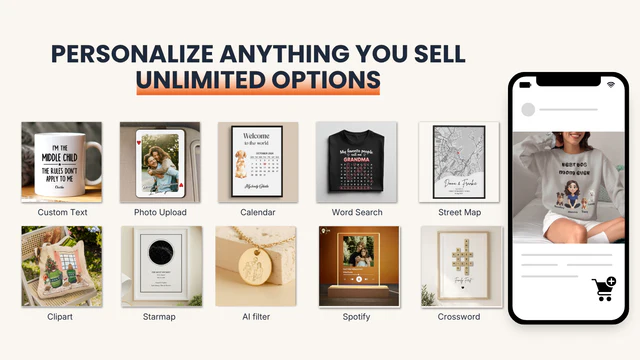
Multiple option types and conditional logic handle complex custom orders. Free templates and image upload help shoppers design faster. Higher plans add auto print-ready files, multi-store, and API access. It connects with services like Nano Banana (Gemini), GPT Image, and Removal.ai.
Key Features
- Free plan with up to 10 products.
- Multiple option types with live product preview.
- Conditional logic and free templates.
- Image upload and live chat support.
- Auto-generate print-ready files on higher plans.
- Multi-store and API-based integrations (Nano Banana, GPT Image, Removal.ai).
Pros
- Works smoothly and stays lightweight.
- Free plan covers up to 10 products.
- AI image integrations for background removal and effects.
- Early access and custom feature development on top plans.
Cons
- Auto print-ready files need a higher-paid plan.
- Small review base as a newer app.
Best For
Small POD stores that want a smooth, lightweight personalizer. It fits merchants who value AI image tools and API access.
5. Customall Product Personalizer
Customall Product Personalizer by Ecomlux is a POD-focused product personalizer rated 4.8 stars. Shoppers design custom products with a real-time live preview. Its custom editor sits inside the Customall platform for easy setup. Real-time previews help boost conversions and reduce product returns.
The free plan lets you process 10 orders with all features unlocked. It integrates directly with leading fulfillment partners for POD. The app auto-generates high-resolution, print-ready file exports. You also get early access to new features and free 1-on-1 onboarding.
Key Features
- Custom editor inside the Customall platform.
- Free plan with 10 free orders and all features.
- Integration with fulfillment partners like Printful and Printify.
- Print-ready file exports in high resolution.
- Automation with POD providers for hands-off fulfillment.
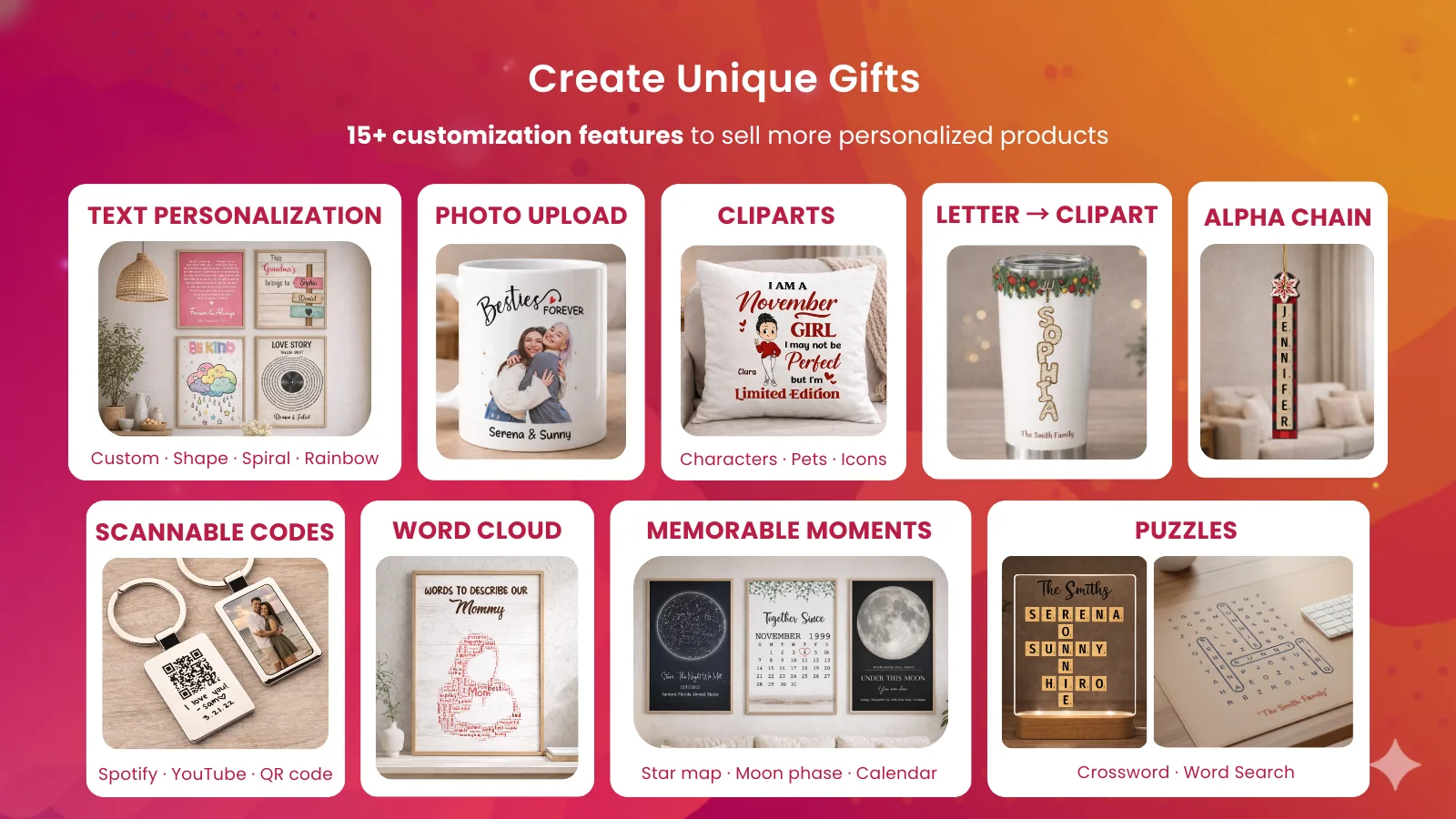
- Text effects, background remover, face cutout, QR codes, and star maps.
Pros
- Free plan unlocks all features for your first 10 orders.
- Real-time preview lowers returns and boosts conversions.
- Deep POD fulfillment automation with major partners.
- Free 1-on-1 onboarding and live chat support.
Cons
- The free plan is capped at 10 orders total.
- Small review base as a newer app.
Best For
POD stores that want print-ready exports and fulfillment automation. It fits merchants who value hands-on onboarding and live preview.
Pricing: Free plan with 10 orders. Paid from $19/mo (first 100 orders free, then $0.6 per order).
Why Print-on-Demand Stores Need a Product Personalizer
Customers Expect Customization
Today’s shoppers expect more than picking a size and color. On a Shopify product customizer, they want to add:
- Names and initials
- Photos and custom images
- Font and color choices
- Custom text and messages
- Clipart and icons
This expectation is strongest around gift-buying moments, such as birthdays, weddings, and holidays, which already make up a large share of POD sales.
The Business Benefits
Personalized products don’t only make your clients happy; they change the statistics of your shop. Personalized recommendations and options increase the average basket size much higher than random browsing, and the very high level of personalization increases conversion rate. When we speak about print-on-demand businesses, providing a live preview of the product decreases returns, since the clients have already seen exactly what they buy.
Beyond the numbers, a Shopify custom product builder delivers:
- Higher conversion rates
- Increased average order value (AOV)
- Lower return rates
- A more memorable shopping experience
- Better customer satisfaction
- A real competitive advantage over stores selling the same blank products
What to Look for in a Shopify Product Personalizer App
With dozens of personalizer apps on the Shopify App Store, the real differences show up in the details. Before you install anything, run through this checklist of essential features.
- Live product preview
- Image upload support
- Text personalization
- Font selection
- Color picker
- Multiple personalization fields per product
- Layer support for complex designs
- Conditional options (show or hide fields based on choices)
- Mobile-friendly editor
- Works with POD suppliers (Printful, Printify, Gelato, and similar)
Missing out on any of them will create friction. The Shopify app for live previewing products that is not mobile-ready will miss out on many customers because most of the ecommerce activity takes place through mobile devices. An app that doesn’t load quickly will quietly sabotage your website speed and ranking without your knowledge
Which Product Personalizer App Should You Choose?
Best Overall: Customily Product Personalizer takes this spot. The combination of AI design tools, POD integrations, and hands-on onboarding covers the widest range of merchant needs, from t-shirts to jewelry.
Best for Beginners: Customix Product Personalizer offers a mobile-friendly, straightforward editor with no steep learning curve, making it a solid first personalizer app.
Best for Large Catalogs: Teeinblue Product Personalizer’s bulk upload, multi-store management, and stable performance at high order volumes make it a fit for sellers scaling fast.
Best Budget Option: Customall Product Personalizer’s genuine free plan plus lower reported pricing suits stores still validating demand for personalized products.
Best Premium Option: AI Custom Product Personalizer’s multi-view templates and wide print-file export options suit stores investing in a polished, production-ready workflow.
Tips for Selling Personalized Print-on-Demand Products
- Show a live preview before checkout so customers see exactly what they’re buying.
- Keep personalization options simple; three or four fields convert better than ten.
- Offer a short list of popular font pairings instead of an overwhelming dropdown.
- Use high-quality mockups so the preview matches the finished product closely.
- Set clear personalization guidelines (character limits, image size, content rules) upfront.
- Add estimated delivery dates for customized orders, since production takes longer than stock items.
- Display sample personalized products on your homepage or collection pages for inspiration.
- Limit character counts where appropriate to keep designs print-ready and readable.
Conclusion
Personalized products turn a one-time buyer into someone who tells friends about your store. The five apps above cover a range of budgets and catalog sizes, but the goal with any Shopify product personalizer app stays the same: let shoppers see their idea come to life before they pay, then get that order to your POD partner without manual rework.
Start with the checklist earlier in this guide, match it against your product types and order volume, then test one app on a handful of products before rolling it out store-wide.
Frequently Asked Questions
1 – Can customers upload their own images?
Yes, all five apps in this guide support customer image uploads, often with built-in tools like background removal or face-cut to clean up photos automatically.
2 – Do these apps work with Printful and Printify?
Most of the apps in this guide connect directly with Printful and Printify, along with other partners like Gelato, Dreamship, and Gearment.
3 – Can I charge extra for personalization?
Yes, all five apps support upcharge pricing, so you can add a fee for extra text fields, image uploads, or premium options like engraving.
4 – Are product personalization apps mobile-friendly?
The apps covered here are built with mobile-responsive editors, which matters since most ecommerce browsing happens on phones.
5 – Can personalized orders be fulfilled automatically?
Yes, apps like Customily, Teeinblue, and Customall generate print-ready files and send them directly to connected POD partners without manual file prep.

Shopify Expert
Dipen Panchal, Shopify Tech Lead at Setubridge Technolabs, brings over a decade of expertise as a Shopify Expert. Passionate about e-commerce growth, he specializes in UI/UX design, crafting intuitive, engaging solutions tailored for merchants and B2B clients to enhance user experiences.