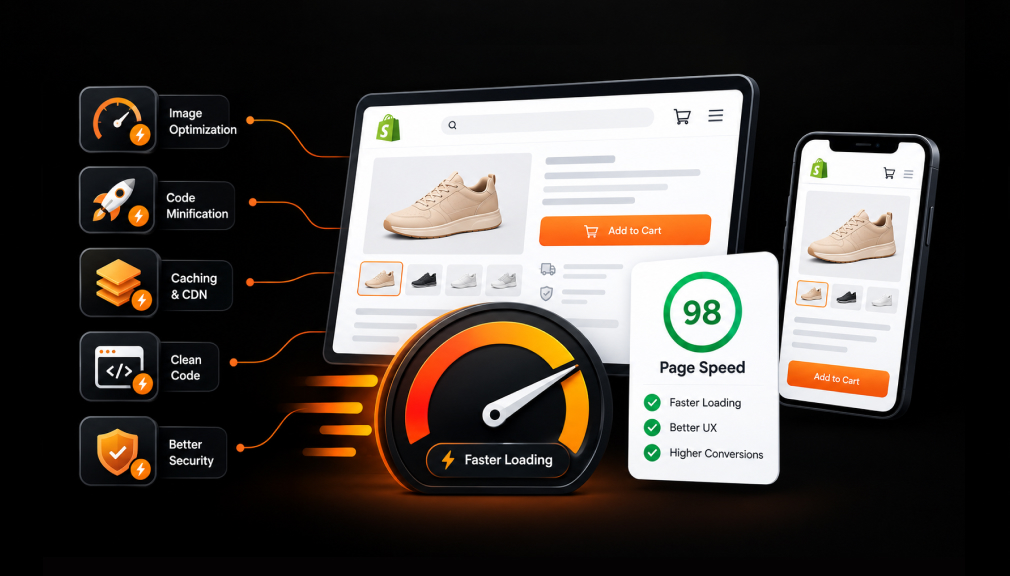
It is 9 p.m., and your ad finally reaches the right person. She taps it on her phone and sees a white screen. One second passes, then two, then three. She closes the tab, and you never learn she was there.
Most merchants blame price, photos, or copy when sales stall. Yet one quiet leak comes before any of those matter. A delay you barely notice on office Wi-Fi feels endless on a phone in a checkout line.
This guide starts with five Shopify page speed optimization apps, built from listing details and hundreds of merchant reviews. Each one fixes a different kind of slowdown. After that, we explain what slows stores down and when each fix makes sense.
Key Takeaways
- Most Shopify speed problems come from heavy images, extra app scripts, and theme code, not from Shopify itself.
- Preloading apps make clicks feel instant, while image and script tools fix the first page load.
- Core Web Vitals from real shoppers matter more than one lab score on a test tool.
- Always back up your theme or preview changes before publishing any speed fix.
- Pick one main speed app so two tools never fight over the same scripts.
Shopify Page Speed Apps at a Glance
| App | Main speed fix | Pricing start | Detail most summaries skip |
| Avada Image & Page Speed Up by Avada Page Speed Optimizer | Bulk image compression, alt text, deferred JS/CSS | Free plan; paid from $19/mo | Expert plan adds a speed score guarantee and monthly re-optimization |
| SEOWILL‑ Page Speed Optimizer by CWILL | Link preloading, lazy loading, alt text | Free | Admin in 19 languages; formerly SEOAnt |
| Booster Page Speed Optimizer by Booster SEO | Hover-based page preloading | Free | Runs on one small script tag; demo store to test first |
| Thunder Page Speed Optimizer by Enigma Apps | Script control, critical CSS, real-user Core Web Vitals | Free plan; paid from $19.99/mo | Preview every change; re-optimizes after theme updates |
| AI Speed: Site Speed Optimizer by Arctic Grey | Script deferral, lazy loading, expert tuning | From $19.97/mo; 14-day trial | Re-optimizes every 28 days to every 24 hours, by plan |
Top 5 Shopify Page Speed Optimization Apps
1. Avada Image & Page Speed Up
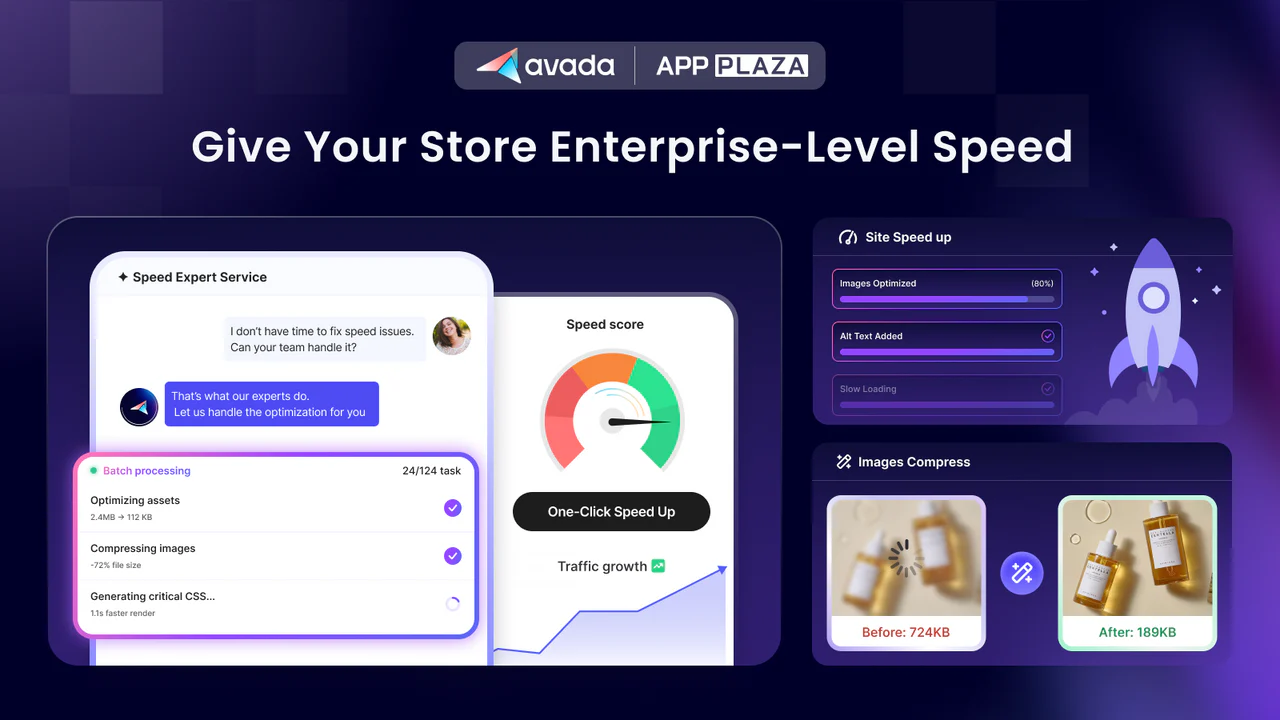
Avada Image & Page Speed Up by Avada Page Speed Optimizer targets the heaviest part of most Shopify pages: images. Large product photos are often the biggest item a shopper sees first. Until they load, visitors stare at empty boxes. This app compresses images in bulk, adds alt text, and defers JS and CSS. It carries the Built for Shopify badge and a 5.0 rating from more than 781+ reviews.
Key features:
- One store compressed about 900 images and saved almost 2 GB in a single pass.
- Another merchant saved over 600 MB across roughly 600 images in about six minutes.
- Support helps save a copy of your theme before speed changes go live.
- Technical specialists find and fix speed issues by hand, with no coding from you.
- The team shows how design choices affect load times.
- Reviewers note that support will say when a store is already fast and needs no extra work.
- Merchants on the Pro plan saw clear improvements on both desktop and mobile.
- The app tracks real Core Web Vitals, including FCP, LCP, and CLS.
Pricing: Free plan available; paid plan starts at $19/month.
Best for: Image-heavy catalogs and owners who want experts to handle speed fixes.
Guardrail: Keep original image files saved. Check zoom-heavy product photos after a small test batch before running bulk jobs.
2. SEOWILL‑ Page Speed Optimizer
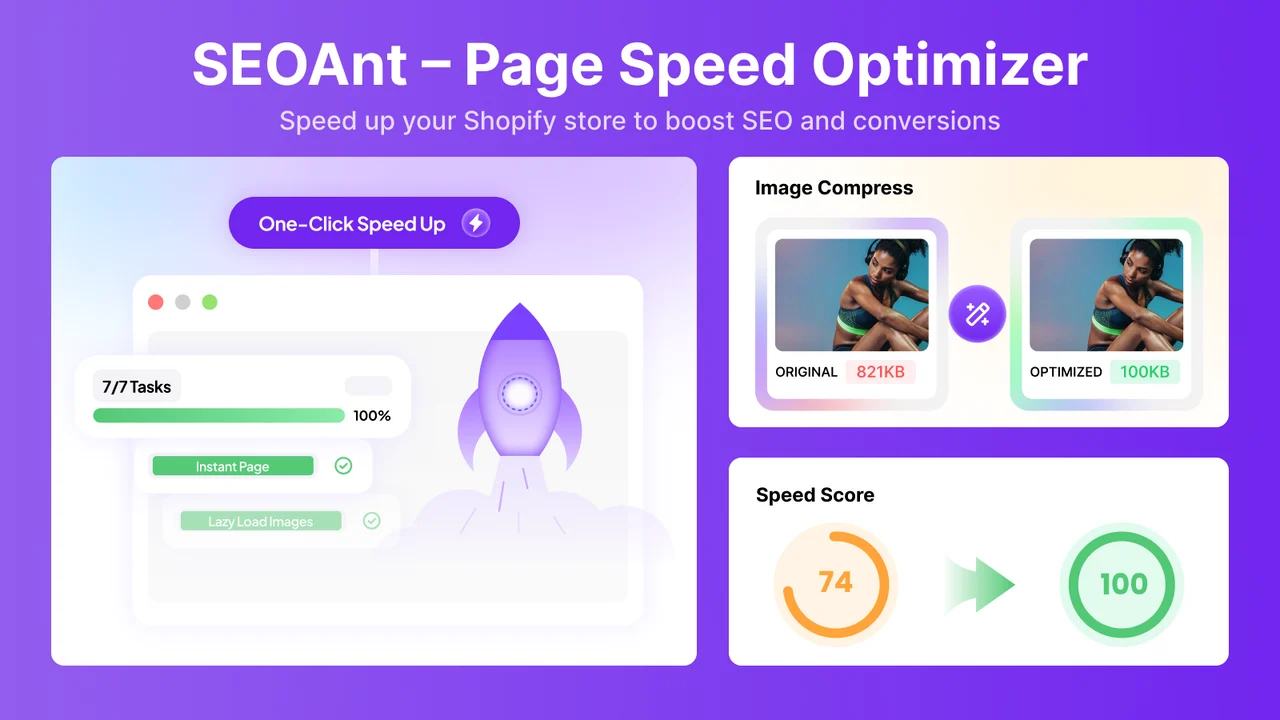
SEOWILL‑ Page Speed Optimizer by CWILL, formerly SEOAnt, focuses on the moments between pages. Every click that ends in a blank pause breaks a shopper’s train of thought. Once that flow breaks, interest has to be rebuilt, and many people simply move on. The app preloads likely next pages before the click, so browsing feels smooth. It is built for Shopify, free, and rated 4.9 across about 158+ reviews.
Key features:
- Many reviewers saw faster pages shortly after installing, with little work.
- Merchants mention getting a noticeably faster store without paying anything.
- The app analyzes the store quickly, then fixes page and image issues.
- Team members explain how the optimizer works and suggest store-specific improvements.
- Pages load in the background before shoppers click.
- It helps on weak mobile networks and older devices.
- Live support runs around the clock and is handled by people, not bots.
- The app is available in 19 languages, which helps global teams.
Pricing: Free.
Best for: New or budget-conscious stores that want quick, free gains in page-to-page speed.
Guardrail: Preloading speeds up clicks between pages, not the first landing page. Also review alt text settings before bulk runs, so descriptions you wrote stay as intended.
3. Booster Page Speed Optimizer
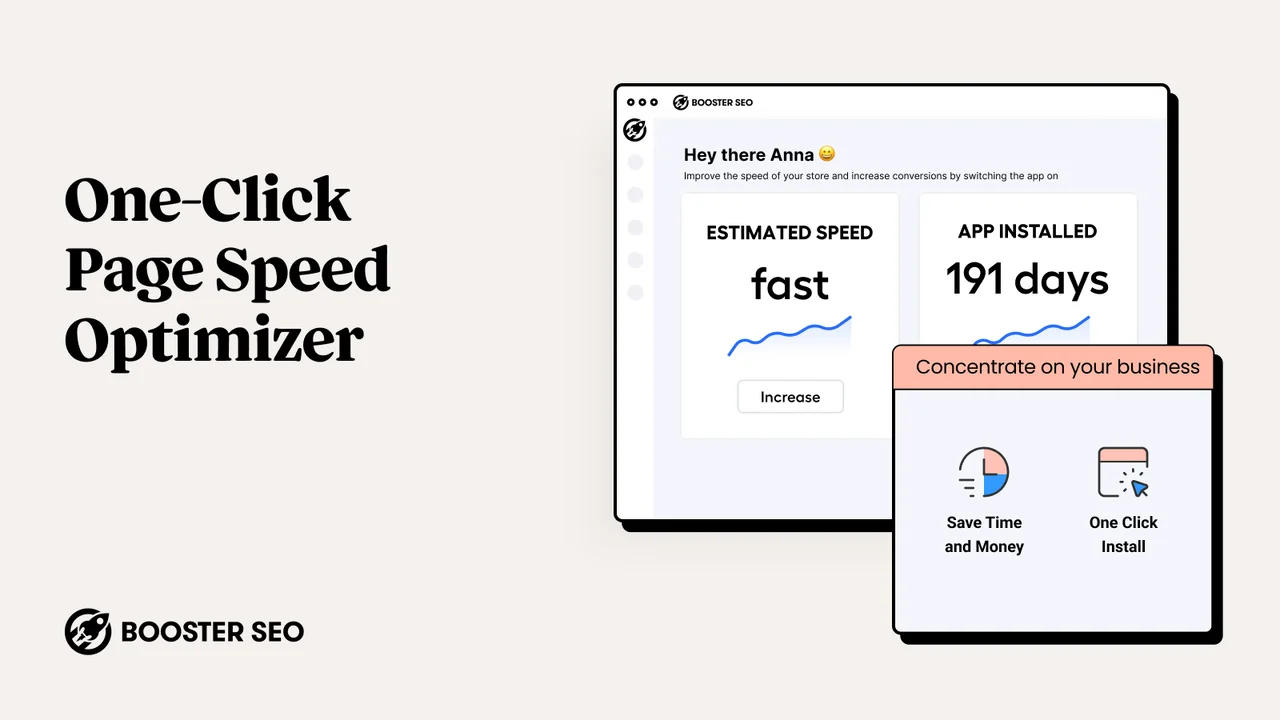
Booster Page Speed Optimizer by Booster SEO uses a simple idea with a real effect. When a shopper hovers over a link, the app tells the browser to start loading that page. The small gap between hover and click becomes a head start. People judge speed by what they feel, so a page that appears at once feels fast. The app is free and holds a 4.8 rating from 428+ reviews.
Key features:
- Reviewers highlight quick gains without any paid plan.
- The app works by adding a single small script tag to your theme.
- There are no code steps, and it works with Online Store 2.0 themes.
- Many merchants noticed quicker page loads within moments of installing.
- Reviewers praise fast replies that solve issues in one conversation.
- Support has guided merchants through tasks such as store verification.
- German and French speakers describe friendly, quick help.
- A demo store lets you feel the preloading effect first.
Pricing: Free.
Best for: Small stores that want a light, set-and-forget speed add-on.
Guardrail: After installing, place a test order with an automatic discount. This confirms cart and discount behavior stays exactly as you expect.
4. Thunder Page Speed Optimizer
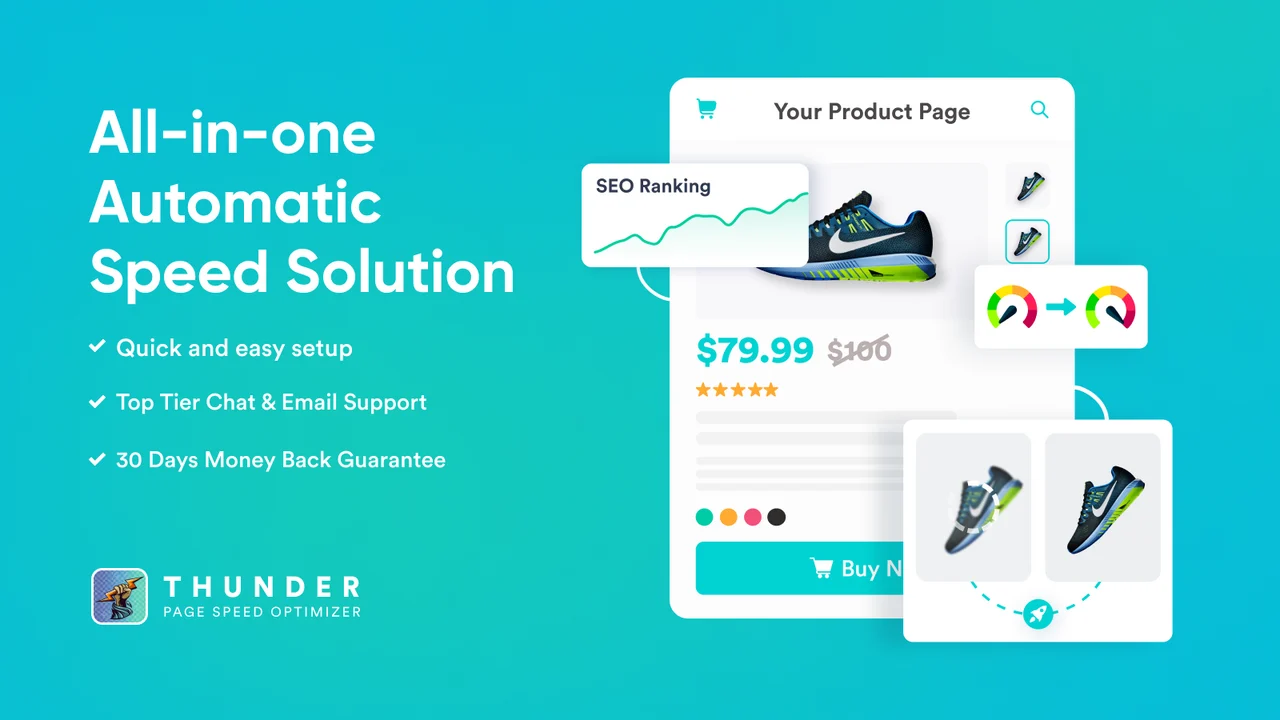
Thunder Page Speed Optimizer by Enigma Apps targets what happens after a page appears. Buttons that jump as images load cause mis-taps, and slow scripts make taps feel ignored. Shoppers read both as signs a store may not be reliable. Thunder controls app scripts, adds critical CSS, and tracks Core Web Vitals from real visitors. It holds a 4.8 rating across nearly 78+ reviews.
Key features:
- Merchants pick an optimization level, generate a preview, and check it first.
- Reviewers say fixes are explained clearly, even to complete beginners.
- Support helped resolve CLS issues that made pages jump during loading.
- One reviewer saw First Contentful Paint drop from 7 seconds to 1.6 seconds.
- You can stop app scripts from slowing pages and defer third-party code.
- Page-by-page LCP, CLS, and INP come from actual shoppers on the Visitor Insights plan.
- It re-optimizes after theme updates and tracks Lighthouse scores daily.
- Recent listing updates added technical SEO audits and an AI Agent plan.
Pricing: Free plan available; paid plan starts at $19.99/month.
Best for: App-heavy stores and owners who like to preview and control each change.
Guardrail: Start with the Standard level and preview it before stepping up. Real-user data also needs steady traffic, so newer stores should give it time.
5. AI Speed: Site Speed Optimizer

AI Speed: Site Speed Optimizer by Arctic Grey pairs automation with hands-on help. Every Shopify theme is built differently, so one fix can help one store and upset another. That uncertainty stops many owners from touching speed at all. AI Speed defers heavy scripts, lazy-loads images, and has a specialist tune the setup to your theme. It is built for Shopify and rated 4.9 across about 35+ reviews.
Key features:
- The team handles setup on every plan, so you never touch code.
- Reviewers noticed the biggest improvements on mobile, where most shoppers browse.
- The app keeps watching site speed after setup, not just once.
- Merchants say the team explains each step as the work happens.
- It shows which installed apps add weight to pages.
- Changes can be reversed if a tactic does not suit your store.
- One store moved from a GTmetrix D grade to an A within days.
- Listing updates now highlight fixes that are previewed, backed up, and reversible.
Pricing: Paid plan only starts at $19.97/month.
Best for: Growing stores that want done-for-you setup with ongoing monitoring.
Guardrail: Benchmark before and after the trial with the same test tool. Flag major theme edits so the setup can be re-tuned.
What Is Shopify Page Speed Optimization?
Shopify page speed optimization means making your store show content and respond to taps faster. It covers loading the main content, reacting to clicks, and keeping the layout steady. Google measures these with Core Web Vitals, and speed apps handle fixes that once needed a developer.
Why a Few Seconds Decide the Sale
A slow page does not feel slow to a shopper. It feels uncertain. People cannot tell if the store is loading, broken, or ignoring them. Uncertain waits feel longer than known ones, so attention drifts to another tab or app.
The numbers show how small the margin is. A Deloitte study found that a 0.1-second faster mobile site lifted retail conversions by 8.4%. The same research showed a 9.1% rise in shoppers moving from the product page to add-to-basket.
Bounce risk climbs fast as pages slow down. Google found that bounce probability rises 123% as load time goes from one second to ten. The same research found that as page elements grow from 400 to 6,000, the chance of conversion drops by 95%. Leaner pages give shoppers less to wait for and less to process.
Where Speed Leaks Hide in Shopify Stores
Most slowdowns come from a handful of places:
- Oversized images: Huge photos in small slots make phones download far more than needed.
- Leftover app code: Deleted apps can leave scripts behind that still load on every page.
- Render-blocking scripts: Chat, review, and pop-up widgets can hold up the page.
- Heavy theme sections: Auto-playing videos and large sliders often load first.
- Layout shifts: Images without set sizes push buttons around while loading.
Google’s targets give you a clear finish line. A good experience means LCP within 2.5 seconds, INP of 200 milliseconds or less, and CLS of 0.1 or less. These are measured at the 75th percentile of real page loads.
When to Use a Speed App, and When to Hold Off
A speed app makes sense when real-user data shows failing Core Web Vitals, especially on mobile. It also helps after adding several apps, or weeks before a big sale. Testing early leaves time to fix surprises before traffic peaks.
A few guardrails keep speed work from backfiring. Avoid two apps that both defer scripts or preload pages. Do not chase a perfect lab score, since results vary between runs. Speed removes friction, but it cannot fix a weak offer.
How to Roll Out Speed Changes Safely
- Test your home and top product page in PageSpeed Insights, and note mobile results.
- Duplicate your live theme, so you have a clean copy to return to.
- Install one speed app and use its preview or backup option before publishing.
- Place a test order on mobile, using a discount code, to confirm nothing broke.
- Check real-user results again after a few weeks.
Conclusion
Page speed is rarely the loudest problem in a Shopify store, but it sits in front of everything else. Heavy images, extra scripts, and shifting layouts create small waits that break a shopper’s focus. Start by finding your biggest leak, whether images, scripts, or navigation.
Choose one tool that fits that problem, back up your theme, and test key flows on a phone. Small, steady fixes give shoppers a store that feels quick and ready to buy from.
FAQs
Do Shopify page speed optimization apps really improve sales?
They remove a common source of friction, so more shoppers reach your products. Research links faster mobile pages with higher conversions. Results still depend on your offer and traffic.
Can I use more than one speed app at once?
It is best to choose one main app. Two tools that change the same scripts can conflict. If you pair tools, give each a different job.
Will a speed app break my Shopify theme?
Many speed apps include backups, previews, or reverts. Duplicate your theme first, then test your cart and checkout.
What is a good Core Web Vitals score for a Shopify store?
Aim for LCP within 2.5 seconds, INP of 200 milliseconds or less, and CLS of 0.1 or less. These targets should hold for at least 75% of real visits.
Are free Shopify speed apps enough?
For small catalogs, free preloading or compression often covers the basics. Stores with many apps may need script control or expert help.
How long before I see speed results?
Lab scores change right after you publish a fix. Real-user data takes a few weeks to catch up, so give it about a month.

Shopify Expert
Dipen Panchal, Shopify Tech Lead at Setubridge Technolabs, brings over a decade of expertise as a Shopify Expert. Passionate about e-commerce growth, he specializes in UI/UX design, crafting intuitive, engaging solutions tailored for merchants and B2B clients to enhance user experiences.