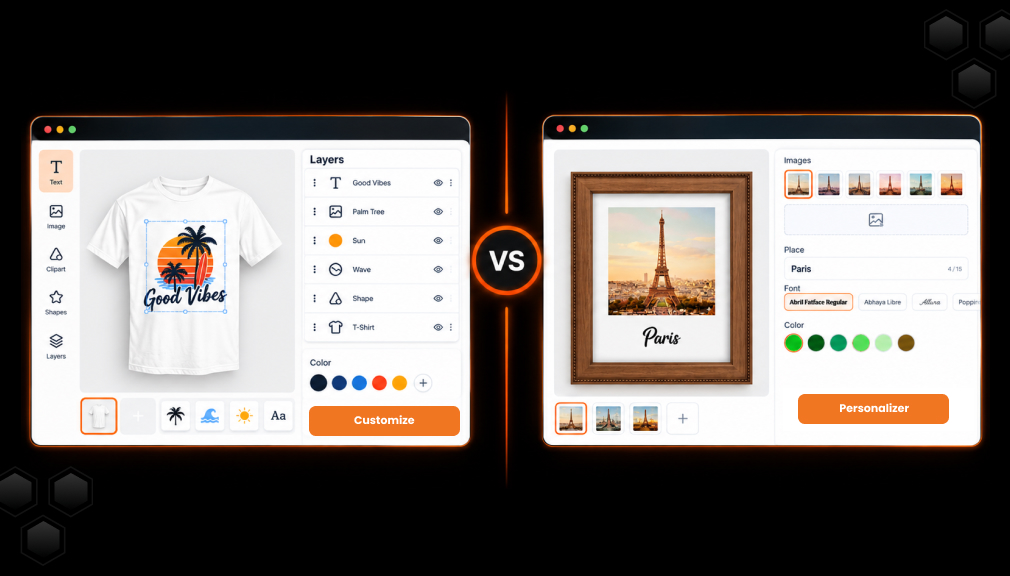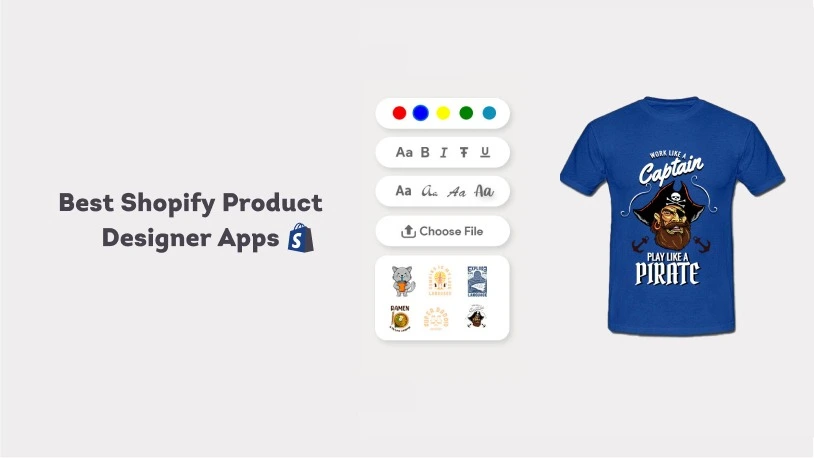
Shopify custom product designer apps are tools that allow merchants to offer customers the ability to customize products on their online store. These apps can be particularly useful for merchants who sell customizable products, such as t-shirts, hats, or mugs, as they allow customers to personalize these products with their own text, images, or designs.
There are several benefits to using a Shopify product designer app:
- Increased customer satisfaction: Allowing customers to customize products can increase customer satisfaction by giving them more control over the products they purchase. Customers are more likely to be happy with a product when they have had the opportunity to personalize it to their own preferences.
- Increased sales: Offering customizable products can increase sales by attracting customers who are looking for unique or personalized items.
- Increased average order value: Customers may be willing to pay more for a customizable product, which can increase the average order value for a store.
- Reduced returns: Customizable products are less likely to be returned, as they are tailored to the customer’s specific preferences. This can help to reduce the burden and cost of returns for merchants.
Overall, a Shopify product designer app can be a useful tool for merchants looking to offer customizable products and enhance the customer experience on their online store.
Every shopper has the chance to express their uniqueness which eventually going to increase sales chance.
Key Takeaways
- Shopify product designer apps let customers personalize products with text, images, colors, cliparts, and custom designs.
- Product customization can improve customer satisfaction, increase sales, and potentially raise average order value.
- SB Custom Product Designer offers a free plan, multiple print-ready file formats, tier pricing, and POD integrations.
- Lumise stands out with a large library of cliparts and fonts, plus flexible design and import/export features.
- Qstomizer combines live customization with templates, stock images, AI tools, multi-side printing, and bulk pricing.
- Fancy Product Designer focuses on premium customization with real-time 3D previews, AI tools, and print-ready exports.
- PODbazi is suited to POD sellers looking for broad integrations, dynamic pricing, multilingual support, and mobile-friendly design tools.
Comparison of Top Shopify Product Designer Apps
Here is a quick, side-by-side look at each product designer app’s rating, pricing, and standout strengths.
App Name Rating (Reviews) Pricing Standout Strengths SB Custom Product Designer By SetuBridge 4.6 (150) Free plan + paid Free plan, print-ready files (7 formats), tier pricing, POD links Lumise ‑ POD Product Designer by King 3.7 (41) Paid, from $14.89/mo 20,000+ cliparts, 800+ fonts, import/export designs Qstomizer ‑ Product Customizer by Big Van Studio 4.6 (112) Paid, from $9.99/mo 200+ templates, 15,000+ stock images, AI tools, custom CSS Fancy Product Designer by Ganymede Apps UG 4.8 (44) Paid, from $30/mo Real-time 3D previews, AI tools, built for Shopify PODbazi: Tshirt Product Design by SolverCircle 4.4 (17) Paid, from $29.99/mo Broad POD integrations, SVG download, dynamic pricing, 6 languages
Top 5 Shopify Product Designer Apps
Shopify gives you only three options and 100 variants per product by default. A product designer app breaks that limit and lets shoppers create custom designs. These five best Shopify product designer apps power t-shirts, mugs, and POD items. We checked live ratings, plans, and print-ready output to help you choose.
“All apps personally tested by our Shopify Team”
1. SB Custom Product Designer
SB Custom Product Designer, a Built for Shopify app by SetuBridge, turns any product page into a fast, live design studio. It has a 4.7-star rating from more than 155 merchant reviews. Shoppers can add text, images, colors, cliparts, and patterns with safe-area guides. It is also the only app on this list offering a free plan to get started.
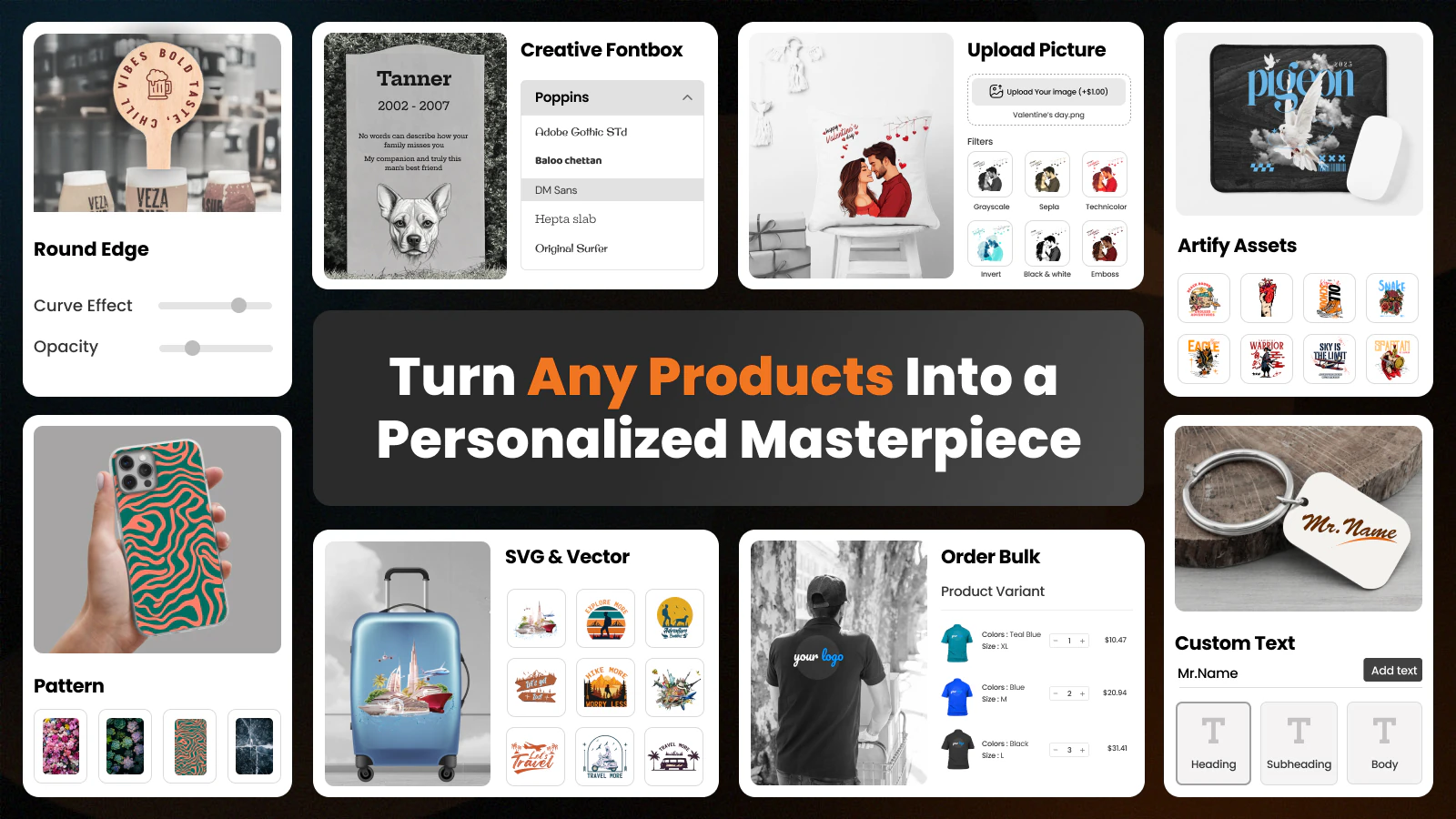
The free plan covers up to five personalized products with no transaction fee. You generate print-ready files in PNG, JPG, SVG, AI, PDF, EPS, and DXF. It integrates with Printful and Printify, with Gelato coming soon. AI background removal, tier pricing, and bulk ordering round out the toolset.
Key Features
- Up to 5 personalized products on the free plan.
- Print-ready files with custom DPI in PNG, JPG, SVG, AI, PDF, EPS, DXF.
- Tier pricing support plus custom pricing for text, images, and cliparts.
- Layout personalization: on-page and popup personalization.
- ‘Customize It’ button personalization on product pages.
- AI background removal, smart crop, and bulk ordering with variants.
- Support 300 DPI
- High-quality print-ready files
- A faster and smoother designer experience
- A frequently updated changelog every month.
Pros
- Genuine free plan lets you test without upfront cost.
- Widest print-ready file formats for POD and local printing.
- Flexible layouts with on-page and popup personalization.
- Printful and Printify integration with responsive support.
Cons
- The free plan caps you at 5 products and limited monthly orders.
- Gelato integration is still marked as coming soon.
Best For
Stores that want a free start with print-ready files and POD links. It fits t-shirt, mug, and phone case sellers needing flexible layouts.
2. Lumise ‑ POD Product Designer
Lumise ‑ POD Product Designer by King is built for print-on-demand stores selling custom products. It currently holds a 3.7-star rating from around 41 reviews. Shoppers design t-shirts, mugs, phone cases, and blankets with live preview. This app is paid only, starting at $14.89 per month with a free trial.
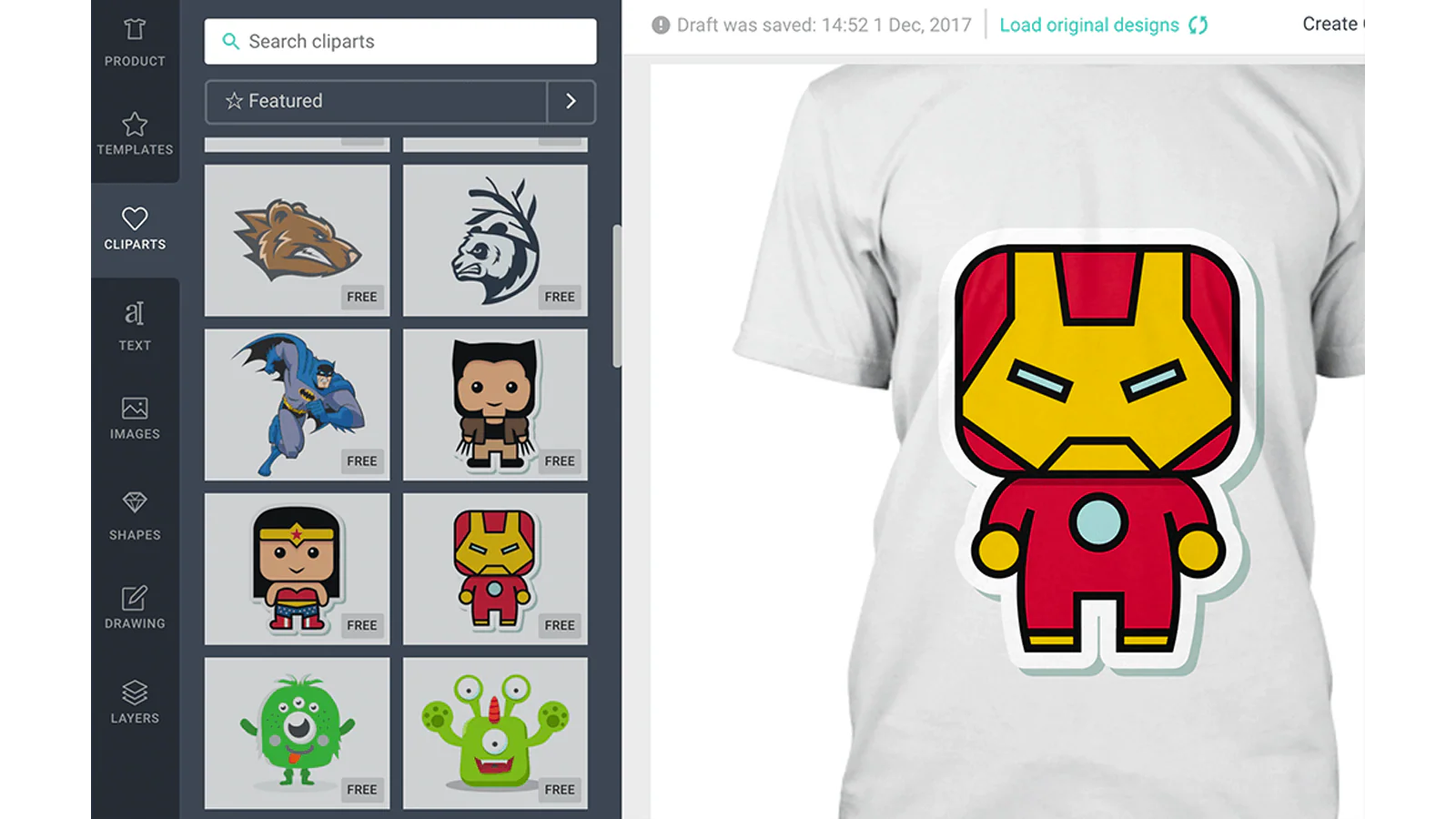
Lumise ships with 20,000+ cliparts and 800+ Google fonts for free. Import and export let customers continue designs across different devices. It includes draw tools, text effects, layer masks, image filters, and QR codes. Mobile and tablet support helps shoppers design on any screen.
Key Features
- 20,000+ cliparts and free image stock resources.
- 800+ Google fonts with lifetime updates.
- Import/export designs across devices.
- Draw, text effects, layer mask, crop, and image filters.
- Prebuilt templates with mobile and tablet support.
Pros
- Huge clipart and font library out of the box.
- Save and resume designs across devices.
- Responsive support team praised in recent reviews.
- Free installation service to set things up.
Cons
- Paid plan only, with no free plan to test long-term.
- Some merchants report checkout and Shopify compatibility issues.
Best For
POD stores that want a big asset library and design flexibility. It fits merchants comfortable paying monthly for a full design studio.
3. Qstomizer ‑ Product Customizer
Qstomizer ‑ Product Customizer by Big Van Studio is a live product customizer with a 4.6-star rating. More than 112 reviews back its real-time preview and design tools. Shoppers design t-shirts, mugs, posters, and gifts directly on your store. This app is paid only, starting at $9.99 per month with a free trial.
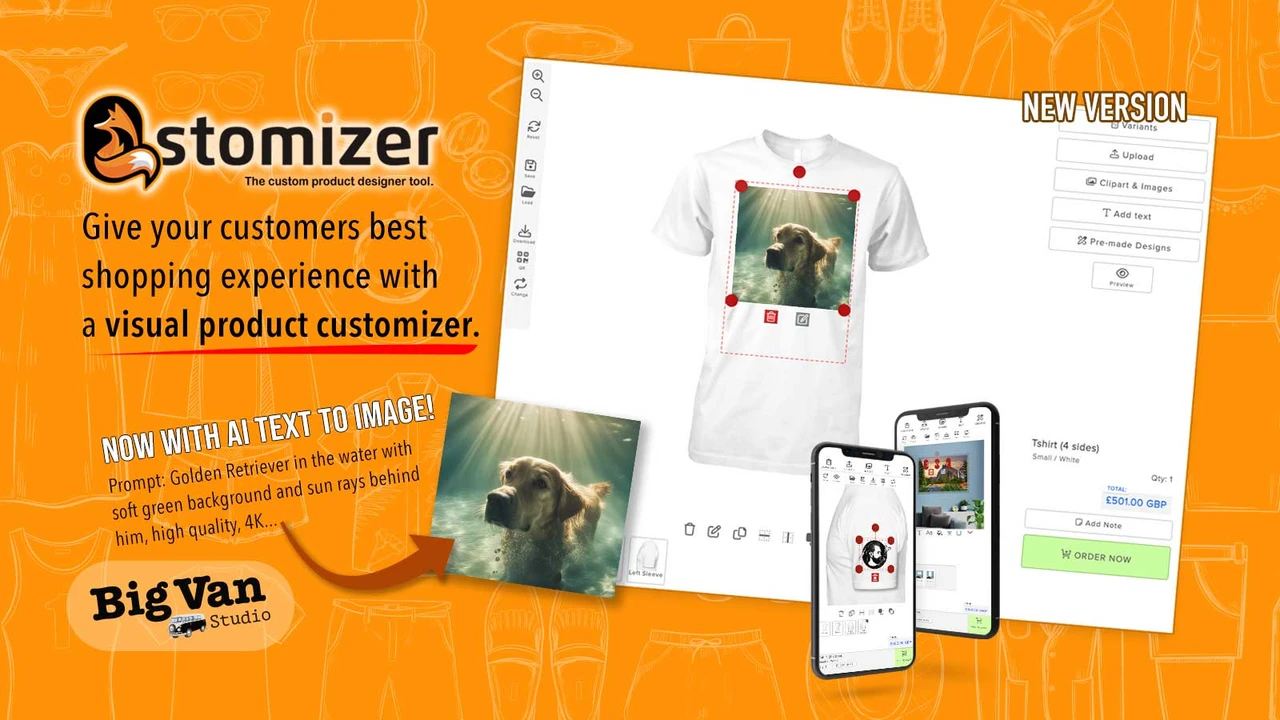
It ships with 200+ pre-made templates and 15,000+ stock images. AI text-to-image and background removal speed up custom design work. Multi-side print areas, bulk pricing, and discounts support real production. It accepts PDF, PSD, AI, EPS, and CDR uploads on any Shopify theme.
Key Features
- 200+ pre-made design templates, or build your own.
- 15,000+ stock images plus PDF, PSD, AI, EPS, CDR uploads.
- AI text-to-image and background removal.
- Multi-side print areas with price rules and discounts.
- Mobile-ready designer with bulk variants and custom CSS.
- A frequently updated changelog every month.
Pros
- Affordable entry price for a full live designer.
- Strong template and stock-image library.
- Custom CSS gives flexible styling control.
- Long-standing app with praised, fast support.
Cons
- Paid plan only, with no permanent free plan.
- Mobile view may need manual scaling adjustments.
Best For
Custom print shops that want templates and flexible design control. It fits stores needing multi-side print areas and bulk pricing.
4. Fancy Product Designer
Fancy Product Designer by Ganymede Apps UG is a built-for-Shopify app with a 4.8-star rating. It stands out with real-time 3D previews for custom products. Shoppers design t-shirts, jerseys, phone cases, and embroidery items. This app is paid only, starting at $30 per month with a free trial.
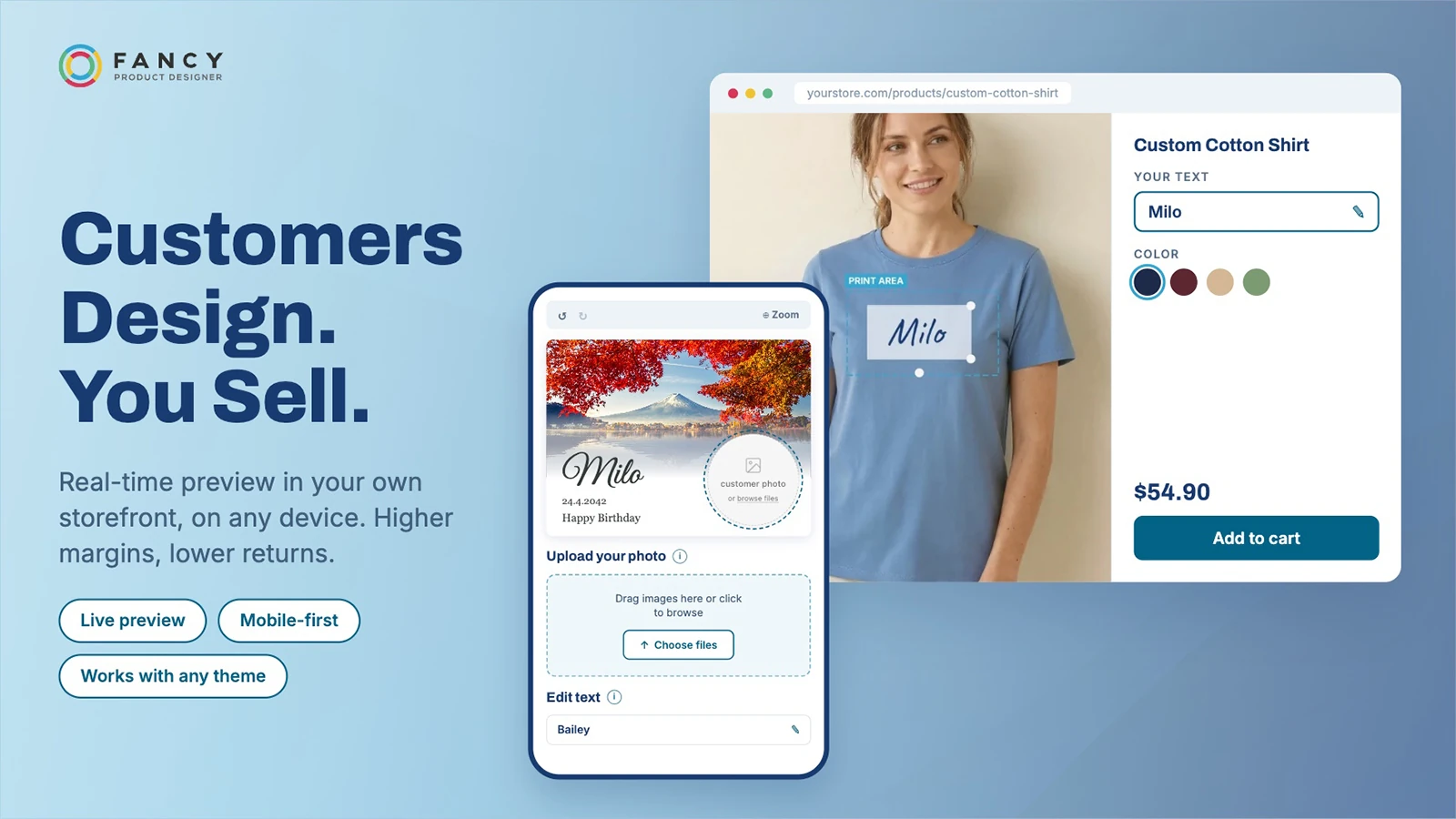
Built-in AI tools handle background removal, upscaling, and design generation. It exports print-ready files with correct resolution and color profiles. A product builder gives quick setup with deep app-block integration. The designer is fully responsive across mobile and desktop devices.
Key Features
- Real-time 3D previews for apparel, cases, and embroidery.
- AI background removal, upscaling, and design generation.
- Print-ready exports with proper resolution and color profiles.
- Product builder with deep product-page app blocks.
- Conditional logic and dynamic pricing options.
Pros
- Premium 3D preview experience that stands out.
- Built for Shopify performance and integration standards.
- Strong AI toolset built into the designer.
- Highly praised, hands-on support team.
Cons
- Paid plan only, and the priciest option in this list.
- Higher cost may not suit very small or new stores.
Best For
Established brands that want a premium 3D design experience. It fits apparel and merch stores with a budget for higher plans.
5. PODbazi: Tshirt Product Design
PODbazi: Tshirt Product Design by SolverCircle lets customers design any product with an intuitive mockup editor. It holds a 4.4-star rating from a small but growing review base. Shoppers add logos, text, images, cliparts, and QR codes to products. Full production use is paid only, at $29.99 per month with a free trial.
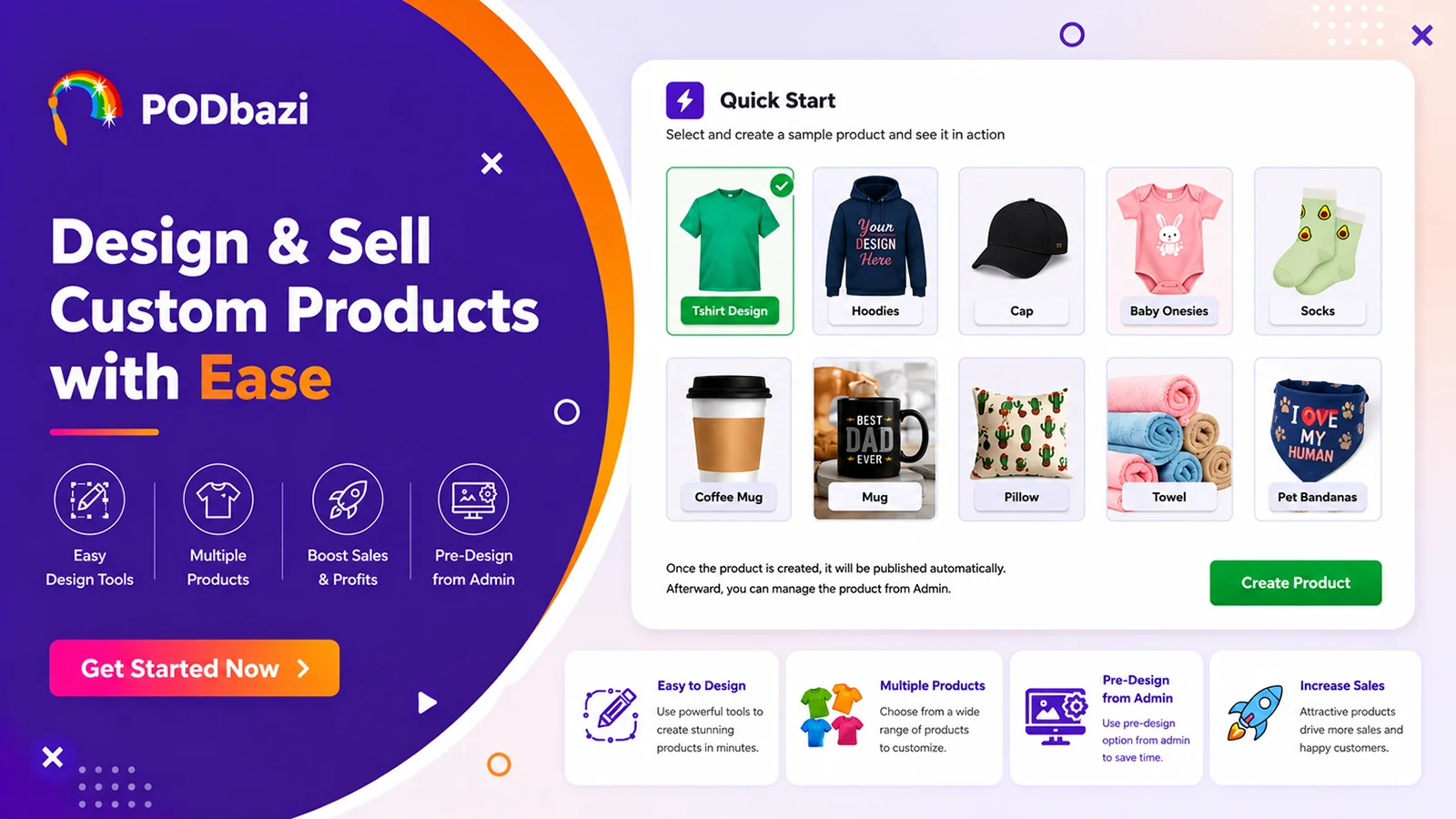
You set individual design templates per product to preload the design panel. A quick-start feature and fixed-area preview speed up mockup designing. You can access customer designs, download SVG files, and add custom fonts. It connects to Printful, Printify, Gelato, Customcat, and more POD partners.
Key Features
- Design t-shirts, mugs, bags, hoodies, caps, and pillows.
- Logos, text, images, cliparts, and QR codes on any product.
- Per-product design templates preloaded in the design panel.
- SVG download, unlimited font and clipart uploads, dynamic pricing.
- 6-language design tool with free setup and live chat support.
Pros
- Broad POD integrations, including Printful, Printify, and Gelato.
- Fast setup, with reviewers noting quick support.
- Dynamic pricing and unlimited clipart and font uploads.
- Mobile-friendly mockup editor for on-the-go design.
Cons
- Full features are paid only, with the free plan for dev stores.
- Small review base, and some reports of clunky performance.
Best For
POD sellers who want broad print-partner integrations and quick setup. It fits t-shirt, mug, and bag stores that need multi-language design.
Conclusion
In this article, we covered the best product designer Shopify apps. Ultimately, there are some great Shopify Product Designer Apps out there, but you have to do your research to know the best. The factors that are important for you may be different for someone else. In the end, all of these mentioned products will probably work for you. This app makes Shopify customize products in a better way to design and customize it.
As a Shopify Development Company, we can provide innovative Shopify app development solutions for global Startups, SMEs, and Enterprises of all industry types. Find out more about our Shopify services and solutions.
To speak with our experts, please Contact us.

Shopify Expert
Dipen Panchal, Shopify Tech Lead at Setubridge Technolabs, brings over a decade of expertise as a Shopify Expert. Passionate about e-commerce growth, he specializes in UI/UX design, crafting intuitive, engaging solutions tailored for merchants and B2B clients to enhance user experiences.