A shopper spends nine minutes in your store. She reads the product description twice. She checks the size chart and your return policy. Then she adds the item to her cart and reaches the payment field.
And she stops.
Nothing is wrong with your product. Nothing is wrong with your price. She simply does not know you yet. She is about to type her card number into a store she found forty seconds ago.
That pause is one of the most expensive moments in ecommerce. It is also one of the most fixable.
Key Takeaways
- Roughly seven in ten shoppers leave a cart before they buy.
- Payment security doubt is a top removable reason for that drop-off.
- Trust badges work through recognition, not decoration.
- Shopify trust badge apps handle placement, theme updates, and mobile sizing for you.
- Custom code works, but it breaks often and gives you limited control.
- Where you place a badge matters more than how many you use.
Comparison of Top 5 Shopify Trust Badge Apps
| App (Company) | Badge & Icon Library | Placement Options | Multi-language | Review/Rating |
| Essential Trust Badges & Icons by Essential Apps | Diverse library | Product page, blocks, custom | 20 languages | 1098+/5.0 |
| Sami AI Product Labels & Badge by Samita | Sale, stock, seasonal, new | On products, by rules | 18 languages | 1165+/5.0 |
| Hoppy Trust Badges & Icons by Hoppy Apps | 10,000+ icons | Product, footer, cart, floating, custom | 18 languages | 855+/4.9 |
| SEOWILL ‑ Trust Badges & Icon by Channelwill | Payment & shipping badges | Header, footer, cart (custom) | 17 languages | 658+/4.9 |
| Conversion Bear Trust Badges by Conversion Bear | 300+ badges | Cart, footer, hero, product | 4 languages | 347+/4.8 |
Top 5 Shopify Trust Badge Apps to Build Checkout Confidence
The app data below covers five leading Shopify trust badge apps that help build checkout confidence. Each listing includes a short overview and a “What Tested Results” breakdown of key points.
“All apps personally tested by our Shopify Team”
1. Essential Trust Badges & Icons
Essential Trust Badges & Icons, by Essential Apps, is a Built for Shopify app that helps build checkout confidence. It shows trust badges, payment icons, and guarantee banners where shoppers hesitate. You can pull from a large icon and badge library, or upload your own. Edit each banner’s size, font, and color to match your brand.
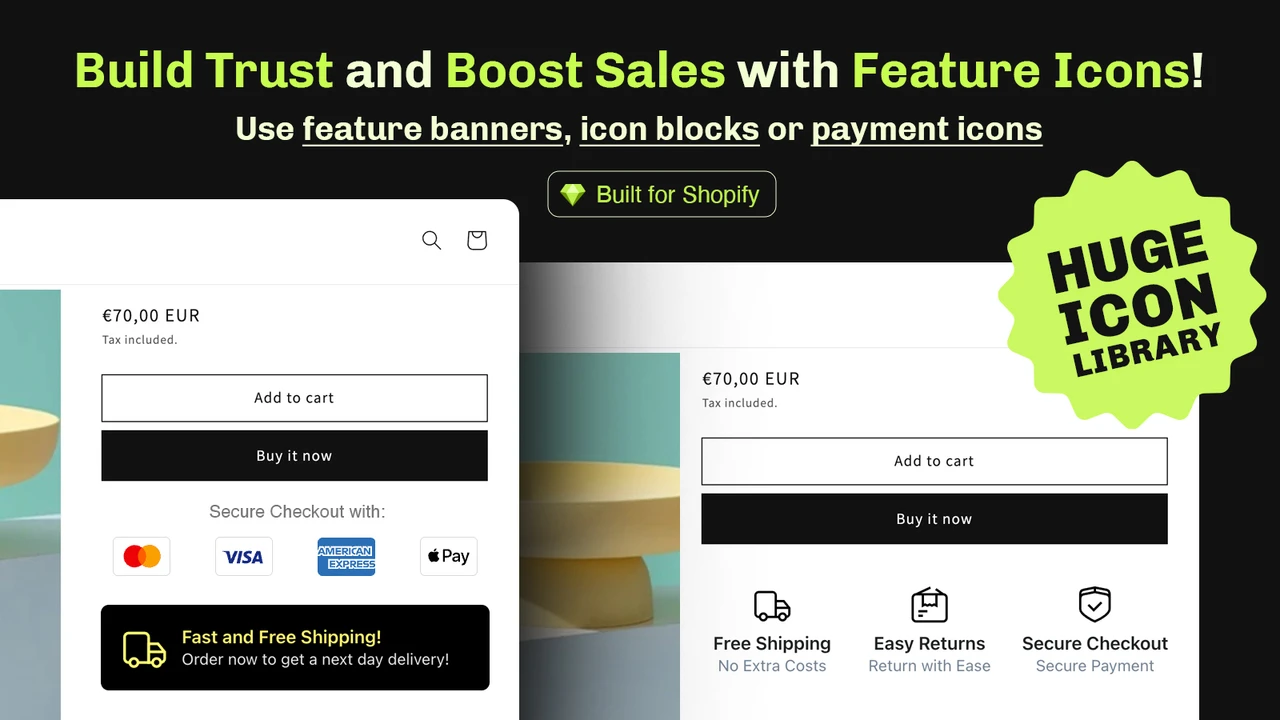
Place badges on product pages, in blocks, or any custom spot you choose. The free plan covers up to 5,000 monthly views, so small stores start easily. With 20 backend languages, it fits stores selling across many regions.
What Tested Results
- Free plan covers up to 5,000 monthly views for smaller stores.
- 20 backend languages support stores selling across regions.
- Show payment icons right on the product page, inside clean blocks.
- Pull from a diverse icon and trust-badge banner library.
- Edit banner size, font, and color to match your brand identity.
- Place banners on product pages or any custom location you pick.
- Upload your own guarantee, banner, and payment icons for a unique look.
- Design product labels, sale badges, and discount badges as needed.
2. Sami AI Product Labels & Badge
Sami AI Product Labels & Badge, by Samita, is a Built for Shopify app for product labels and trust badges. It helps shoppers spot key details fast, which builds checkout confidence. You can create unlimited trust badges, plus custom and AI-generated labels.
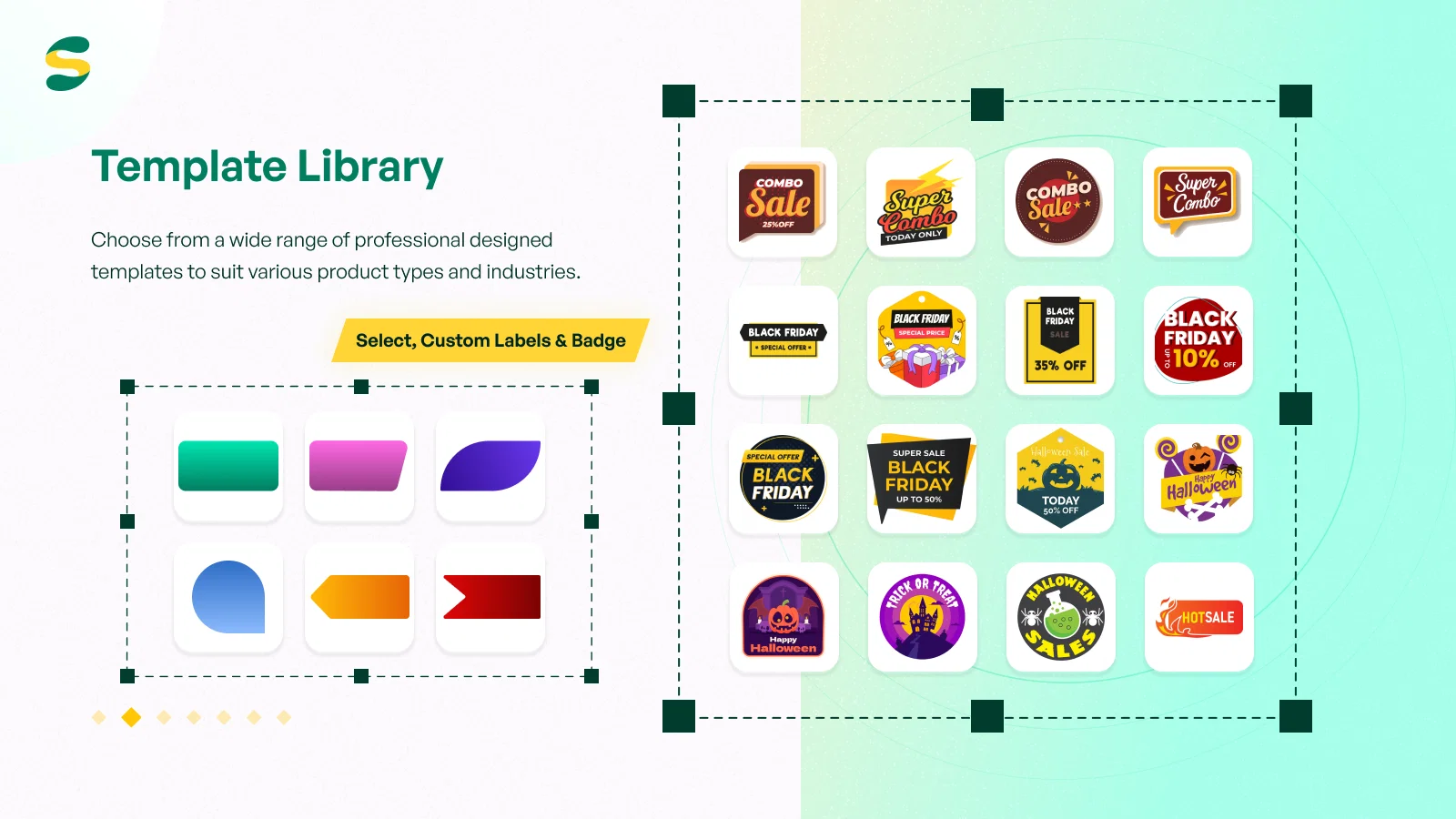
A ready library covers sale, stock, out-of-stock, seasonal, and new labels. Set display rules by tag, collection, variant, inventory, vendor, type, or price. Show a label only during a set period, ideal for timed promotions. Inventory status can appear as a live label or badge on products. With 18 languages, your labels and badges read clearly for global shoppers.
What Tested Results
- Create unlimited trust badges, with custom designs and image upload.
- AI-generated labels speed up on-brand badge creation.
- Ready library: sale, stock, out-of-stock, seasonal, and new labels.
- Set rules by tag, collection, variant, inventory, vendor, type, or price.
- Schedule label visibility for a set period, great for timed promos.
- Show live inventory status as a label or badge on products.
- Restrict label visibility by country for targeted storefronts.
- 18 languages keep labels and badges clear for global shoppers.
- Lifetime updates add new label images over time, like a changelog.
3. Hoppy Trust Badges & Icons
Hoppy Trust Badges & Icons, by Hoppy Apps, is a Built for Shopify app that builds checkout confidence. It lets you place trust and payment badges exactly where shoppers look. You can add badge or icon blocks to product pages, footers, cart pages, and cart drawers. Floating icons and custom positions give you even more placement control.
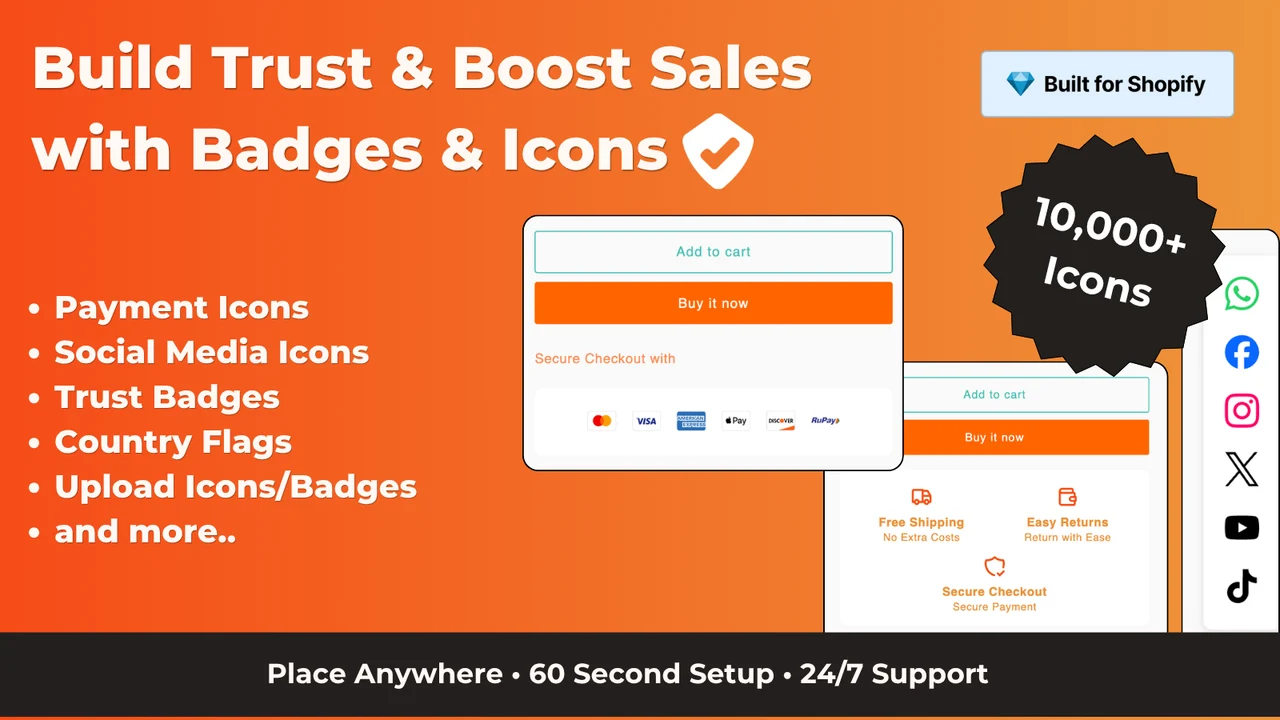
A huge library holds over 10,000 payment icons, trust seals, and product labels. Adjust each badge’s size, font, and color to match your brand identity. Add custom footer trust badges and footer payment icons for a polished look. Preview and optimize badges across all devices before you publish. The app is completely free to use.
What Tested Results
- Completely free app, with no paid tier required.
- 18 backend languages support international storefronts.
- Place badges on product pages, footers, cart pages, and cart drawers.
- Floating icons and custom positions give flexible placement control.
- Library of 10,000+ payment icons, trust seals, and product badges.
- Adjust size, font, and color to align with your brand identity.
- Add custom footer trust badges and footer payment icons.
- Preview and optimize trust badges across all devices before publishing.
4. SEOWILL ‑ Trust Badges & Icon
SEOWILL ‑ Trust Badges & Icon, by Channelwill, is a Built for Shopify app that builds checkout confidence. It focuses on a fast, simple way to add trust and payment badges. One-click selection lets you pick favourite badges with no extra function pages. Payment badges display cleanly on mobile, and you can size icons for any resolution.
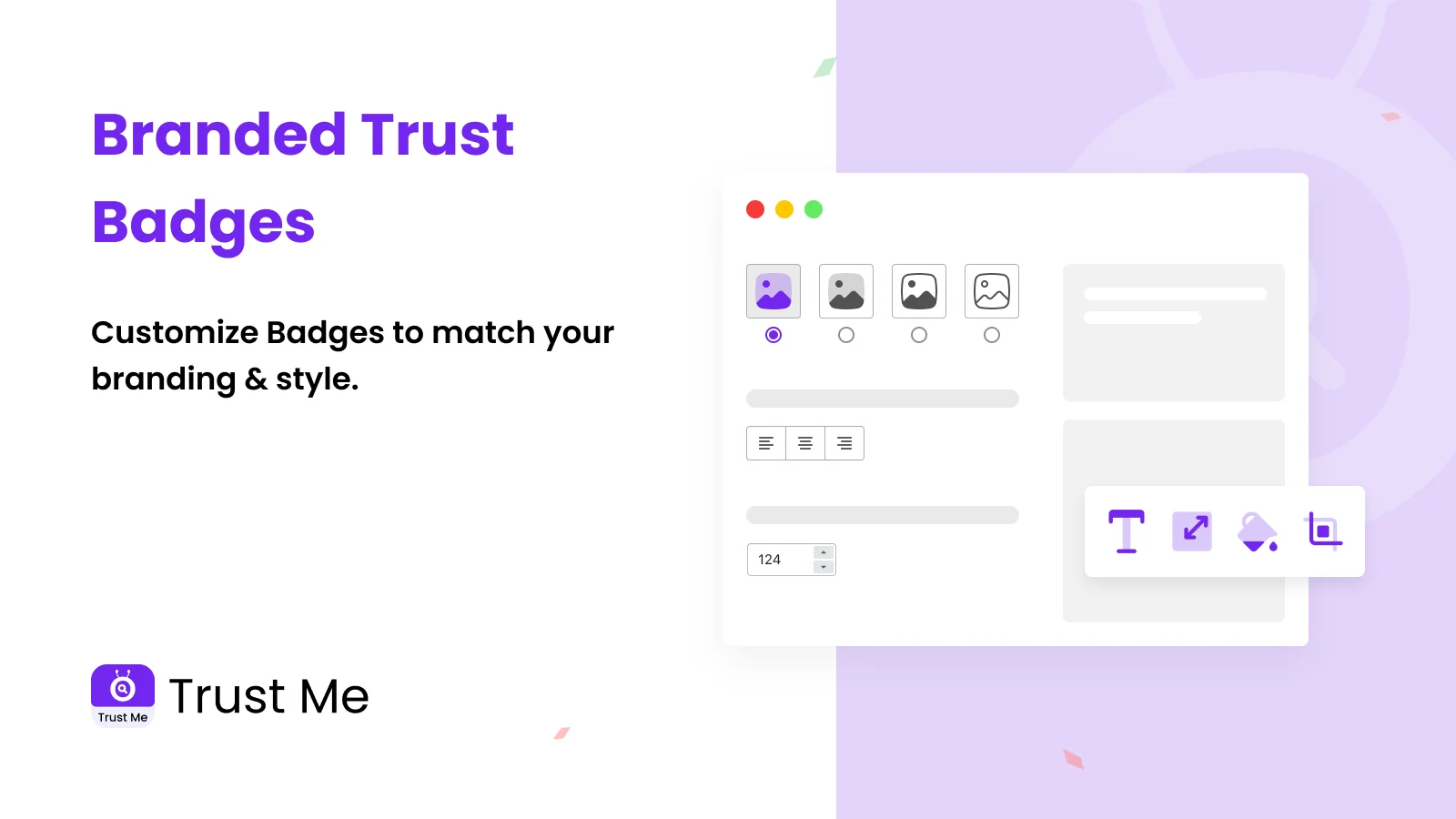
Diverse shipping badges help reassure shoppers about delivery and returns. The badge placement is fully customizable, so badges sit where they matter most. The app is light and very fast, so it will not slow your store. With 17 backend languages, it suits stores selling across many countries. It stays free while giving customers a real sense of security.
What Tested Results
- Free app that keeps setup fast and simple.
- 17 backend languages suit stores selling across many countries.
- One-click badge selection, with no extra buttons or function pages.
- Payment badges display cleanly on mobile at any resolution.
- Diverse shipping badges reassure shoppers about delivery and returns.
- Fully customizable badge placement across your store pages.
- Light and very fast, so it will not slow your store down.
- Custom icon sizing keeps badges crisp on every device.
5. Conversion Bear Trust Badges
Conversion Bear Trust Badges, by Conversion Bear, is a lightweight app that builds checkout confidence. It helps shoppers feel secure at the moments that matter most before they buy. You can access 300+ badge options and match them to your store design. Trust and payment badges can go on any page and any section you like. Popular spots include the cart, footer, hero area, and product page. Detailed styling lets you keep original badge colors or use custom branded colors.
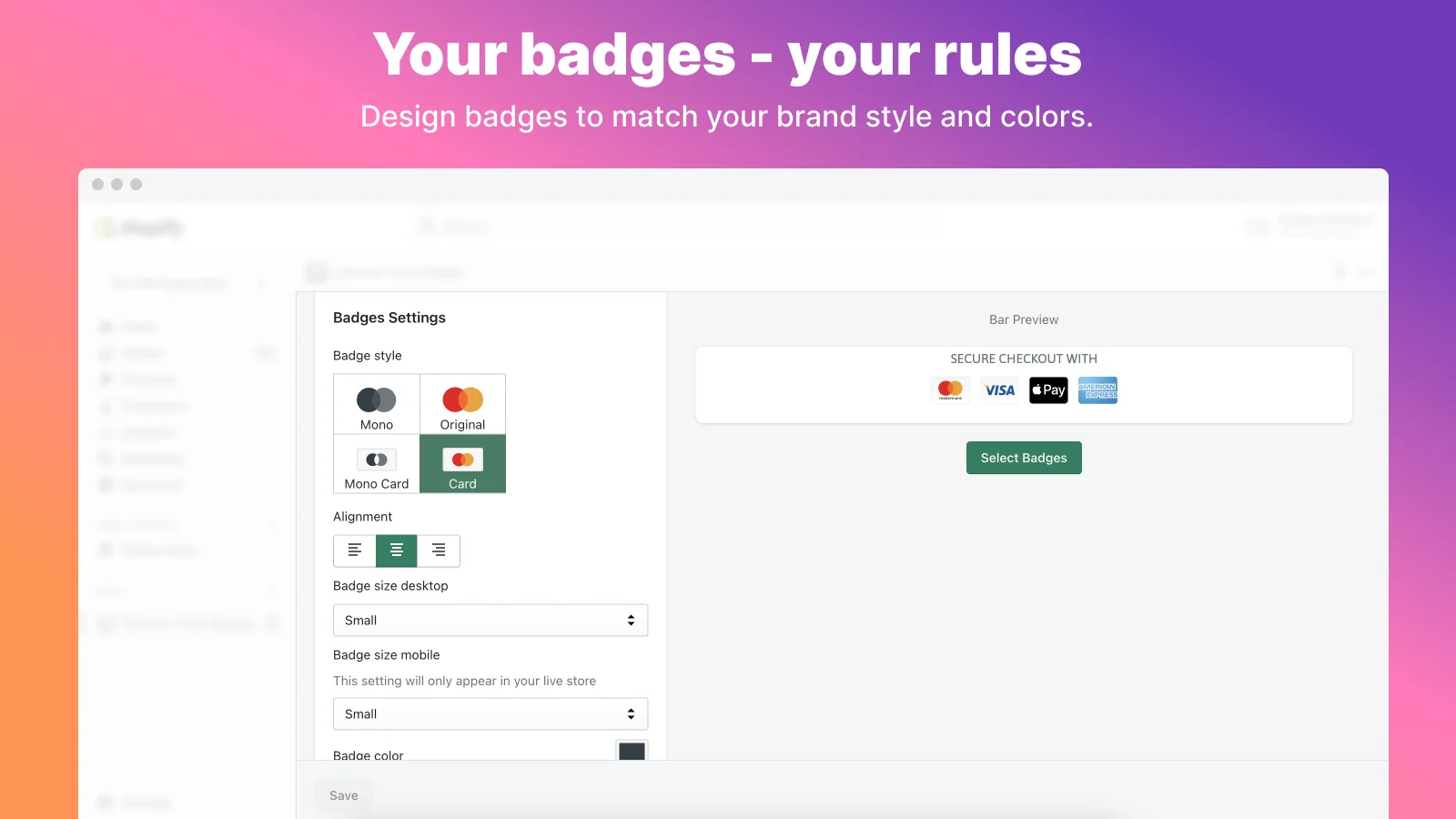
The app adds new trust badges and payment icons on request quite often. Different sizing options per device keep badges sharp on desktop and mobile. It is ultra-light and blazing fast, loading in under 30kb. It supports four backend languages for wider reach.
What Tested Results
- 300+ badge options to match your store’s design.
- Free app that installs with simple copy-paste placement.
- Place trust and payment badges on any page and any section.
- Popular placements include cart, footer, hero, and product page.
- Keep original badge colors or apply custom branded colors.
- Per-device sizing keeps badges sharp on desktop and mobile.
- Ultra-light and fast, loading in under 30kb.
- New badges and payment icons are added on request quite often.
- Four backend languages give the app wider reach.
The Real Problem: Doubt Peaks at the Payment Step
Cart abandonment is not one problem. It is many small problems stacked on top of each other. According to Baymard Institute’s analysis of 50 studies, the average cart abandonment rate sits at 70.22%.
Some of that is out of your hands. Baymard found that 42% of US shoppers abandoned while only browsing. But the rest is winnable. Now look at shoppers who had a real reason to leave. Among them, 19% did not trust the site with card details.
Read that number again. Nearly one in five serious buyers walked away over a feeling, not a fact. They wanted the product. They had already done the hard part.
Baymard also estimates a 35.26% conversion lift for large stores through better checkout design alone. Trust signals are one working part of that design.
Why Recognition Works Better Than Reassurance
Here is the part most Shopify merchants miss. Your shopper cannot verify your security. She cannot audit your SSL certificate or inspect your fraud systems. So she does what people always do under uncertainty. She looks for shortcuts she already knows.
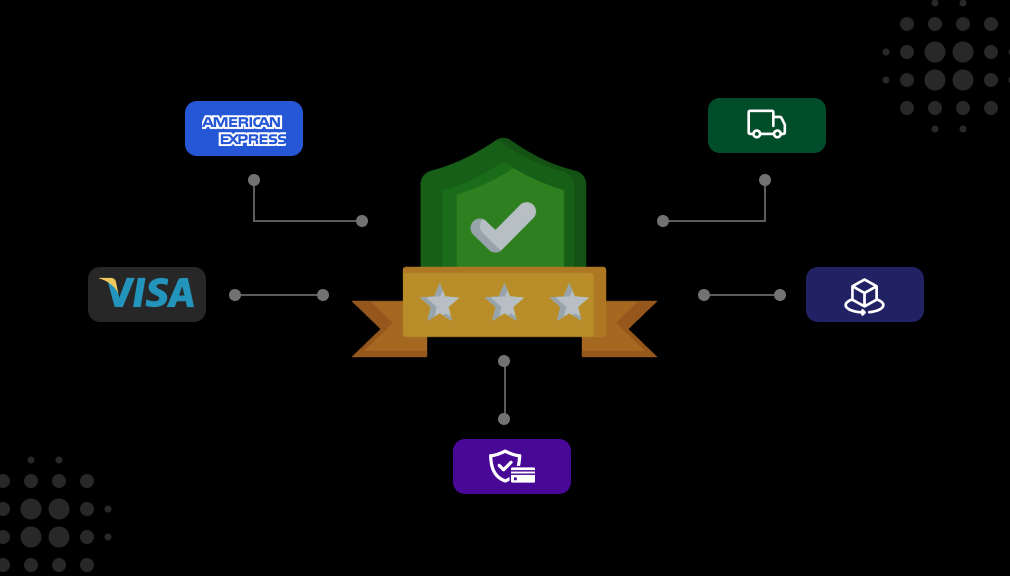
A Visa mark is not proof of anything on its own. Neither is a PayPal logo. But she has used both a hundred times without trouble. Familiar symbols take almost no effort to process, and things that feel easy to process also feel safer.
That is the entire mechanism. Trust badges do not invent trust. They borrow trust that already exists somewhere else and move it to the exact spot where doubt appears.
This is also why placement beats quantity. A badge sitting in your footer is far from the moment of hesitation. A badge sits under your Add to Cart button.
Where to Place Trust Badges for Real Impact
Placement follows hesitation. Put a signal wherever a shopper is about to commit to something.
- Directly under Add to Cart. This is the first commitment point, and payment icons belong here more than anywhere else.
- Inside the cart drawer. Shoppers reconsider here, so a returns or secure-payment badge answers the doubt in place.
- Near the checkout button. This is the highest-risk moment, where the card details actually get typed.
- In the footer. Useful for baseline credibility, but treat it as support rather than your main placement.
Test one placement at a time. If you change three things at once, you will never know which one worked.
Guardrails: When Trust Badges Stop Helping
This tactic can absolutely backfire, and honest guidance matters more than a longer feature list.
Too many badges look suspicious. A page carrying fifteen seals reads like a store trying too hard to convince you. Stick to three to five relevant badges per placement and let them breathe.
Only display seals you have actually earned. If a badge implies a certification you do not hold, you are misrepresenting your store to customers. That is a real risk, not a marketing one.
Never show payment icons for methods you do not accept. A shopper expecting Apple Pay at checkout will find nothing there. She leaves more annoyed than if she had never seen it.
Badges also cannot repair deeper trust problems. A missing contact page, an unclear returns policy, or a slow site will undo the work instantly. Fix those first, then add signals on top.
Bringing It Together
Your shopper is not looking for reasons to leave. She is looking for one small reason to feel safe enough to continue.
Shopify trust badge apps make that reason easy to deliver and easy to adjust. Start with the free plan of whichever app fits your situation. Place badges where hesitation actually happens, keep the count modest, and check the result on mobile.
Checkout confidence is not built by shouting louder. It is built by removing the small doubts that make good buyers pause.
Frequently Asked Questions
Do trust badges actually reduce cart abandonment?
They address one specific cause of it. Baymard research shows 19% of shoppers abandon because they do not trust a site with card details. Badges help with that doubt, not with pricing or shipping concerns.
Where should I place trust badges on my Shopify store?
Place them directly under your Add to Cart button and near the checkout button. These are the two moments where hesitation peaks. Footer badges are useful as backup, not as your primary placement.
Can I add trust badges without using an app?
Yes, by uploading images and editing your theme code. However, theme updates can remove them, and mobile sizing needs separate CSS. Most merchants find apps faster to set up and easier to change later.
How many trust badges should I use?
Three to five per placement is a sensible range. Beyond that, badges start to look like clutter and reduce credibility rather than build it. Choose symbols your specific customers already recognize.
Do trust badge apps slow down my Shopify store?
Well-built apps add very little weight. Conversion Bear Trust Badges, for example, load in under 30kb. Check your page speed before and after installing so you know the real impact.
Can I show trust badges on the Shopify checkout page?
Checkout page placement generally requires Shopify Plus. ShopClimb and Hoppy support checkout placement too. All plans allow badges on product and cart pages.

Shopify Expert
Dipen Panchal, Shopify Tech Lead at Setubridge Technolabs, brings over a decade of expertise as a Shopify Expert. Passionate about e-commerce growth, he specializes in UI/UX design, crafting intuitive, engaging solutions tailored for merchants and B2B clients to enhance user experiences.